9
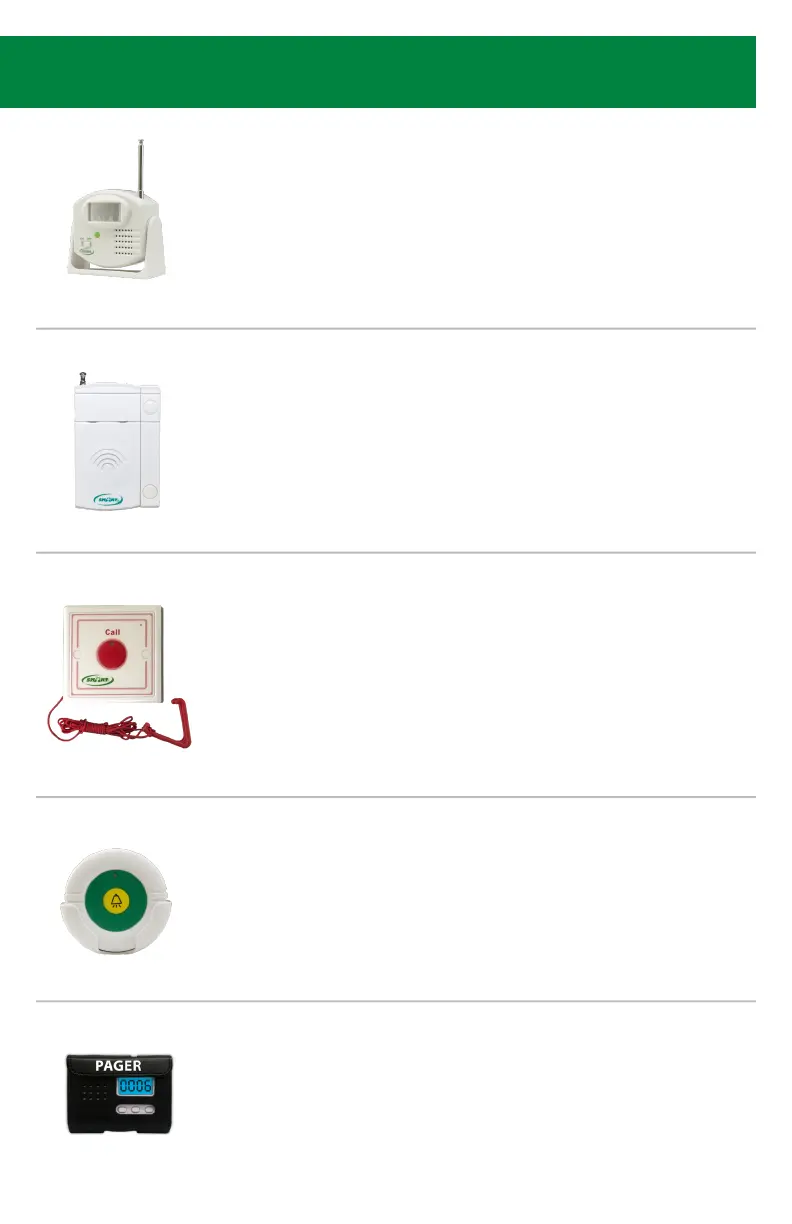
433-MS Motion Sensor
• Turn switch to “ON” and wave hand in front of motion sensor until
CMU activates. This could take 10-15 seconds.
• Wait for melodic conrmation tone.
• The number programmed will now be solid and the next available
number will be ashing.
• Move to next desired component or Step 6 if nished programming.
433-EXT Window / Door Exit Alarm
• Touch the 2 parts of the sensor together and then separate them.
• Wait for melodic conrmation tone.
• Put sensor pieces back together.
• The number programmed will now be solid and the next available
number will be ashing.
• Move to next desired component or Step 6 if nished programming.
433-PRB Caregiver Pager w/ Reset Button
• Press and release reset button on pager.
• Wait for melodic conrmation tone.
• The component does not take up a number, you only need to hear
the conrmation tone.
• Move to next desired component or Step 6 if nished programming.
433-RB Caregiver Reset Button
• Press button and release.
• Wait for melodic conrmation tone.
• The component does not take up a number, you only need to hear
the conrmation tone.
• Move to next desired component or Step 6 if nished programming.
2017-CB Call Button w/ Pull Cord
• Press call button and release.
• Wait for melodic conrmation tone.
• The number programmed will now be solid and the next available
number will be ashing.
• Move to next desired component or Step 6 if nished programming.
*Can be purchased in a set (2017-SYS Emergency Call System comes with Call Light
(2017-ECA), Call Button w/ Pull Cord (2017-CB), and Reset Button (2017-RB).


 To Next Page