CHAPTER 2
USING THE DISPLAY
16 smarttech.com/kb/171166
first enter the room.
NOTE
The display’s presence detection sensor can detect people up to 16' (5 m) away.
If the Wake to Touch option is enabled, the display turns on when you touch the screen.
Otherwise, you can turn the display on by pressing the Standby button on the front control
panel.
Turning the display off
If presence detection is enabled, the display returns to Standby mode when the sensor doesn’t
detect people in the room for a preset period of time.
Otherwise, you can turn the display off by pressing the Standby button on the front control
panel twice.
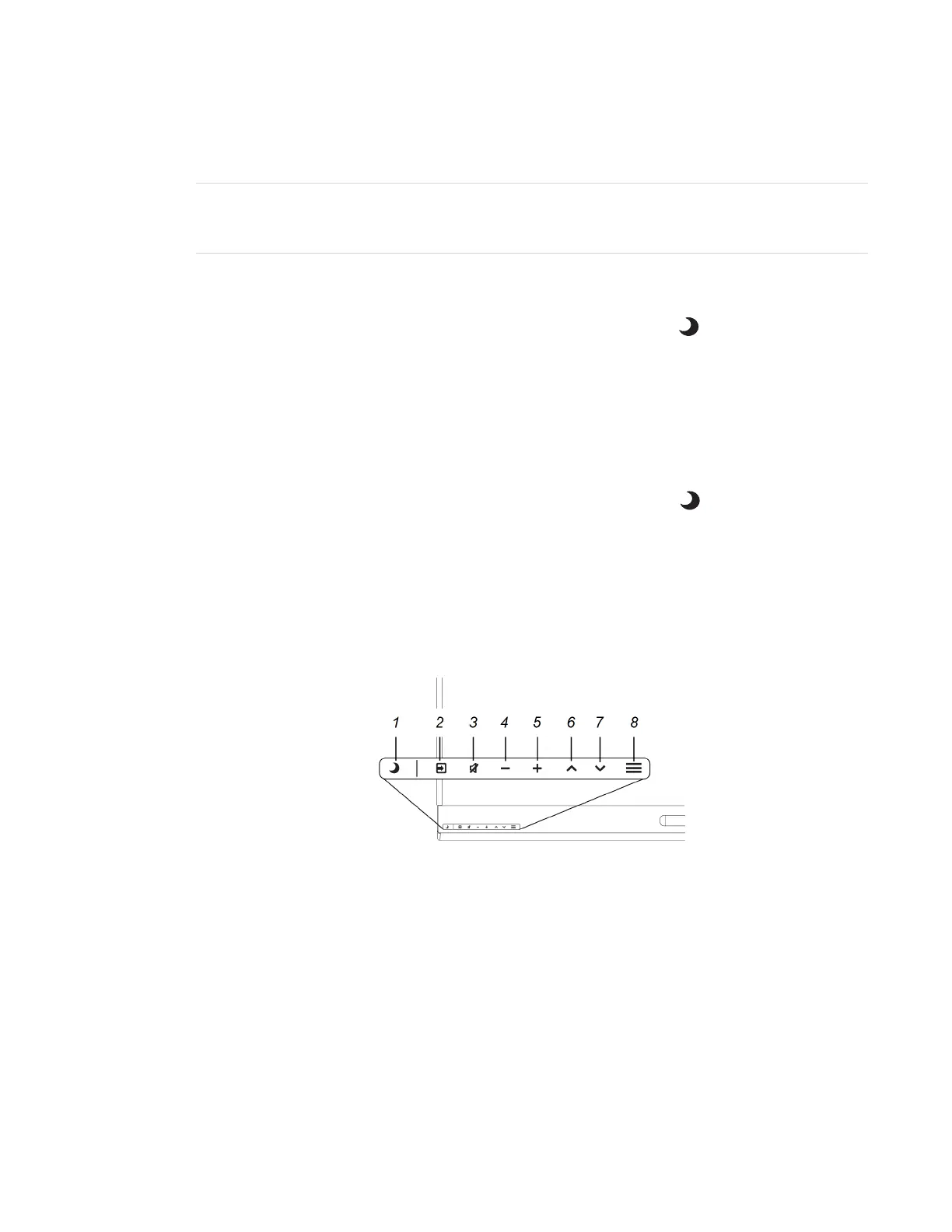
Using the front control panel
The front control panel contains the Standby, Input Select, Mute, volume control and on-screen
display menu buttons.



 To Next Page