Radlabor GmbH | Heinrich-von-Stephan-Str. 5c | 79100 Freiburg | Germany
www.smartfit.bike | www.radlabor.de
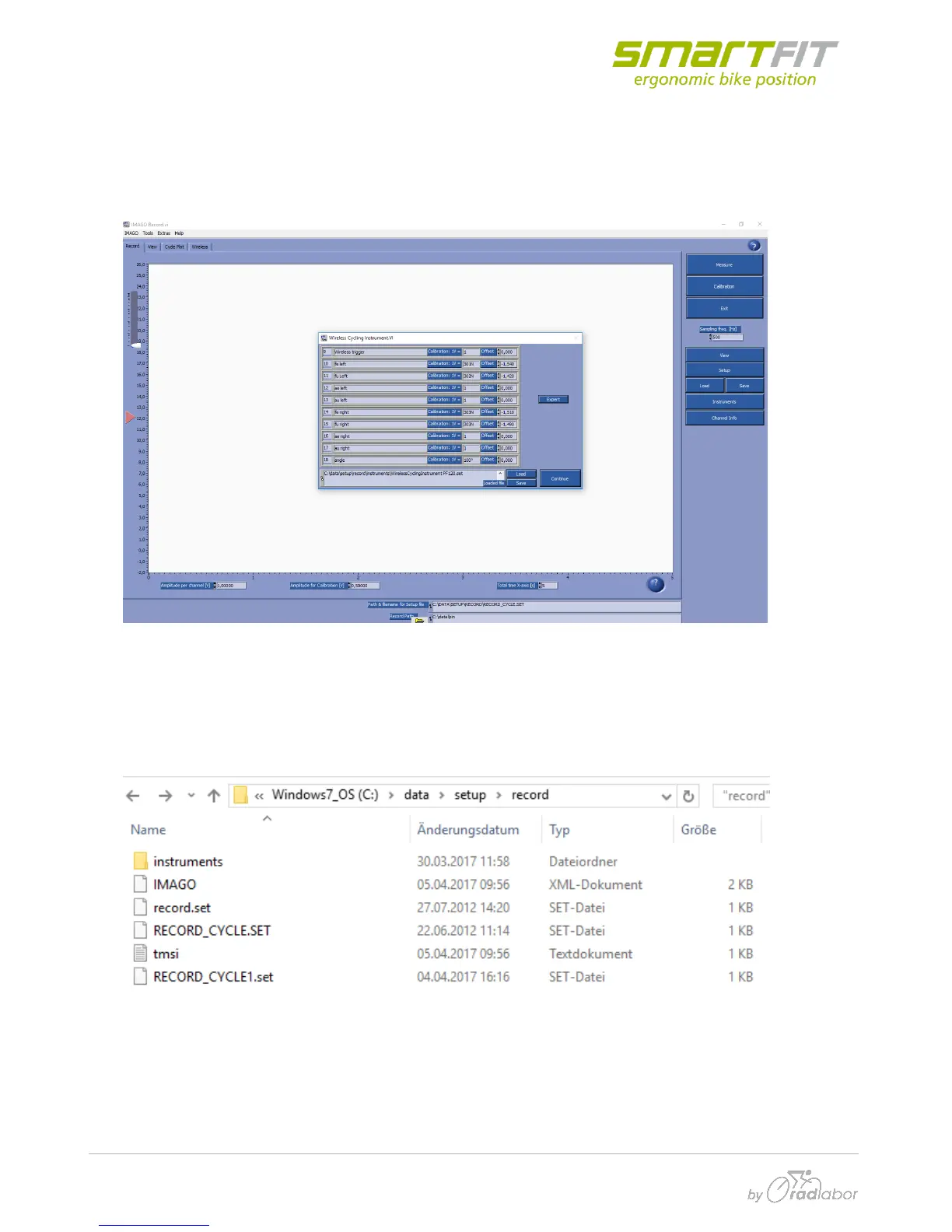
On the first time, you start IMAGO two windows will open:
- The main record window (IMAGO record.vi)
- and a window with the overview of all channels (Wireless Cycling Instrument.vi).
4.2.1 Load Setup-files
To load the optimum setup files, you must click on setup.
Find the folder “record” on the following data path
Then you can insert the downloaded setup file called “RECORD_CYCLE1.set”.
After this step, the optimal set-up settings should be present in IMAGO.



 To Next Page