ENGLISH • 21
MEMORY FUNCTION
Clearing Measurements From Memory
1. Press and release the MEM button. The unit will
display how many measurements are stored
within the bank.
2. Select the desired user bank to clear by pressing
the START button to switch between U1 and
U2.
3. Press and release the MEM button two times to
advance to the rst measurement in the bank.
You cannot clear the memory bank from the
‘Average’ screen.
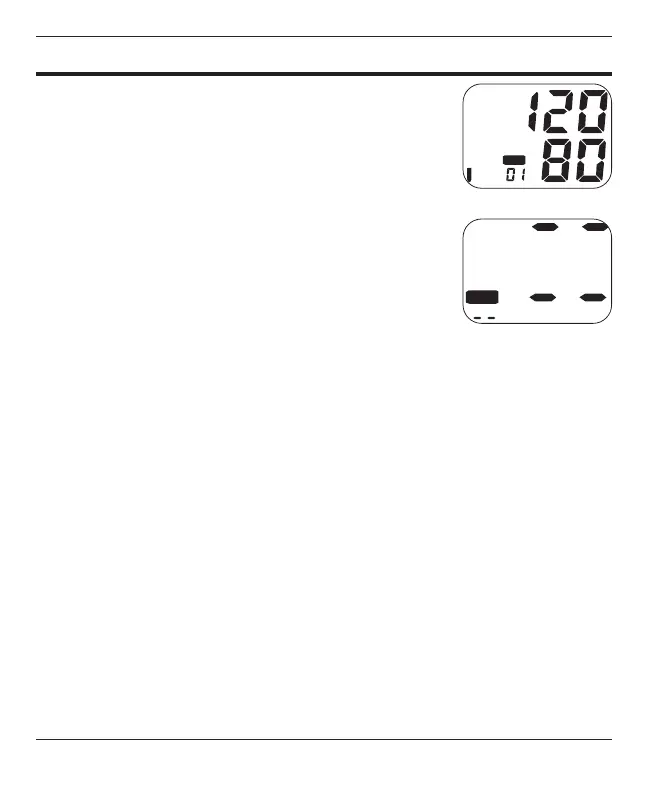
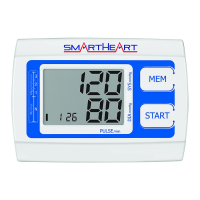
4. When the rst measurement is on the display
(indicated by the 01 at the lower left of the
screen), Fig. 1, press and hold the MEM
button until two horizontal lines ash, Fig. 2.
This indicates that all measurements have been
erased. Press START to turn the unit off.
Fig. 2
Fig. 3





 To Next Page