ENGLISH • 17
TAKING YOUR BLOOD PRESSURE READING
8. The cuff will automatically inate; you will see the
numbers increase on the display screen and feel
the cuff inate.
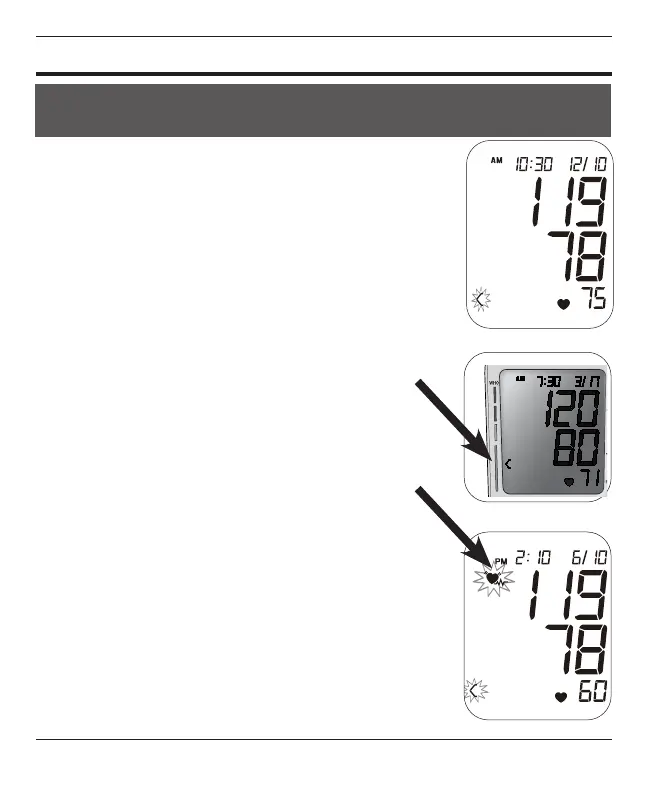
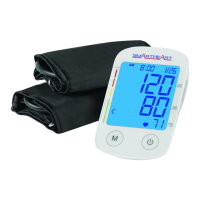
9. The cuff will automatically deate when the
measurement is complete; then your blood
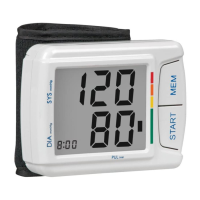
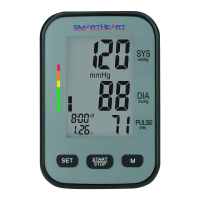
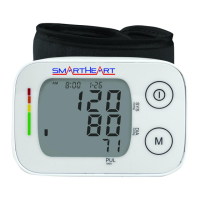
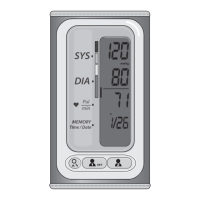
pressure measurement and pulse reading results
will show on the display screen at the same time,
Fig 4.
10. The Hypertension Indicator will indicate your
reading range on the left display in comparison
to the color bars on the face of the monitor, Fig 5.
For more information see Interpreting Your Results.
11. If an irregular heartbeat was detected during
the reading, the Irregular Heartbeat Detection
indicator will appear on the display, Fig 6. For
more information see Interpreting Your Results.
12. The reading will automatically be stored in
memory, up to 60 readings per user bank.
13. Select POWER to turn the unit off and conserve
energy and battery life.
14. The unit will automatically shut-off approximately
1 minute after use.
15. Disconnect the tubing prior to storage.
YOU CAN STOP THE INFLATION OR DEFLATION PROCESS AT ANY
TIME BY PRESSING THE POWER BUTTON.
Fig. 4
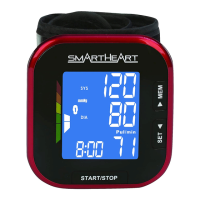
Fig. 5
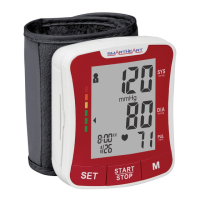
Fig. 6



 To Next Page