18
– English
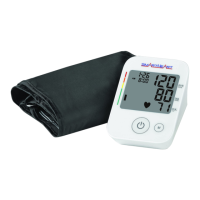
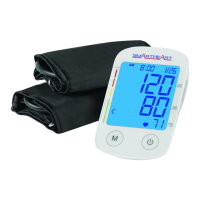
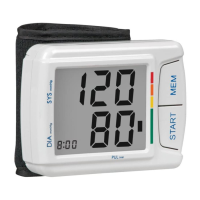
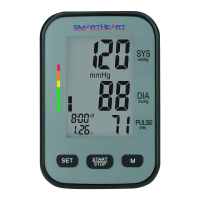
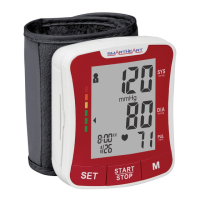
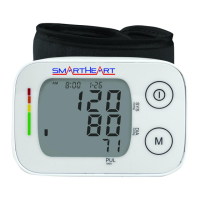
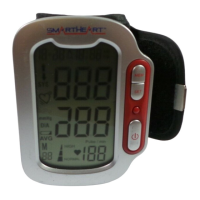
Proper care and maintenance of your blood pressure monitor will help
ensure long life for the product; improper use of the monitor may void
the included warranty.
Monitor Care and Maintenance
• Do not use any liquids on the monitor; use a soft, dry cloth to clean
the monitor as needed
• Storage outside of stated storage temperature may result in
measurement error or device malfunction; storage environment
temperature is: -4°F – 131°F (-20°C – 55°C); Humidity: 95%
• Always keep the unit unplugged while not in use; remove the
batteries if the unit will not be used for an extended period of time
• Do not attempt to disassemble your monitor; disassembling your
monitor may void the manufacturers warranty
• Do not subject the monitor to strong shocks; take care not to drop
the monitor
Cuff Care and Maintenance
• Do not attempt to remove the cuff from the monitor housing for any
reason
• The cuff should not be submerged or washed in a washing machine,
but may be spot cleaned with a mild-detergent as needed
• Never attempt to iron or dry the cuff; if the cuff becomes wet, allow
the cuff to air dry completely before use or storage
CARE AND MAINTENANCE



 To Next Page