Español –
41
FUNCIÓN DE MEMORIA
Borrar las mediciones de la memoria
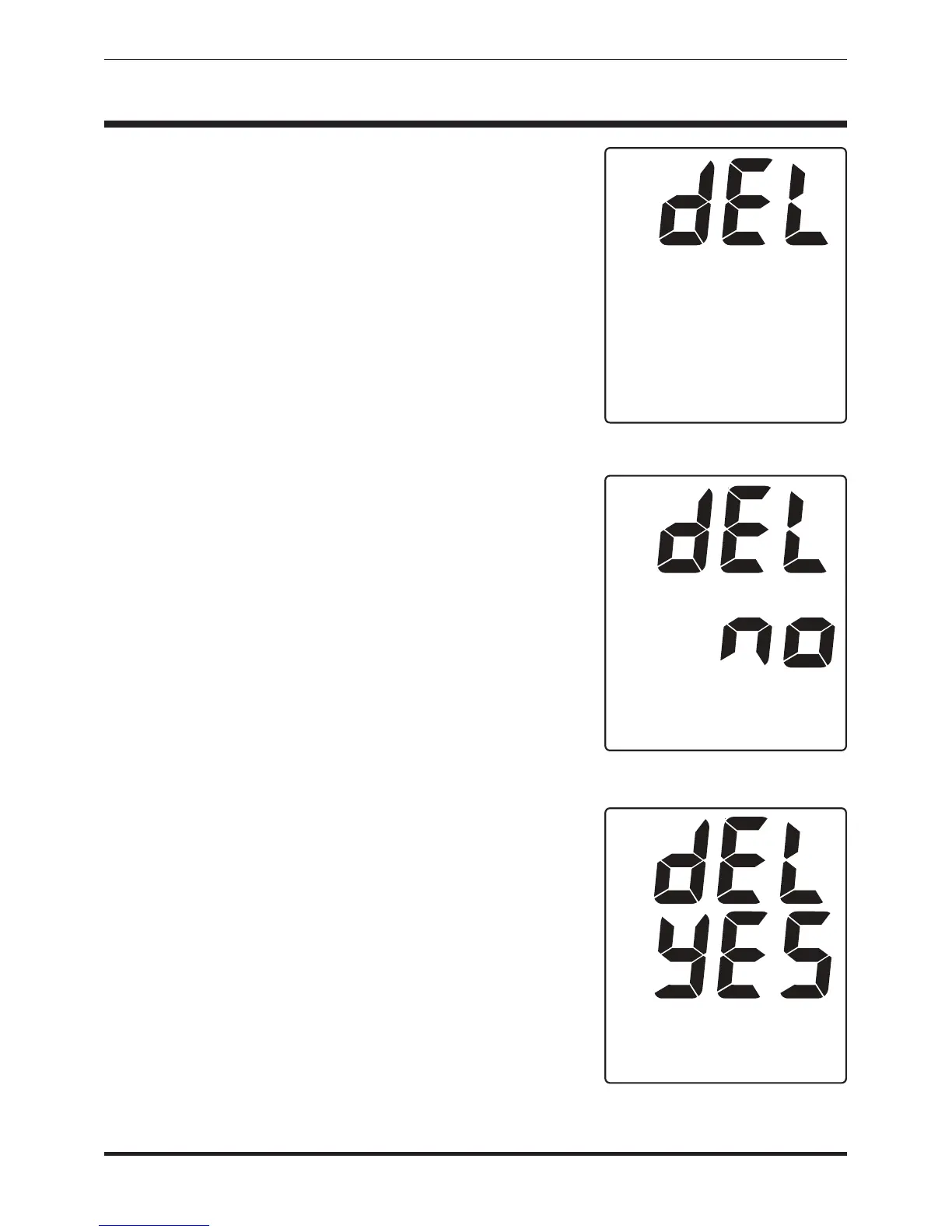
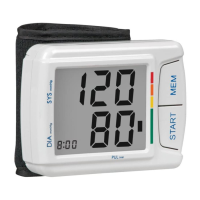
1. Presione y libere el botón MEM para
acceder al banco de la memoria. A
continuación, presione y sostenga el botón
MEM durante 4 a 6 segundos, hasta que la
pantalla muestre "borrar" (dEL), Fig 1.
2. Cuando la pantalla muestre "borrar" (dEL),
presione y libere el botón MEM. Entonces, la
pantalla mostrará "dEL no" (borrar no), Fig
2.
3. Presione y libere de nuevo el botón MEM, y
la pantalla mostrará "dEL YES" (borrar sí),
Fig 3.
4. Cuando la pantalla muestre "dEL YES",
presione el botón de inicio y alto
(START/STOP) para borrar todas las lecturas
en la memoria del dispositivo.
Entonces, la unidad se apagará de manera
automática cuando termine de borrar la
memoria.
NOTE: You must press the START/STOP button to
erase the readings in memory. If you do not
press the button, the unit will turn itself off and
the memory will not be cleared.
Fig. 1
Fig. 2
Fig. 3



 To Next Page