User Manual
111
Note:
The advanced wireless setting is only for the advanced user. For the common
user, do not change any settings in this page.
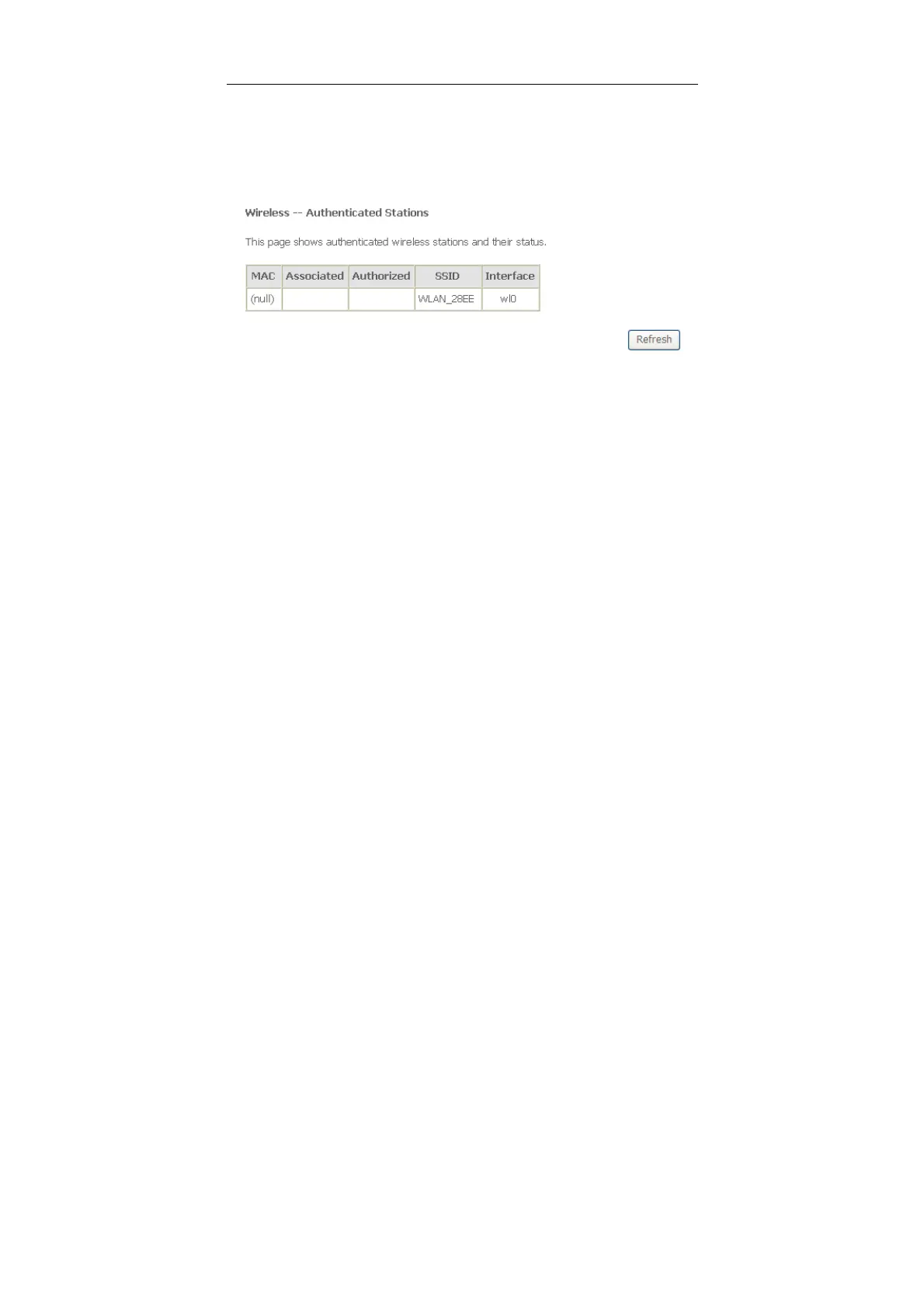
5.3.6 Station Info
Choose Wireless > Station Info to display the following page.
5.3.7 Fault Management
Note:
The Fault Management is only available for VDSL PTM
Click Diagnostics > Fault Management, and the following page appears.



 To Next Page