User Manual
81
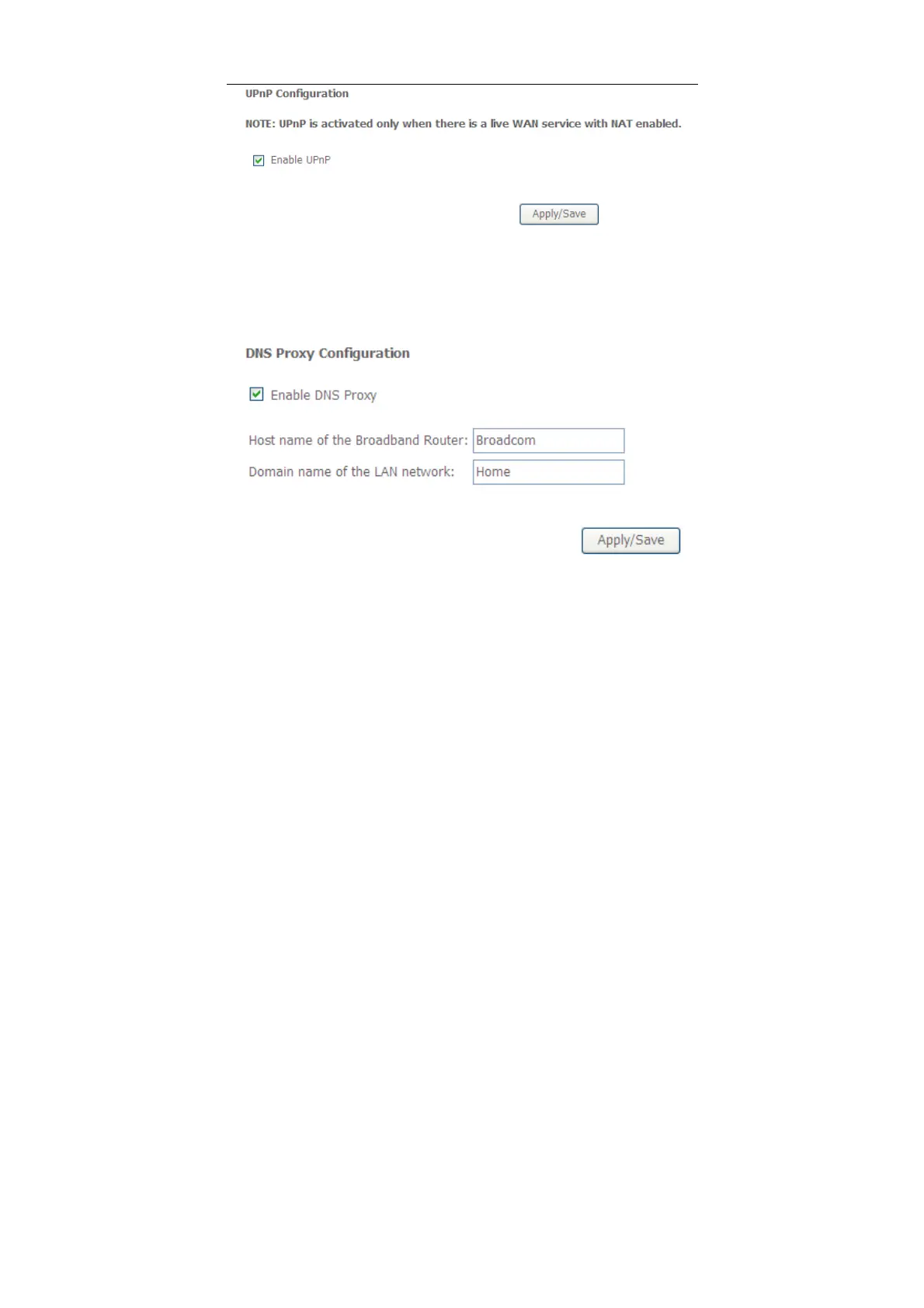
In this page, you can enable or disable the UPnP function.
After finishing setting, click Apply/Save to save and apply the settings.
5.2.13 DNS Proxy
Choose Advanced Setup > DNS Proxy and the following page appears.
In this page, you can enable or disable the DNS proxy function.
After enabling the DNS proxy function, enter the host name of the broadband
router and the domain name of the LAN network, and then click Apply/Save to
save and apply the settings.
5.2.14 Print Server
Choose Advanced Setup > Printer Server and the following page appears.



 To Next Page