User Manual
94
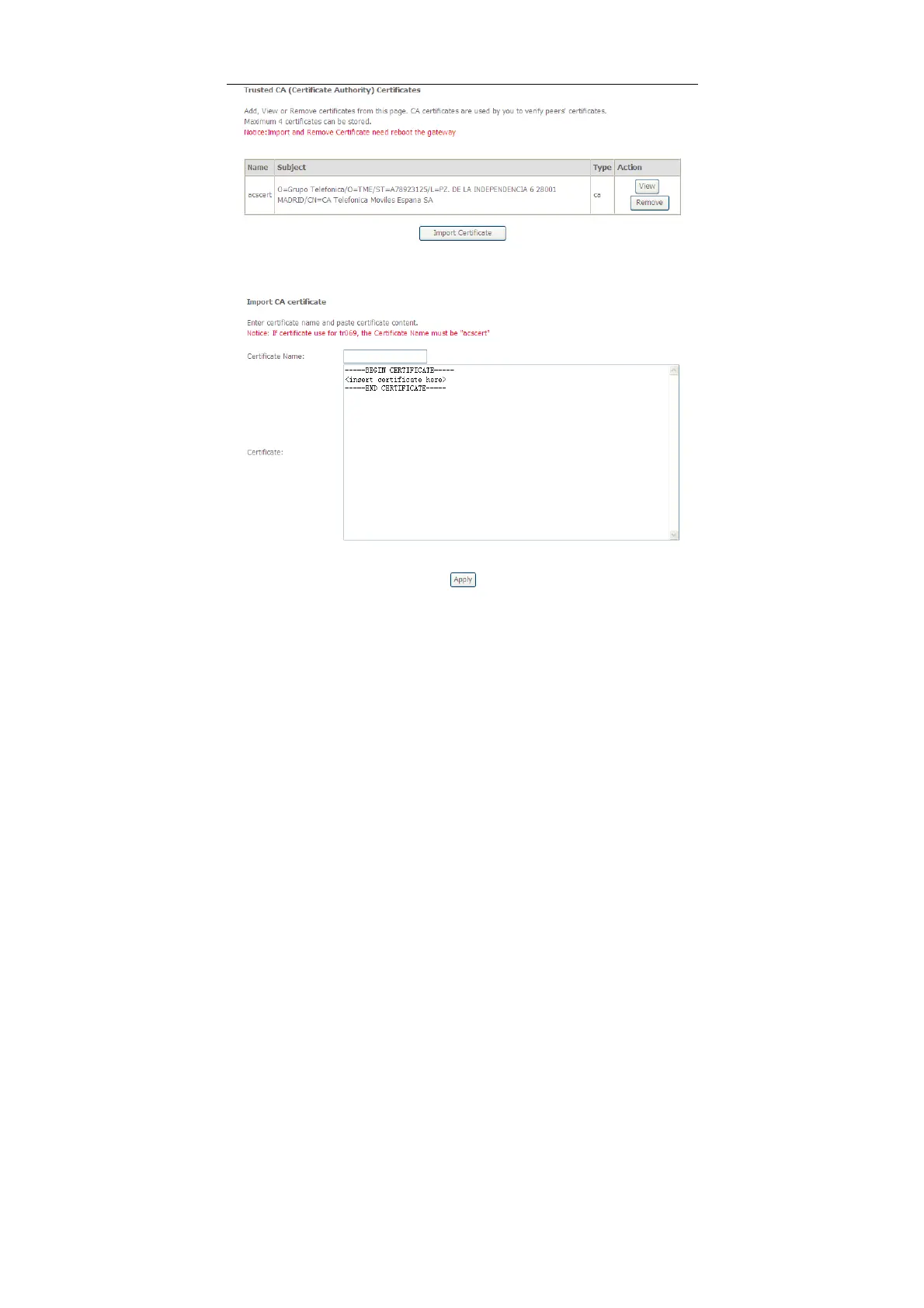
In this page, you may import or remove a CA certificate.
Click the Import Certificate button to display the following page.
In this page, enter the certificate name and paste the certificate content. Finally,
click the Apply button to import the certificate.
5.2.22 Power Management
Choose Advanced Setup > Power Management and the following page appears.
This page allows control of Hardware modules to evaluate power consumption.
Use the control buttons to select the desired option.



 To Next Page