User Manual
82
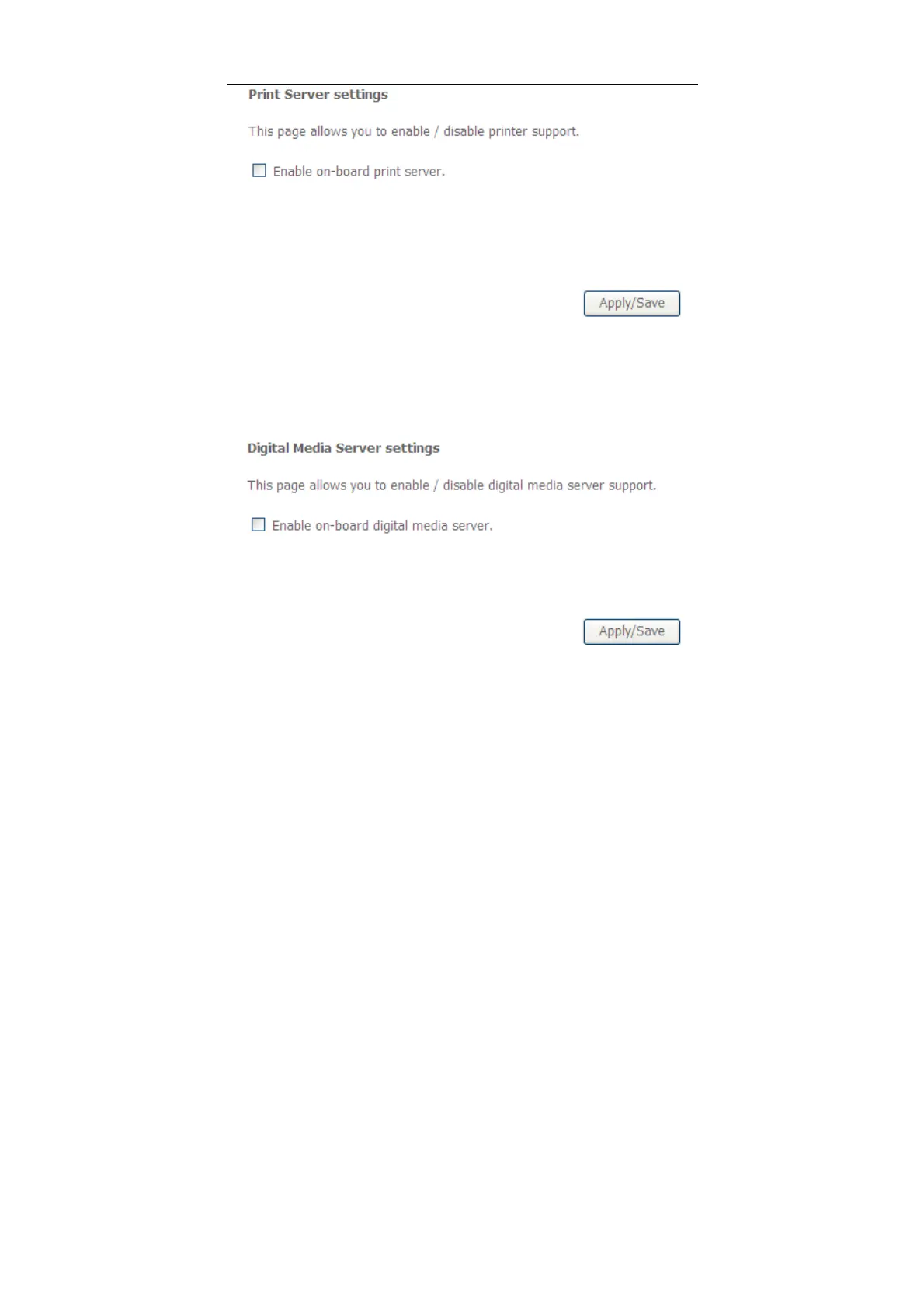
In this page, you can enable or disable the printer server.
After finishing setting, click Apply/Save to save and apply the settings.
5.2.15 DLNA
Choose Advanced Setup > DLNA and the following page appears.
In this page, select the Enable on-board digital media server check box, and the
following page appears. In this page, enter the media library path to run digital
media server.



 To Next Page