User Manual
85
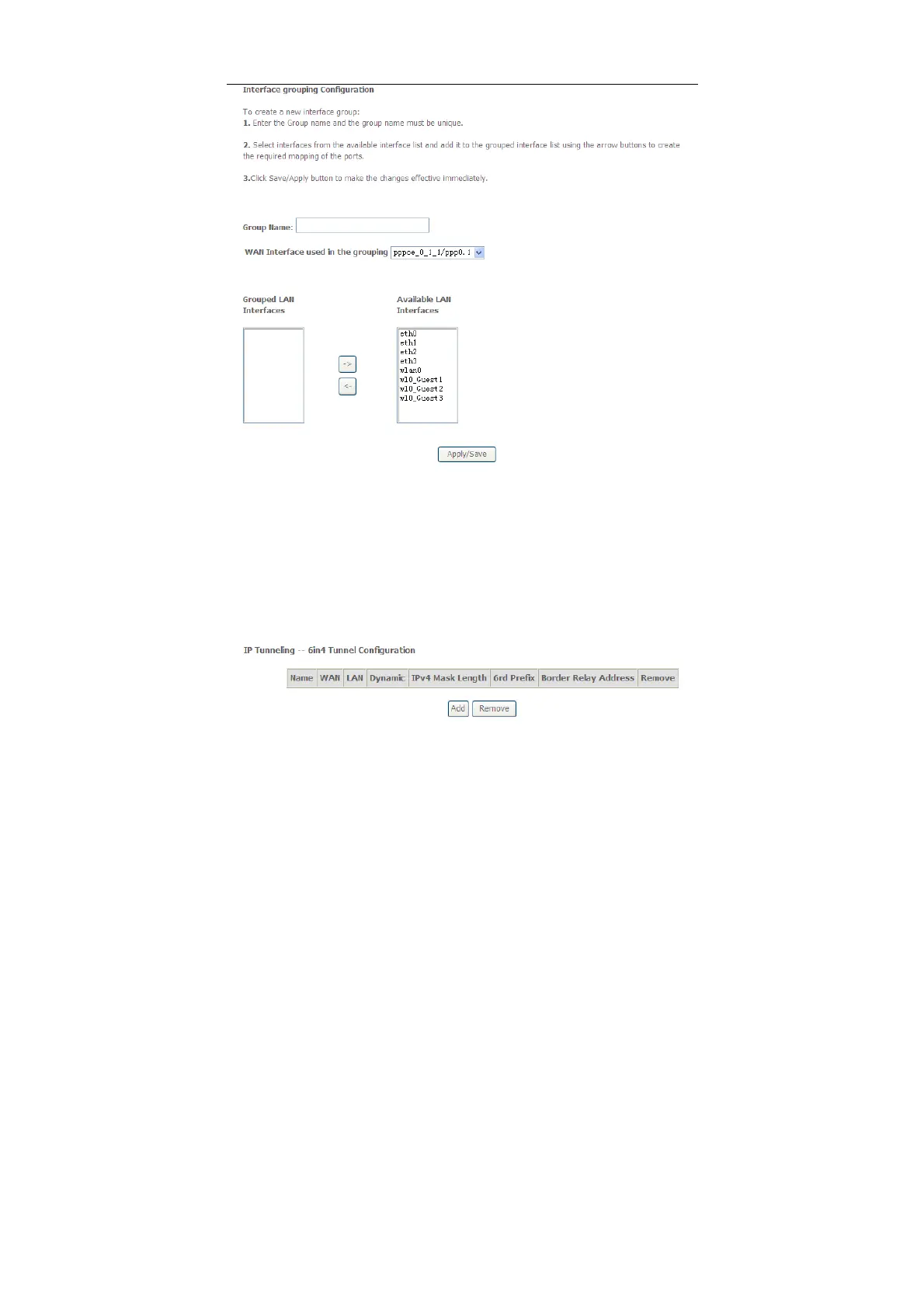
In this page, please follow the on-screen configuration steps to configure the
parameters of the interface grouping.
After finishing setting, click Apply/Save to save and apply the settings.
5.2.19 IP Tunnel
5.2.19.1 IPv6 in IPv4
Choose Advanced Setup > IP Tunnel > IPv6inIPv4 and the following page
appears. The default value is IPv6 in IPv4 information.



 To Next Page