User Manual
53
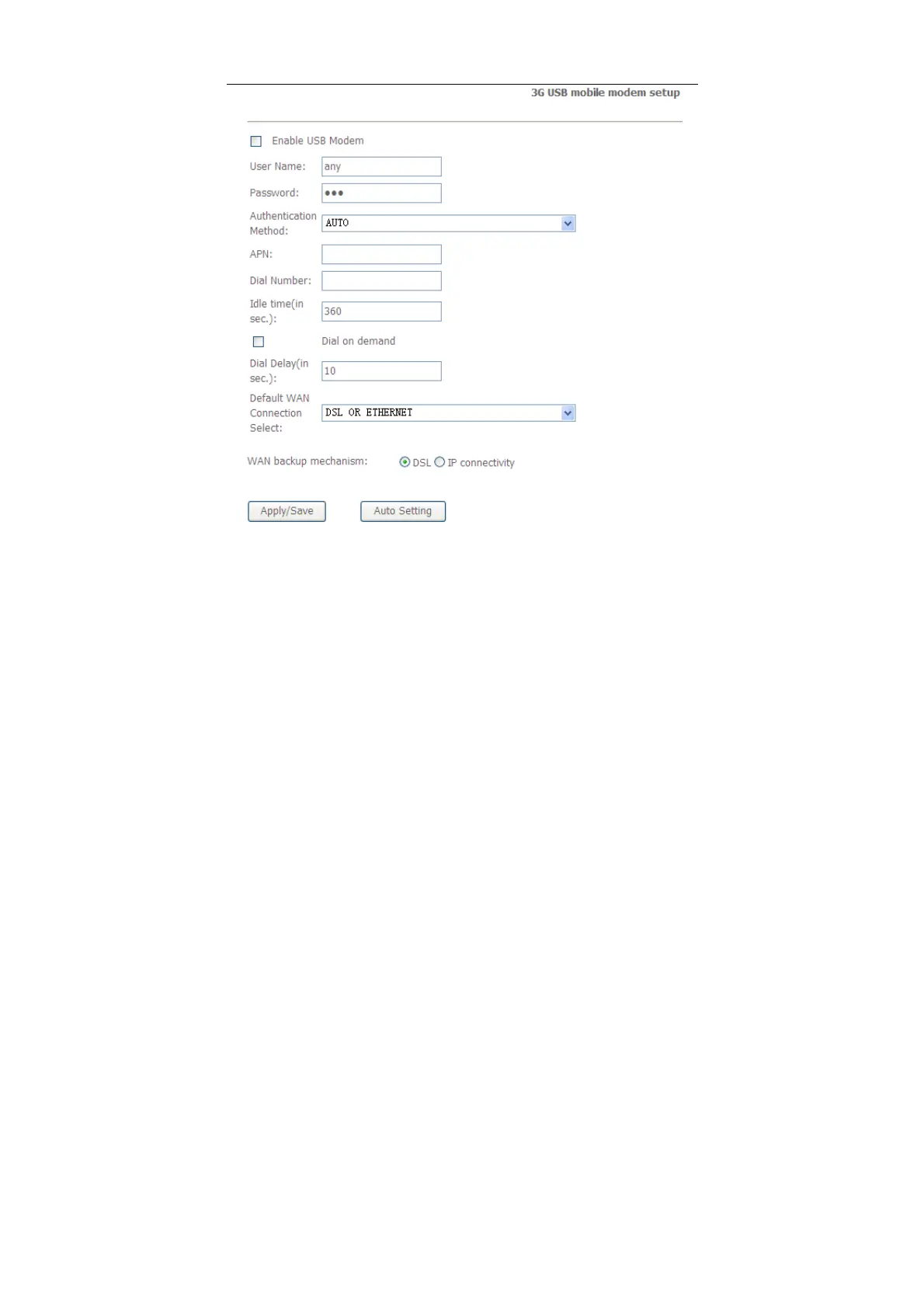
In this page, you are allowed to configure the settings of the 3G USB modem.
Enable USB Modem:
If you want to access the Internet through the 3G
network card, you must enable the USB modem.
User Name:
Username provided by your 3G ISP.
Password: Password provided by your 3G ISP.
Authentication Method: Select a proper authentication method in the drop-
down list. You can select Auto, PAP, CHAP, or MSCHAP.
APN: APN (Access Point Name) is used to identify the service type. Enter
the APN provided by your 3G ISP.
Dial Number:
Enter the dial number provided by your 3G ISP.


 To Next Page
 Loading...






