User Manual
69
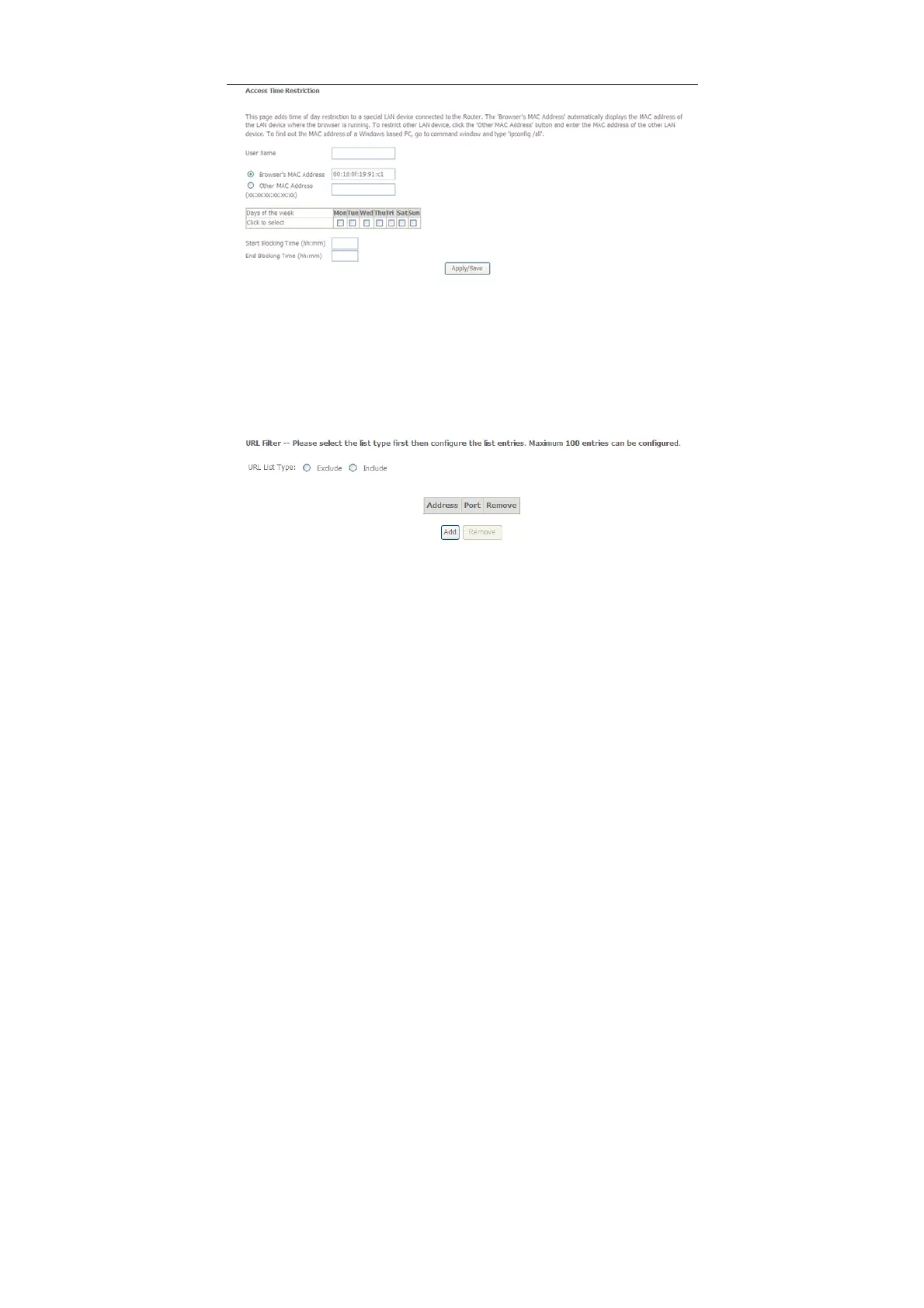
This page is used to control the time restriction to a special LAN device that
connects to the DSL router. In this page, se the user name and configure the time
settings.
After finishing setting, click the Apply/Save button to save and apply the settings.
Url Filter
Click Advanced Setup > Parental Control > Url Filter, and the following page
appears.
Thisp age is used to prevent the LAN users from accessing some Websites in the
WAN.
In this page, you may select the Exclude URL list type or the Include URL list type.
If you select the Exclude URL list type, it means that the URLs in the list are not
accessible. If you select the select the Include URL list type, you are allowed to
access the the URLs in the list.
Click the Add button to display the following page.



 To Next Page