Use
120
Programmed cooking
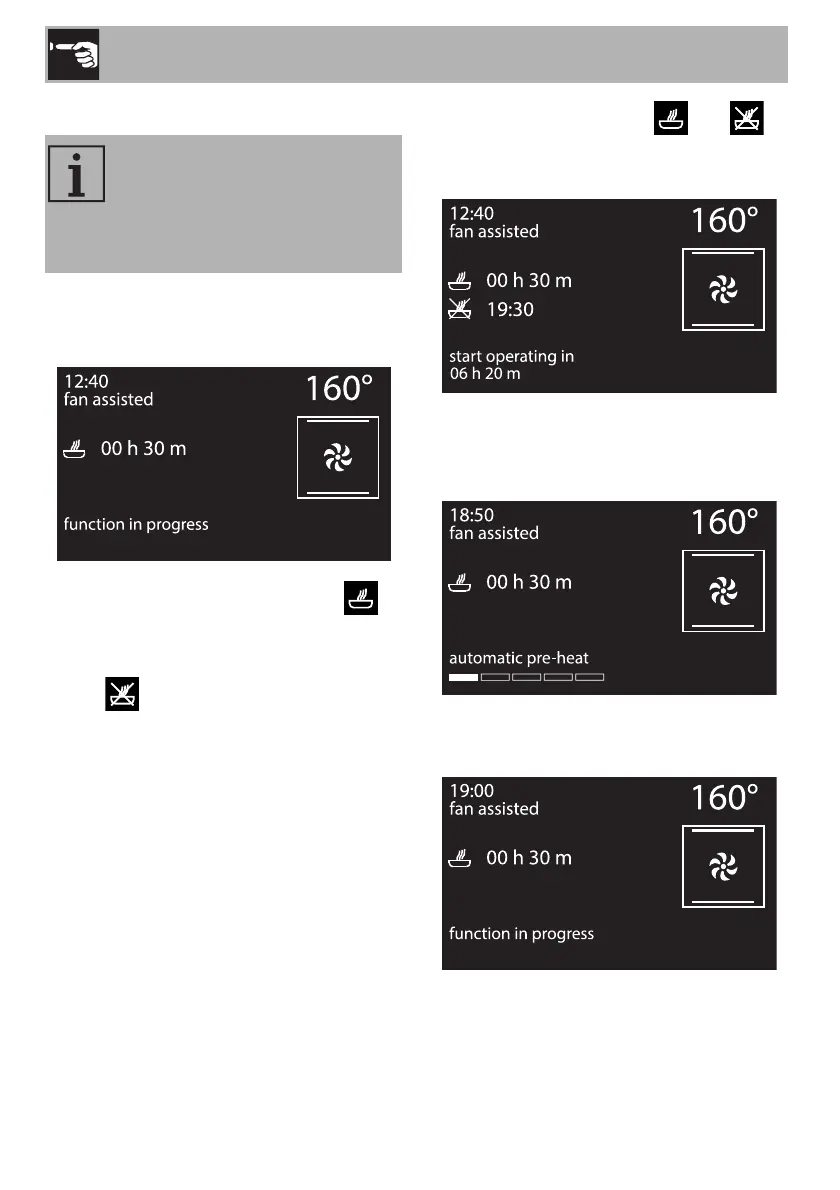
1. After selecting a function and a cooking
temperature, press the control knob to
set the cooking time.
2. Press the control knob before the
symbol stops flashing to set the cooking
end time.
3. The symbol flashes. Turn the knob
right or left to set the cooking end time.
4. After a few seconds the and
symbols stop flashing. The appliance
waits for the delay start time.
5. Based on the values set, the appliance
will start preheating of approximately 10
minutes.
6. It will then proceed with the selected
function.
Programmed cooking is the
function that allows cooking to
stop at a time set by the user, after
which the oven will switch off
automatically.


 To Next Page