10
eDNA SAMPLER
www.smith-root.com
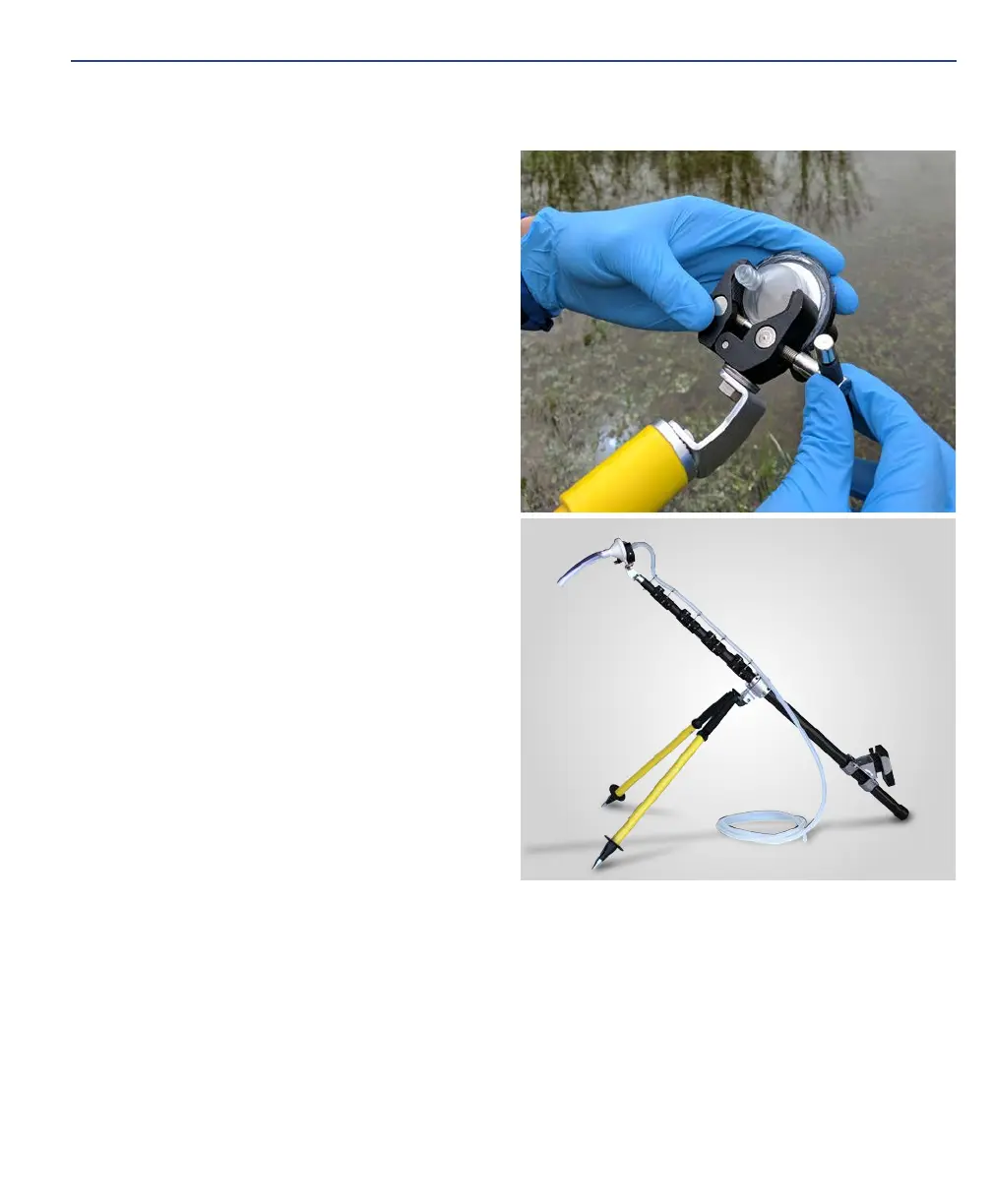
9. Place the filter housing with attached
tube into the clamp of the telescop-
ing pole. Lightly tighten the clamp
around the filter housing. Note:
Over-tightening will deform the filter
housing can cause air leakage.
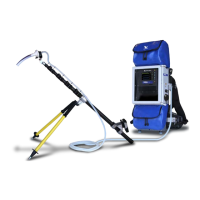
10. Extend the telescoping pole to the
needed length to reach your sampling
location.
11. Power on the remote control using
the ON/OFF button.
12. Select between Auto and Manual
modes. Use Auto mode when target-
ing a specific sample volume.
13. Place nozzle in water and begin sam-
pling by pressing the Start/Stop but-
ton. Note: the system may take sever-
al seconds to prime, and flow will only
be registered after water reaches the
pump.
14. Continue filtering until: 1) The system
beeps 2 times indicating you need
to remove nozzle to achieve target
volume (Auto Mode), 2) The system
beeps 5 times indicating that flow has
dropped below a registrable level, 3)
You have achieved your desired sam-
pling volume (Manual Mode).
15. Once filtration is completed, quickly invert the filter housing by rotating the
pole, then raise the nozzle end up (i.e. increase nozzle elevation). Allow the
pump to run until the tubing and filter housing are cleared of water. Note: Un-
der most circumstances you will hear a low flow alarm (5 rapid beeps) after 10
seconds when the tubing line is sufficiently cleared. Allow the pump to run until
you hear a suction sound from the filter, indicating that all water has passed
through the filter and it is pulling air.
16. Retract pole and turn the pump off using the remote control or interface Start/
Stop button.


 To Next Page