19
INSTRUCTION MANUAL
2019
DATA ACCESS AND MANAGEMENT
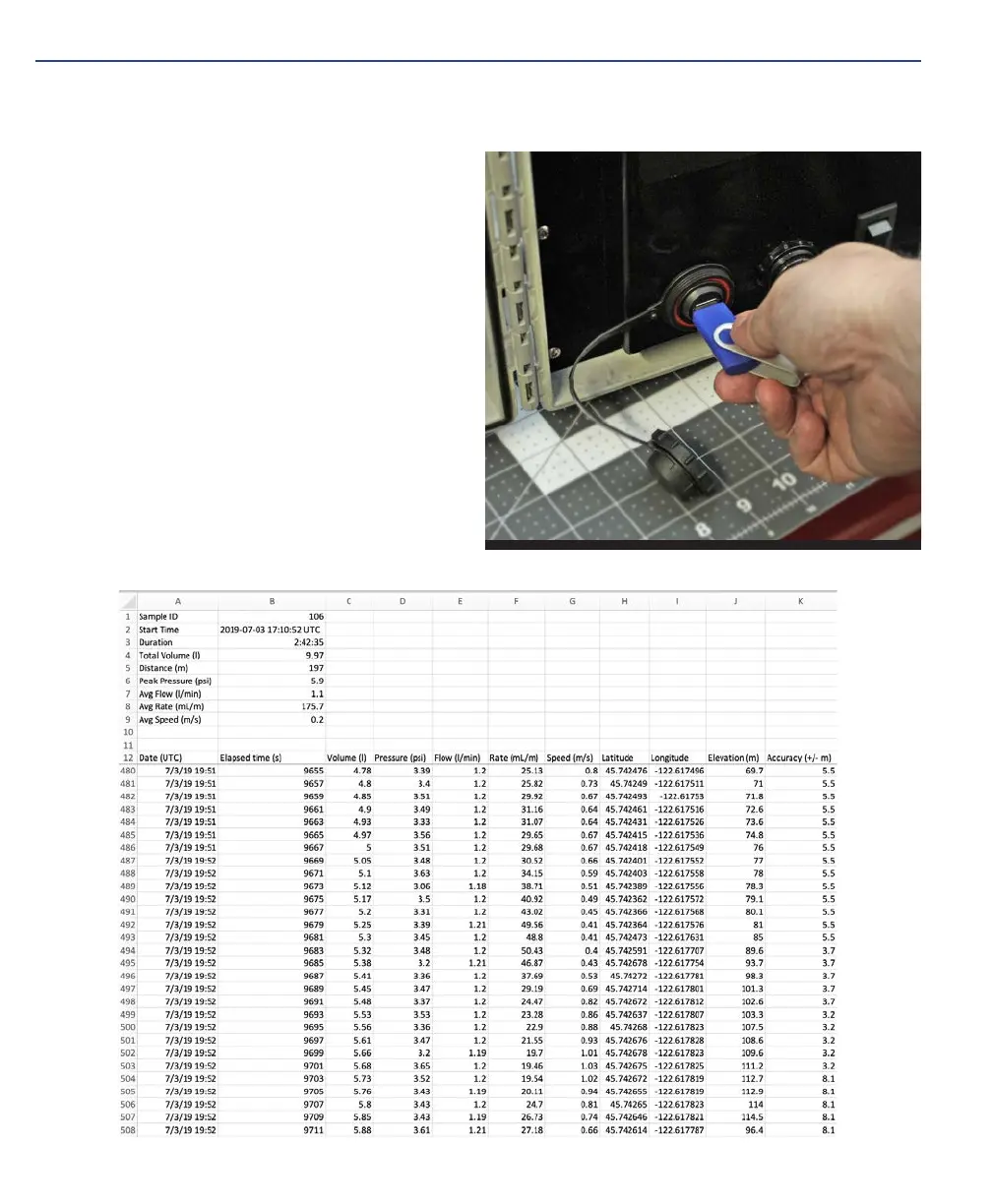
1. Plug an empty USB thumb drive
formatted to FAT 32 into the eDNA
Sampler USB port.
2. The unit will automatically transfer
the data logs to the USB drive.
3. When prompted, remove the USB
drive from unit.
A separate .csv file is created for each
sampling event (Log ID). To locate the
data associated with a particular sample,
refer back to the Sample ID from your field
records. Each .csv file contains summary
information in the header followed by raw
parameter data recorded every 2 seconds.


 To Next Page