7
INSTRUCTION MANUAL
2019
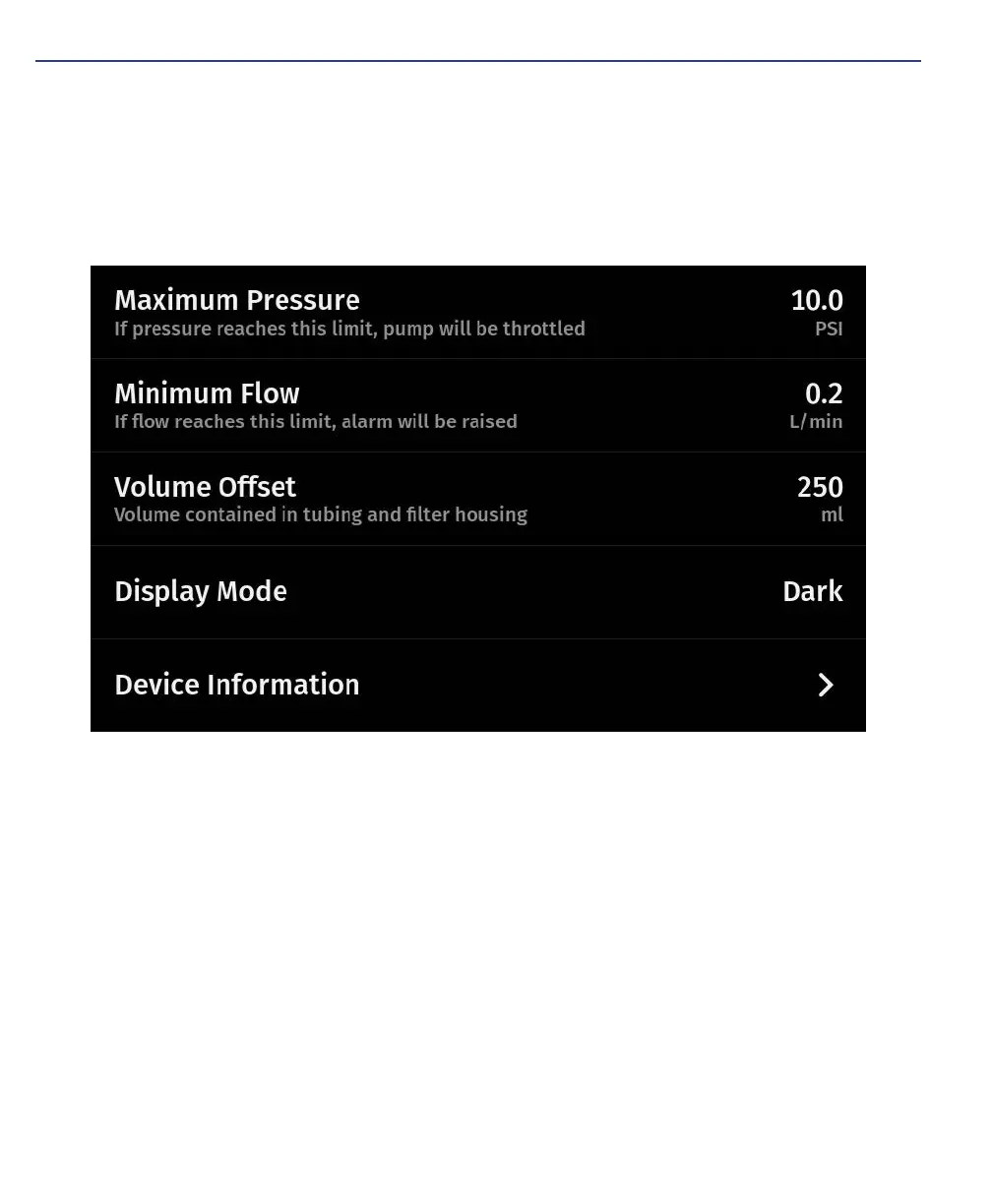
MENU SCREEN
1. Maximum Pressure – The maximum pressure in negative Pounds per Square
Inch (PSI)
2. Minimum Flow – Flow rate at which the Low Flow Alarm will sound (5 rapid
beeps)
3. Volume Offset – Value deducted from target volume to alarm user when to
invert filter
4. Display Mode – Mode selection between dark and light display modes
5. Device Information – Addition device info (e.g., software and firmware version
#)


 To Next Page