12
eDNA SAMPLER
www.smith-root.com
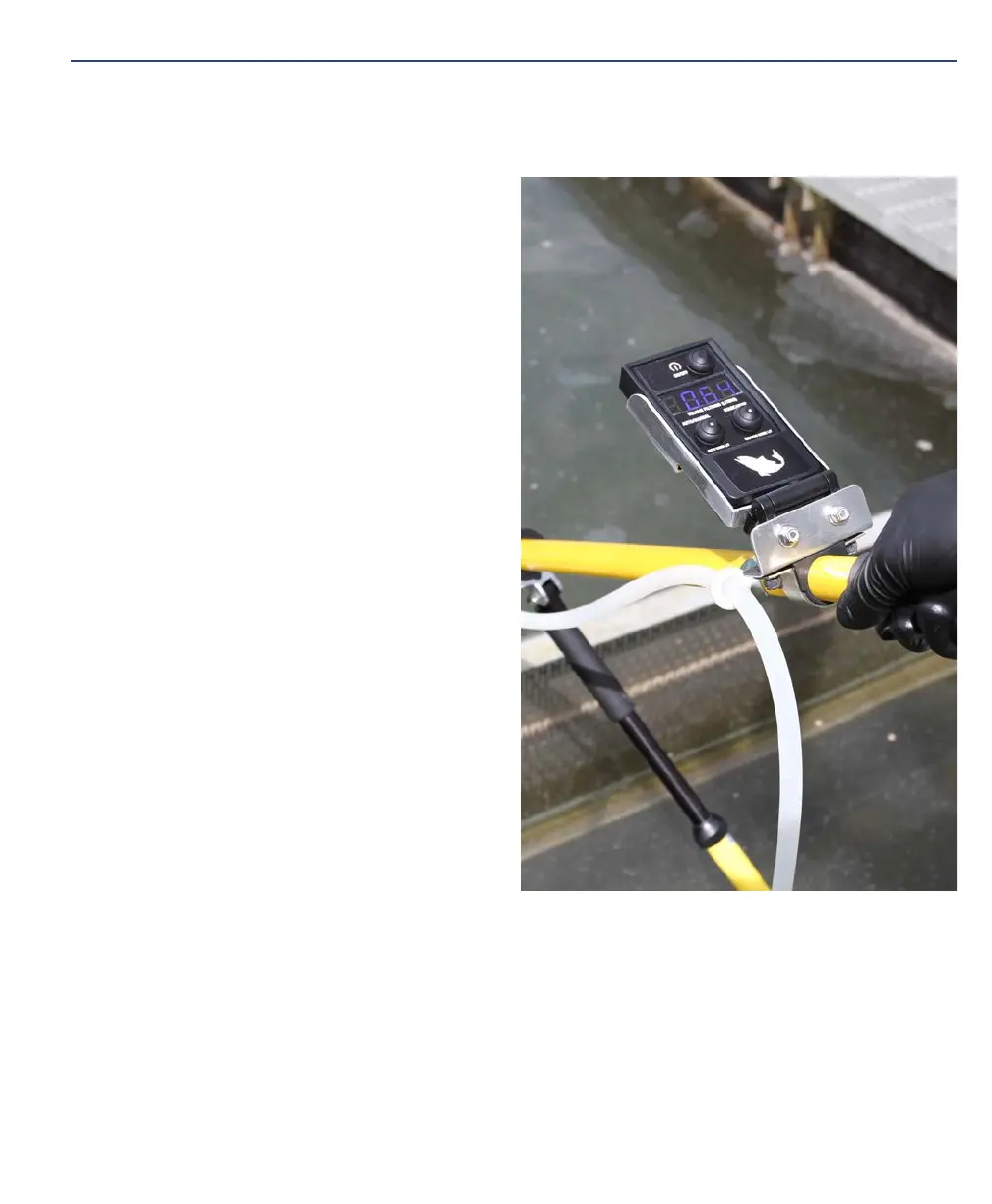
1. Set the Minimum Flow value to
0.3 L/min flow rate in the interface
menu.
2. Program the Target Flow to 1.0 L/
min.
3. Set the pump to Manual Mode.
4. Press the Reset button on the inter-
face to start a new data record.
5. Connect a filter of a given pore size
(e.g. 1.2 um) to the pump tubing.
6. Start the pump and begin filtration
such as the procedure described in
the Point Sampling section. Note:
If the pump cannot prime (water
cannot reach pump) and no flow is
registered after ~1 minute, stop the
filtration cycle and try a larger pore
size filter.
7. Allow the pump to run while mon-
itoring the Flow Rate graph on the
interface. Once the pressure limit is
reached, the flow rate will begin to
decrease gradually over time indicat-
ing filter loading.
8. When 5 rapid beeps are heard (the
Minimum Flow value) invert and ele-
vate the filter housing.
9. Allow the pump to run until all water is cleared from the line and metered.
10. Stop the pump and read the Liters value on the interface or remote control.
11. The displayed Liters value is a realistic sample volume for the current combina-
tion of filter pore size and environmental particulate load.
12. If the value is < 1L, we recommend testing a larger pore size filter.


 To Next Page