3D Printing
2928
06
/06
3D Printing
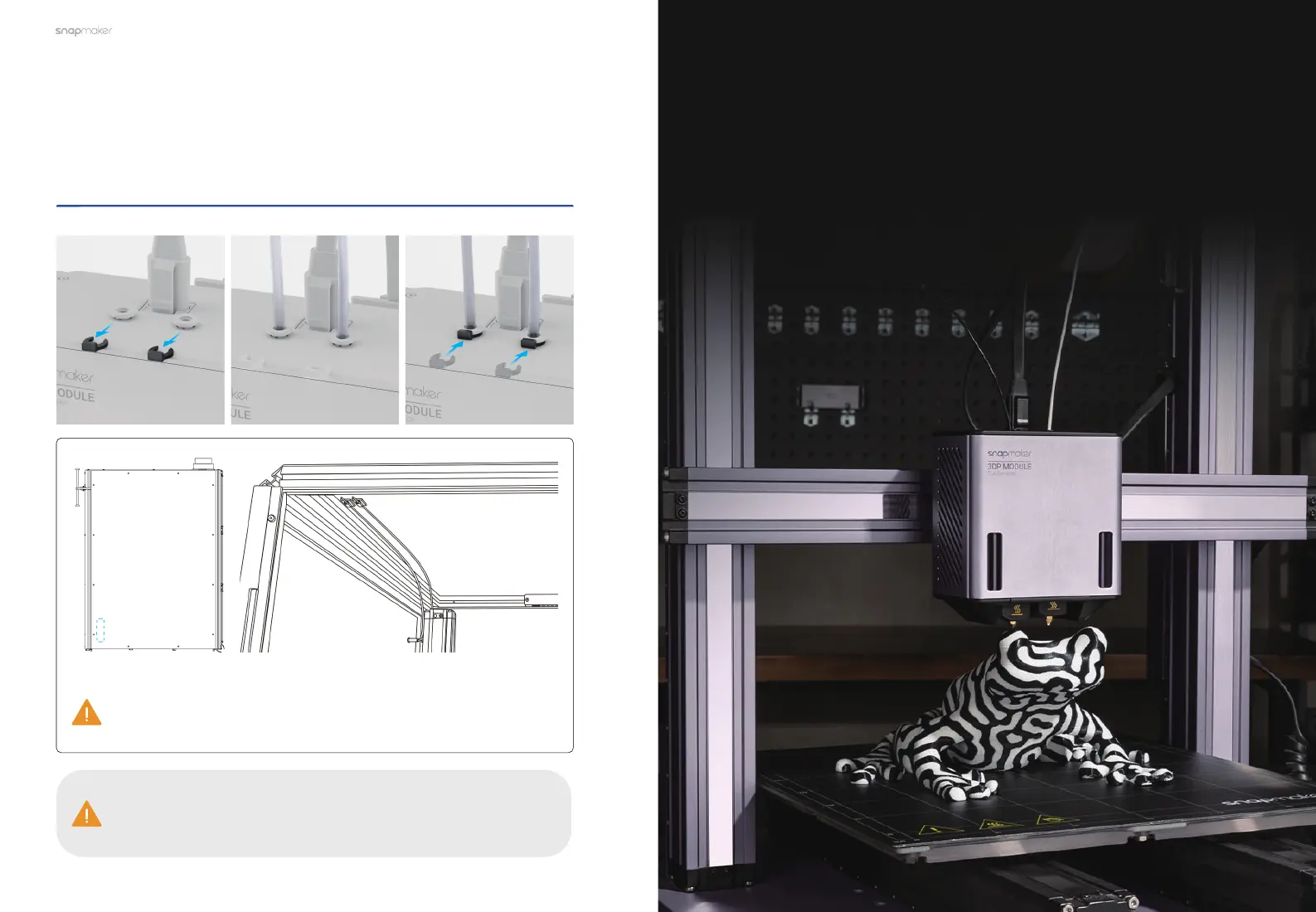
Remove the tube fixture from the filament entry, insert the
Filament Tube into the module, and finally attach the tube
fixture back.
Location of the
Filament Tube Clips
Before laser or CNC processes, you need to stick the provided tube
clips to the illustrated position inside the Enclosure and press the
Filament Tube into the clip.
To pull out the Filament Tube from the module, remove the tube
fixture first and press tight the round clamp at the filament entry
while pulling.



 To Next Page