3D Printing
48 49
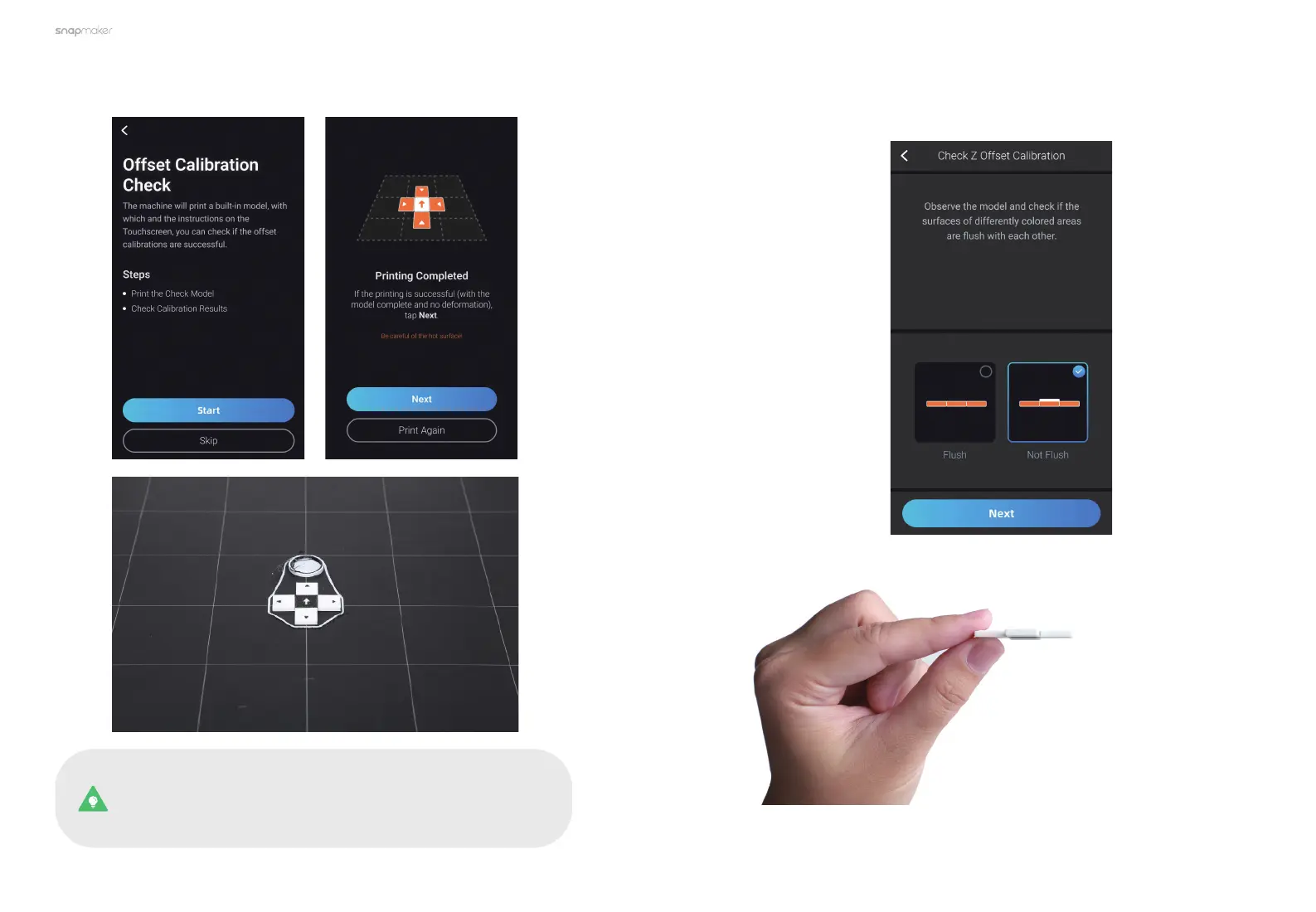
1. Tap Start to start printing. After the printing completes, remove the print from
the Print Sheet.
If the printing is unsuccessful, clean the Print Sheet. Now you
can either tap Print Again, or return to Calibration and redo the
Leveling, Z Offset Calibration and XY Offset Calibration. Then,
try printing the calibration models again.
2. Follow the prompts on the Touchscreen to check the Z Offset Calibration
results.



 To Next Page