3D Printing
50 51
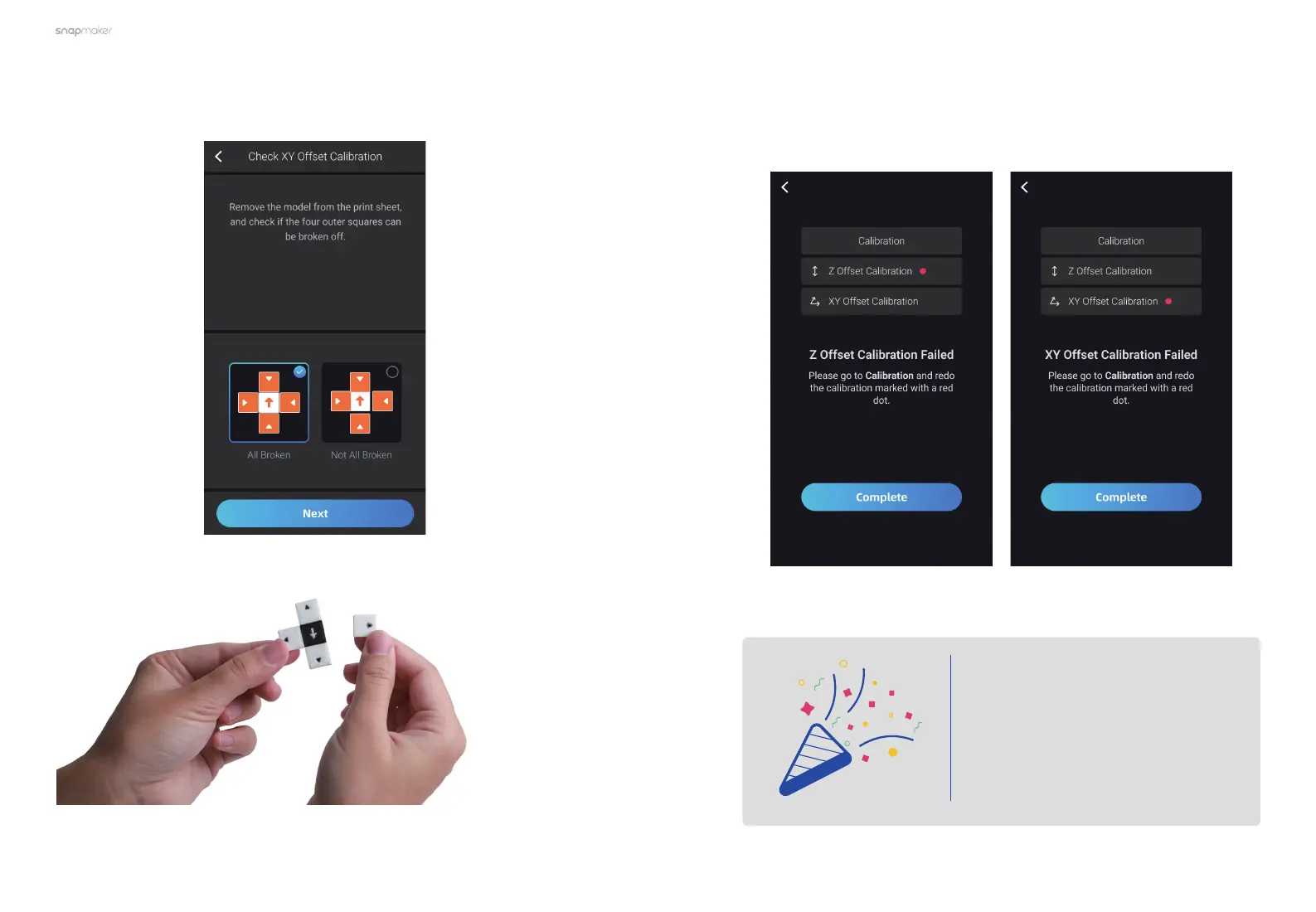
3. Follow the prompts on the Touchscreen to check the XY Offset Calibration
results.
4. If all the offset calibrations are successful, tap Complete and now you can
start printing. If not, the calibration failed will be marked with a red dot. Tap
Complete and return to Calibration, redo the Z Offset Calibration or XY Offset
Calibration.
Congratulations!
You are now ready to print.



 To Next Page