Machine Assembly
14 15
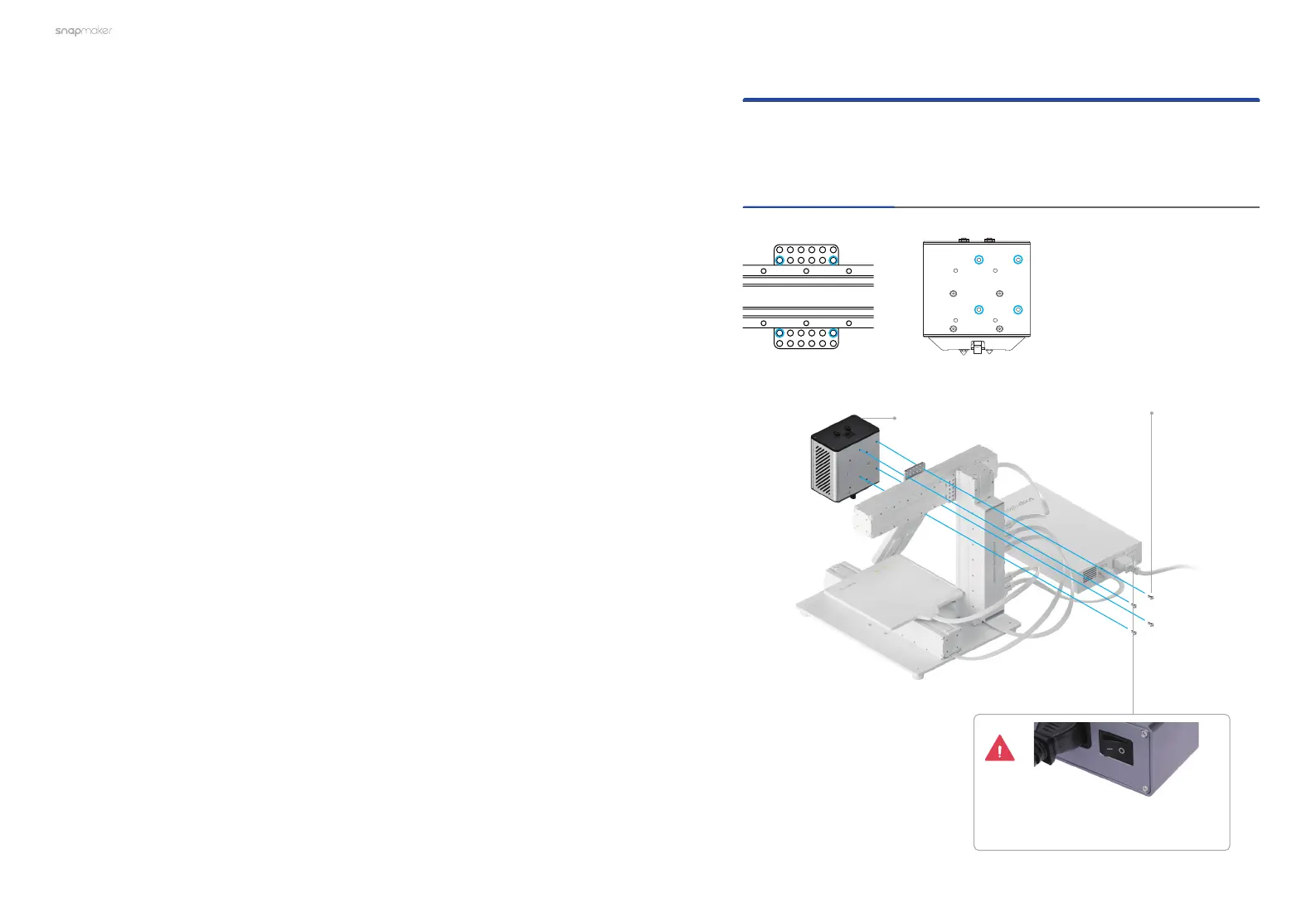
2.1.1 A150
01
/03
If the Enclosure is not installed on your machine, follow the corresponding
steps below to install the Dual Extrusion Module and the Filament Holder(s) in
accordance with your machine models.
2.1 Scenario 1: Enclosure Not Installed on the Machine
Attach the Dual Extrusion Module to the slider on the X
axis.
Dual Extrusion
Module
×1
M4×8 Screw
×4
Make sure the power switch
is in the Off position.



 To Next Page