EasyManua.ls Logo

SNBC BTP-L580IIC - User Manual

SNBC BTP-L580IIC
27 pages
Print Icon
To Next Page IconTo Next Page
Loading...
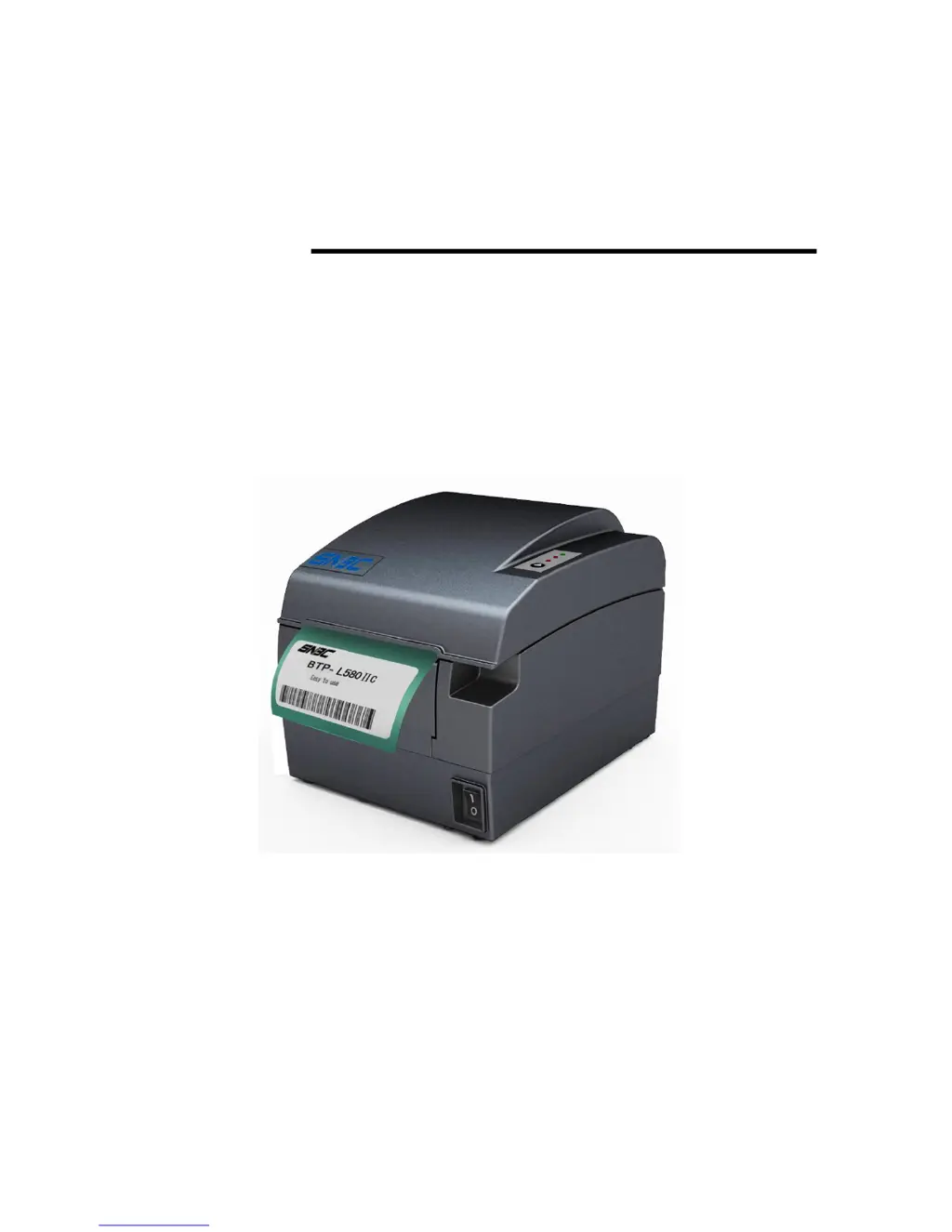
USER’S MANUAL
Label Printer
BTP- L580IIC
Shandong New Beiyang Information Technology Co., Ltd

Questions and Answers

  • Z
    zsmithAug 1, 2025
    What to do if ERROR LED flashes and buzzer beeps on SNBC BTP-L580IIC Printer?
    • Z
      zvargasAug 1, 2025
      If the ERROR LED flashes and the buzzer beeps on your SNBC printer, it could be due to several reasons: * The input voltage might be abnormal, in which case you should turn off the printer and check the input voltage. * The print head may be overheating; turn off the printer and allow the print head to cool down. * The print head might be lifted up; ensure you close the print head top cover. * There could be a cutter error; try resetting the cutter by powering the printer off and on again. * The printer might be seriously damaged; in this case, contact your local dealer or SNBC.
  • J
    Jerome BushAug 5, 2025
    How to fix SNBC BTP-L580IIC when paper cannot be outputted normally?
    • M
      megan34Aug 6, 2025
      If paper cannot be outputted normally from your SNBC printer, it is likely due to a paper jam. To resolve this, open the top cover, check the paper path, and clear any paper jam.
  • K
    Kathryn KingAug 11, 2025
    What to do if my SNBC BTP-L580IIC printout is unclear or dirty?
    • Y
      ymitchellAug 11, 2025
      If the printout from your SNBC printer is unclear or dirty, the print head or feed roller is likely dirty. Clean the print head or feed roller.
  • S
    scottcarlsonAug 16, 2025
    Why is the PAPER LED on and buzzer beeping on my SNBC Printer?
    • C
      Cindy WalkerAug 16, 2025
      If the PAPER LED is on and the buzzer is beeping on your SNBC printer, it indicates that the paper roll has ended. Replace the paper roll.
  • M
    Misty RamirezAug 21, 2025
    What does it mean when PAPER LED is on SNBC BTP-L580IIC?
    • T
      Timothy HansonAug 21, 2025
      If the PAPER LED is on in your SNBC printer, it means that the paper is near the end. Replace the paper roll.
  • M
    Mrs. Heather KhanAug 27, 2025
    How to troubleshoot SNBC Printer when LED is off and the printer doesn’t work?
    • P
      Peter MillerAug 27, 2025
      If the LED is off and your SNBC printer isn’t working, here are a few things to check: * Ensure the printer is properly connected to the power supply. If not, connect the printer to the power supply. * Verify that the printer is turned on by checking the power switch. If it's off, turn it on. * If the above steps don't solve the problem, the circuit board may be damaged. Contact your local dealer or SNBC.

Summary

Warning and Caution

Safety Instructions

Safety Warnings

Lists critical warnings about touching hot print heads and ESD sensitivity.

Operating Cautions

Provides crucial advice for installation, environment, power, and paper handling.

Specifications

Technical Specifications

Details technical parameters like print method, resolution, speed, width, paper types, and barcode support.

Printer Installation and Setup

Unpacking and Initial Placement

Guides through checking package contents and initial printer placement requirements.

Routine Maintenance

Troubleshooting

Printer Not Working

Provides solutions for issues where the printer is not powering on or LEDs are off.

Error LED and Buzzer Alarms

Explains error conditions indicated by LED flashes and buzzer sounds, with corresponding solutions.

Printing Problems

Offers solutions for common printing issues like unclear output, dirty print head, or paper jams.

Power Management

SNBC BTP-L580IIC Specifications

General IconGeneral
Resolution203 dpi
InterfaceUSB, Serial, Ethernet
Paper TypeThermal Paper
Paper Width57.5±0.5mm
Operating Current2 A
Weight1.5 kg
Paper Roll Diameter83mm
Operating Temperature0°C to 50°C
Storage Temperature-20°C to 60°C
Humidity10 to 90% RH

Related product manuals