EasyManua.ls Logo

SNBC BTP-2002NP - User Manual

SNBC BTP-2002NP
30 pages
Print Icon
To Next Page IconTo Next Page
Loading...
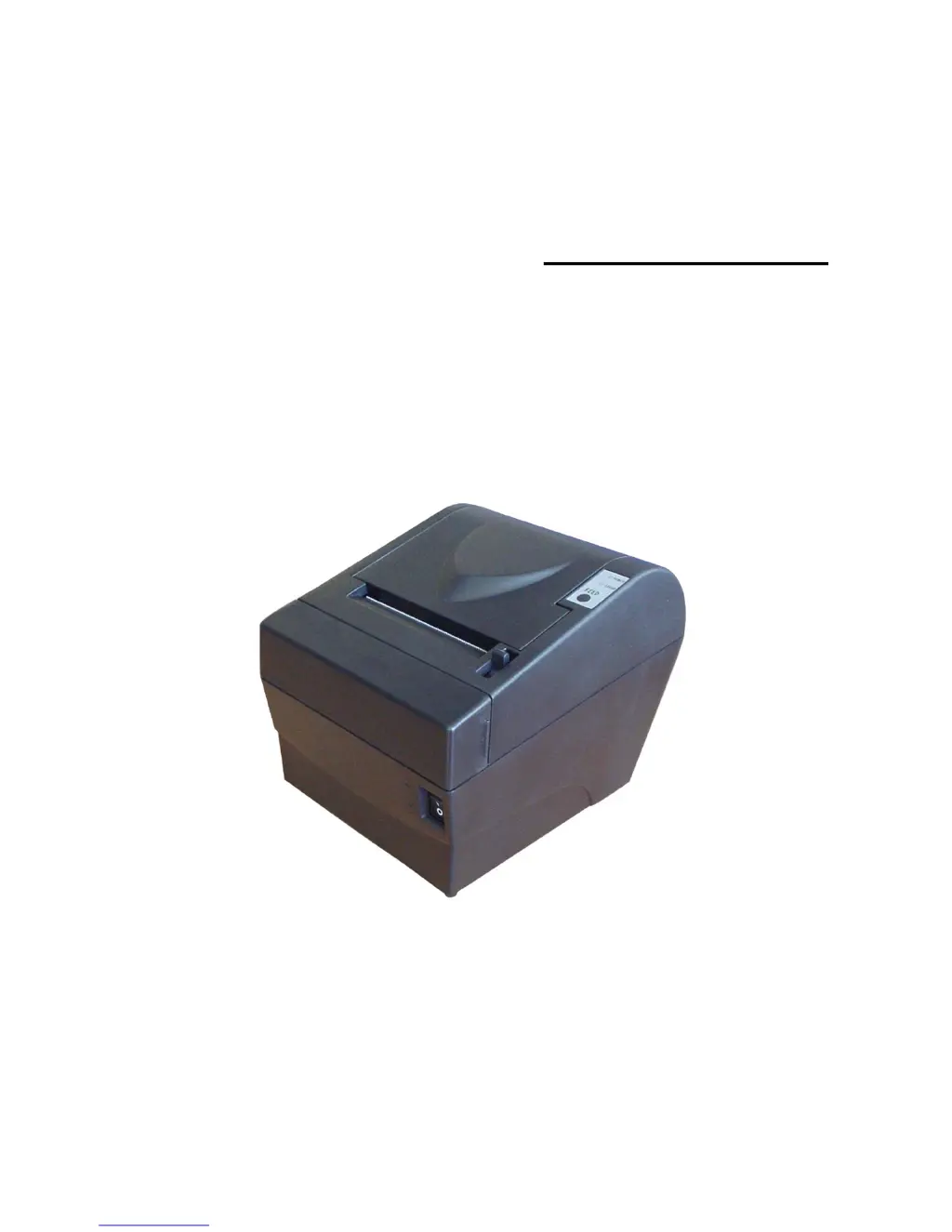
USER’S MANUAL
Receipt Printer
BTP-2002NP
Shandong New Beiyang Information Technology Co., Ltd.

Other manuals for SNBC BTP-2002NP

Questions and Answers

Summary

General Safety Information

Safety Instructions

Key safety precautions for printer operation and handling.

Cautions for Use

Important warnings and guidelines for proper printer usage and environment.

Printer Overview

Outline and Applications

General description of the BTP-2002NP printer and its typical uses.

Key Features

Highlights the main functionalities and capabilities of the printer.

Model Classification

Explains the naming convention and options for printer models.

Specifications

Main Specification

Details the primary technical specifications of the BTP-2002NP printer.

Cutter Specification

Provides technical details related to the printer's cutting mechanism.

Power Supply Parameters

Lists the electrical characteristics of the power supply unit.

Paper Specification

Details the types, widths, and thickness of compatible paper.

Printing and Cutting Position

Defines the physical layout and dimensions for printing and cutting.

Outline and Parts

Printer Components Overview

Details the physical parts and external features of the printer (Section 3.1).

Error Indicators and Buzzer Function

Explains the function of error LEDs and the buzzer (Section 3.2).

Error LED and Sensor Descriptions

Provides detailed descriptions of the Error LED, sensors, and switches.

Error LED and Buzzer Table

A table mapping printer errors to buzzer and LED flash responses.

Installation

Unpacking and Positioning

Procedures for unpacking the printer and selecting an installation location.

Power and Grounding

Instructions for connecting the power adapter and grounding the printer.

Signal and Cash Drawer Connections

Details on connecting signal cables and the cash drawer kick-out connector.

Paper Roll Insertion

Step-by-step guide on how to load a paper roll into the printer.

Self-Test and Sensor Adjustment

How to perform a self-test and adjust the paper near end sensor.

Routine Maintenance

Print Head Cleaning

Procedure for cleaning the printer's thermal print head.

Sensor Cleaning

Instructions for cleaning the paper end and near end sensors.

Platen Roller Cleaning

Guidance on cleaning the printer's platen roller for optimal performance.

Interface Signal

Parallel Interface

Pin definitions and functions for the 36-pin centronics parallel interface.

Serial Interface (RS-232)

Pin definitions and functions for the 25-pin female D-type serial interface.

RS-485 Serial Interface

Signal definitions and functions for the DB25 connector on RS-485 interface.

USB Interface

Details on USB interface specifications and pinout for the BTP-2002NP.

Ethernet Interface

Parameters and pinout for the Ethernet interface module.

WLAN Interface

Specifications and functions for the Wireless LAN interface module.

Power Connector and Cash Drawer Kick-out

Signal definitions for power connector and cash drawer kick-out.

Troubleshooting

Clearing Paper Jams

Step-by-step guide to clear paper jams from the cutter mechanism.

Error LED and Buzzer

Table explaining error codes indicated by LED flashes and buzzer beeps.

Problems During Printing

Common printing issues and their causes and solutions.

Printer Not Working

Troubleshooting steps for when the printer does not power on or operate.

Accessories

Spill Proof Cover

Description of the SPC-2002NP spill proof cover for printer protection.

Wall Mount System

Details the WMS-2002NP system for mounting the printer on a vertical surface.

Cable for PoweredUSB Connections

Information about the cable used for PoweredUSB connections.

HERALD - Kitchen Alarm System

Description and assembly instructions for the HERALD kitchen alarm system.

Cable Cover and Power Adapter Cover

Details on the cable cover and power adapter cover for tidiness and integration.

SNBC BTP-2002NP Specifications

General IconGeneral
BrandSNBC
ModelBTP-2002NP
CategoryPrinter
LanguageEnglish

Related product manuals