BTP-2002NP User’s Manual
8. Accessories
8.1 Spill Proof Cover( SPC-2002NP)
8.2 Wall Mount System (WMS-2002NP)
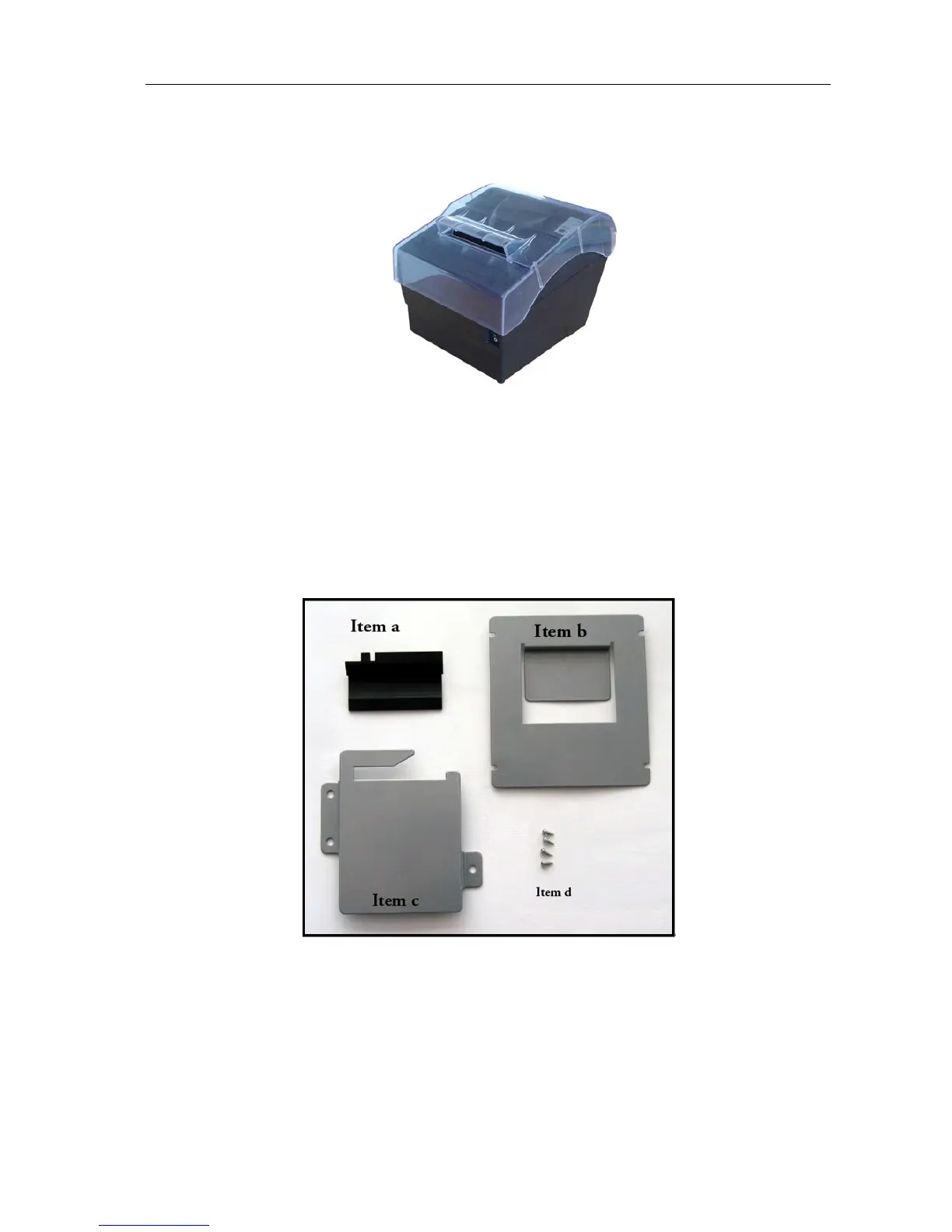
This wall mount system (WMS-2002NP) can be used for mounting the POS printer BTP-2002NP on
a vertical surface. The system contains the following items except the installations instructions:
Item a: One Paper-Roll-Tray
Item b: One Bracket-Plate
Item c: One Fixed-Hook-Plate
Item d: Four screws (Ø 2.9 mm x 8 mm)
Instructions:
1) Open the top cover of the printer and fix the Paper-Roll-Tray on the top cover axis with the two
stretch fasteners as shown in figure N.2.1.
2) Figure N.2.2 shows when the Paper-Roll-Tray has been fixed in position.
3) Close the top cover of the printer and mount the Bracket-Plate on the bottom of the printer with
the four screws (Ø 2.9 mm x 8 mm) as shown in figure N.2.3. The four screws are supplied
with the set.
- 21 -



 To Next Page