EasyManua.ls Logo

SNBC BTP-R580 - User Manual

SNBC BTP-R580
22 pages
Print Icon
To Next Page IconTo Next Page
Loading...
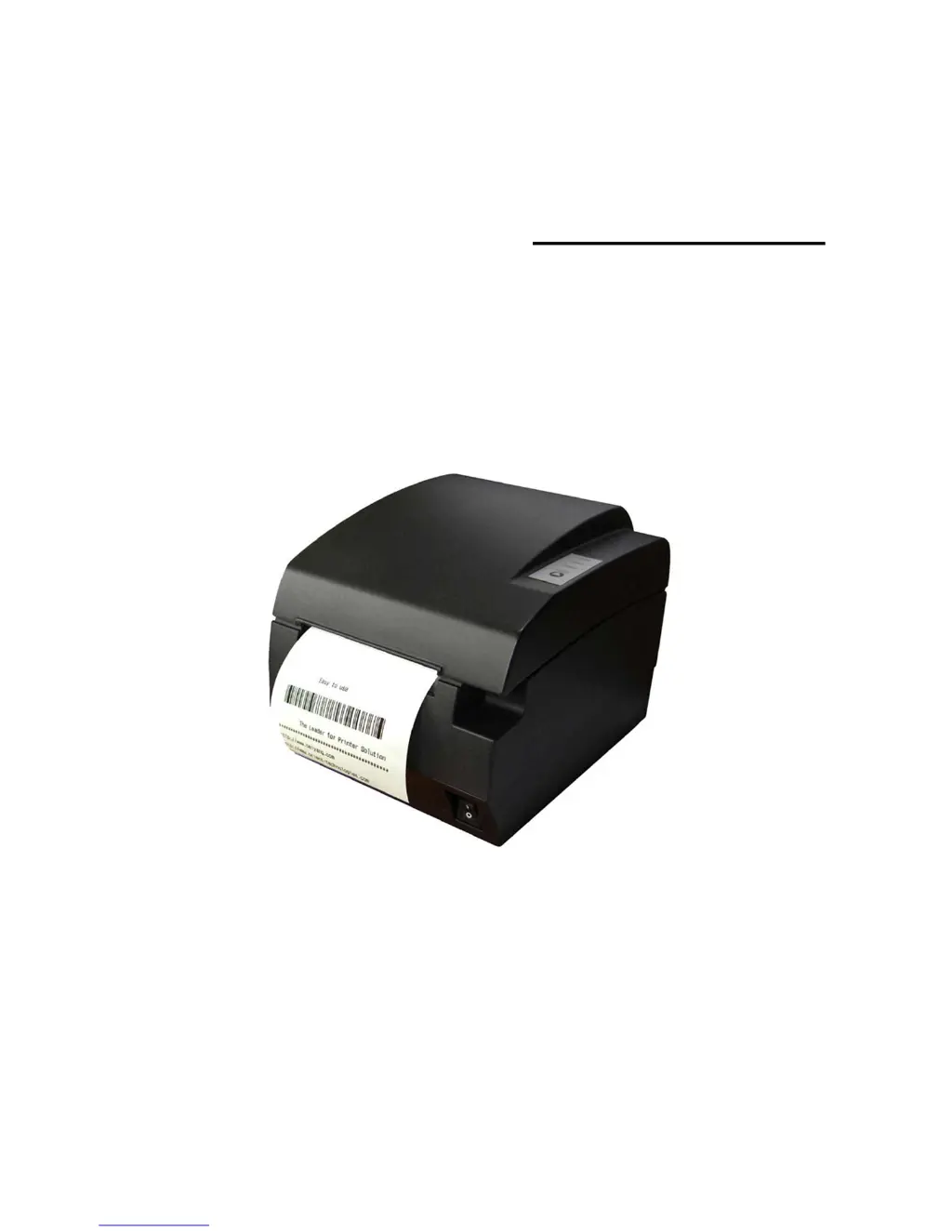
USER’S MANUAL
Receipt Printer
BTP-R580
Shandong New Beiyang Information Technology Co., Ltd.

Questions and Answers

Summary

General Safety Instruction

Safety Instructions

Caution about cutter, print head temperature and ESD sensitivity.

Caution

Advises on printer installation, environment, power, paper, and maintenance.

1 Introduction

1.1 Outline

General description of the BTP-R580 printer and its applications.

1.2 Main Features

Lists key functionalities like spill-proof design, high speed, and ease of use.

2 Main Specification

2.1 Technical Specification

Details print mode, resolution, speed, paper width, barcode types, and interface options.

2.2 Cutter Specification

Specifies cutter type, cutting time, interval, paper type compatibility, and cutter lifetime.

2.3 Paper Specification

Details specifications for continuous thermal paper, including width and thickness.

2.4 Print and cut position

Defines dimensions for print position, margins, and paper holder width.

3 Outline and Parts

3.1 Outline and Parts

Identifies and illustrates the physical components of the printer.

3.2 Error LED and Buzzers

Explains the function of LED indicators and buzzer sounds for status and errors.

4 Installation

4.1 Unpacking

Instructions for checking printer contents and condition after delivery.

4.2 Printer installation

Guidelines for safe and optimal placement of the printer.

4.3 Connecting the Power Adapter

Steps for connecting the power cord to the printer and outlet.

4.4 Connecting interface cable

Instructions for connecting the printer to a host computer via interface cables.

4.5 Connecting the Cash Drawer

Steps for connecting a cash drawer to the printer's dedicated port.

4.6 Paper roll loading

Instructions on confirming paper type and preparing for loading.

4.6.2 Load;replace a paper roll

Detailed steps for installing or replacing a paper roll in the printer.

4.7 Paper near end position adjustment

Procedure to adjust the paper near end sensor for accurate detection.

4.8 Switching on the printer and printing of self-test

Guide on powering on the printer and performing self-tests.

4.9 Setting of printer parameters and configuration

Information on configuring printer parameters using utility software.

5 Printer routine maintenance

5.1 Cleaning the platen

Steps for cleaning the printer's platen roller.

5.2 Cleaning the mark sensors

Instructions for cleaning the sensors that detect paper marks.

5.3 Clearing of a paper jam

Procedure for removing jammed paper from the printer's path.

6 Interface signal

6.1 Parallel interface

Defines the pinout and signal signals for the parallel interface.

6.2 Serial interface

Details the pinout and signal definitions for the serial RS-232 interface.

6.3 USB interface

Provides pinout and signal definitions for the USB interface.

6.4 Ethernet interface

Outlines features and signal definitions for the Ethernet interface.

6.5 WLAN interface

Lists features and supported protocols for the WLAN interface.

6.6 Signal definition of power connector

Specifies the pinout for the printer's power connector.

6.7 Signal definition of cash drawer interface

Details the pinout and signal definitions for the cash drawer interface.

7 Troubleshooting

7.1 Printer doesnt work

Discusses faults, possible reasons, and solutions when the printer is not functioning.

7.2 Alarm LED and buzzer sound

Explains how to interpret alarm LEDs and buzzer sounds and their solutions.

7.3 Problems with printing

Covers issues like light printout, unclear print, or paper feeding problems.

7.4 Cutter resetting

Provides instructions for resetting the printer's cutter mechanism.

SNBC BTP-R580 Specifications

General IconGeneral
BrandSNBC
ModelBTP-R580
CategoryPrinter
LanguageEnglish

Related product manuals