EasyManua.ls Logo

SNBC BTP-R180II - User Manual

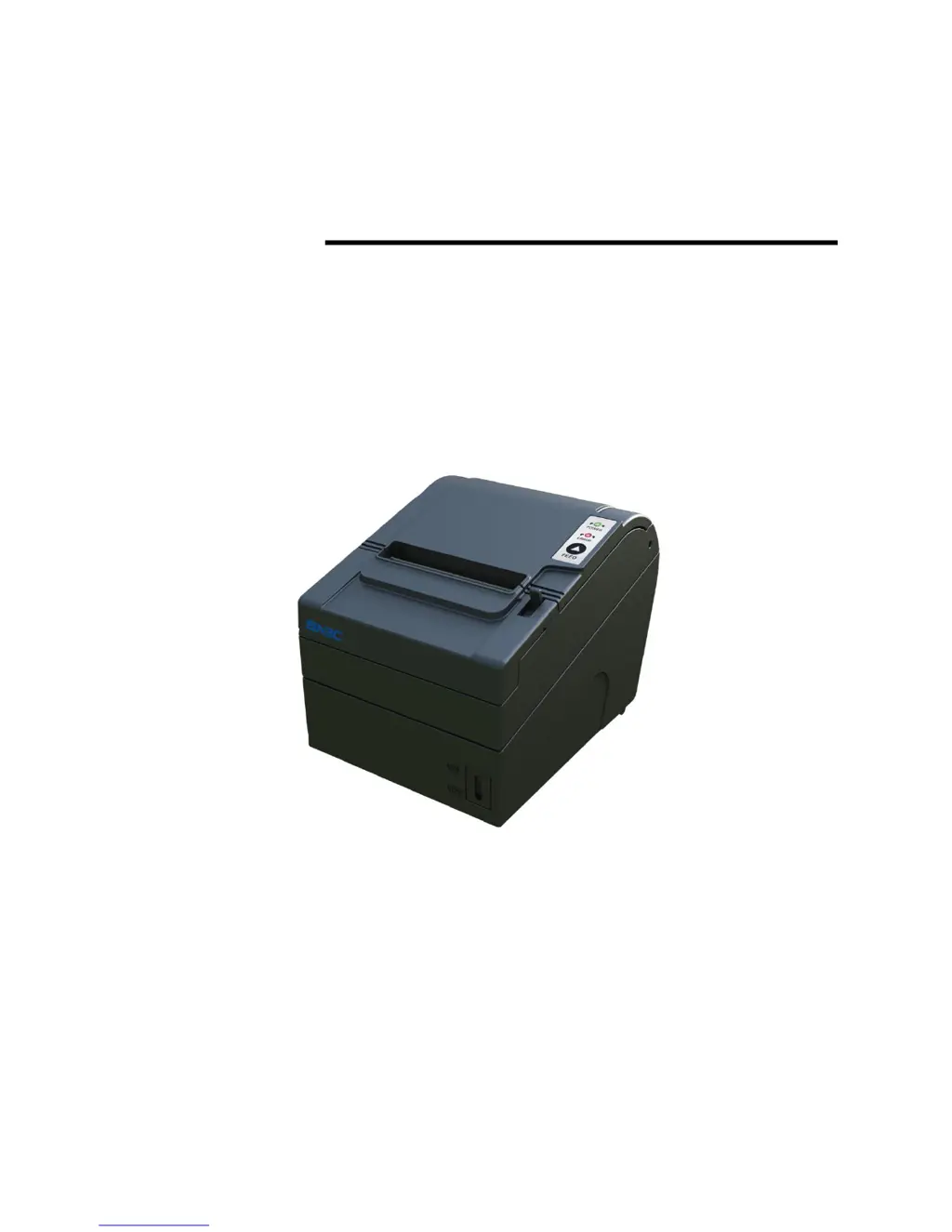
SNBC BTP-R180II
27 pages
Print Icon
To Next Page IconTo Next Page
Loading...
USER’S MANUAL
Receipt Printer
BTP-R180II
Shandong New Beiyang Information Technology Co., Ltd

Other manuals for SNBC BTP-R180II

Questions and Answers

Summary

Declaration

Warnings and Cautions

Important warnings and cautions for safe operation and to avoid damage to equipment.

Technical Contact Information

Contact details for support, including address, phone numbers, and website.

General Safety Information

Safety Instructions

Essential safety guidelines to follow before installing and using the printer.

Cautions for Safe Operation

Specific precautions to prevent damage or malfunction during printer use.

Introduction and Features

Printer Outline and Overview

Provides a general description of the printer's purpose and application.

Key Printer Features

Lists the main functional characteristics and capabilities of the BTP-R180II printer.

Printer Specifications

Main Technical Specifications

Detailed specifications including print method, resolution, paper width, speed, and interfaces.

Cutter Specifications

Details regarding the automatic cutter, including type, time, and lifetime.

Continuous Paper Specifications

Information on continuous paper types, dimensions, thickness, and recommended brands.

Mark Paper Specifications

Requirements for mark paper, including black mark dimensions and reflectivity.

Print and Tear-Off Positions

Specifies print area dimensions, margins, and tear-off line positions for precise output.

Printer Outline and Components

Outline and Parts Identification

Identifies and lists the physical parts and connectors of the printer.

Error Indicators and Buzzers

Explains the meaning of LED indicators and buzzer sounds for error status.

Installation and Setup

Printer Installation

Describes horizontal and vertical installation options for the printer.

Connecting the Power Adapter

Guides on connecting the power adapter to the printer.

Connecting Interface Cable

Guides on connecting interface cables (serial, USB, Ethernet).

Cash Drawer Connection

Instructions for connecting a cash drawer to the printer's dedicated connector.

Paper Roll Loading

Procedures for confirming paper type and loading/replacing a paper roll.

Paper Near End Position Adjustment

Adjusting position for detecting paper near end.

Remaining Paper Amount Adjustment

Adjusting paper near end sensor for remaining amount.

Power On and Self-Test

Steps for powering on the printer and performing a self-test print.

Printer Maintenance

Print Head and Roller Cleaning

Steps for cleaning the print head and roller to ensure print quality.

Mark Sensor Cleaning

Procedure for cleaning the mark sensor for accurate recognition of marked paper.

Clearing Paper Jams

Instructions on how to safely clear paper jams from the printer mechanism.

Interface Signals and Definitions

Parallel Interface

Pinout definition and function for the 36-pin Centronics parallel interface.

RS-232 Serial Interface

Pinout definition and default settings for the 9-pin D-type serial interface.

USB Interface

Details on the USB interface, including pinout and supported protocol.

Ethernet Interface

Overview of Ethernet interface features and signal definitions for network connectivity.

Power Interface Definition

Definitions for power supply interface signals and connectors.

Cash Drawer Interface Signal Definition

Definitions for cash drawer interface signals and connectors.

Troubleshooting

Printer Doesnt Work

Solutions for common issues where the printer does not power on or function.

Error LED and Buzzer Status

Explains error conditions indicated by LED flashes and buzzer beeps.

Printing Problems and Solutions

Addresses issues like paper feeding, cutting, print clarity, and missing columns.

Accessories

Optional Printer Accessories

Lists optional accessories like spill-proof covers and alarm systems.

Wall Mounting Instructions

Step-by-step guide for mounting the printer vertically on a wall.

Power Management

Printer Power Modes

Describes the printer's operation modes: Ready, Active, Sleep, and Off.

SNBC BTP-R180II Specifications

General IconGeneral
Print MethodDirect Thermal
Print Width72 mm
Print Speed180 mm/s
Resolution203 dpi
Paper TypeThermal Paper
Auto CutterYes
InterfaceUSB, Serial, Ethernet
Power Supply24V DC, 2.5A

Related product manuals