EasyManua.ls Logo

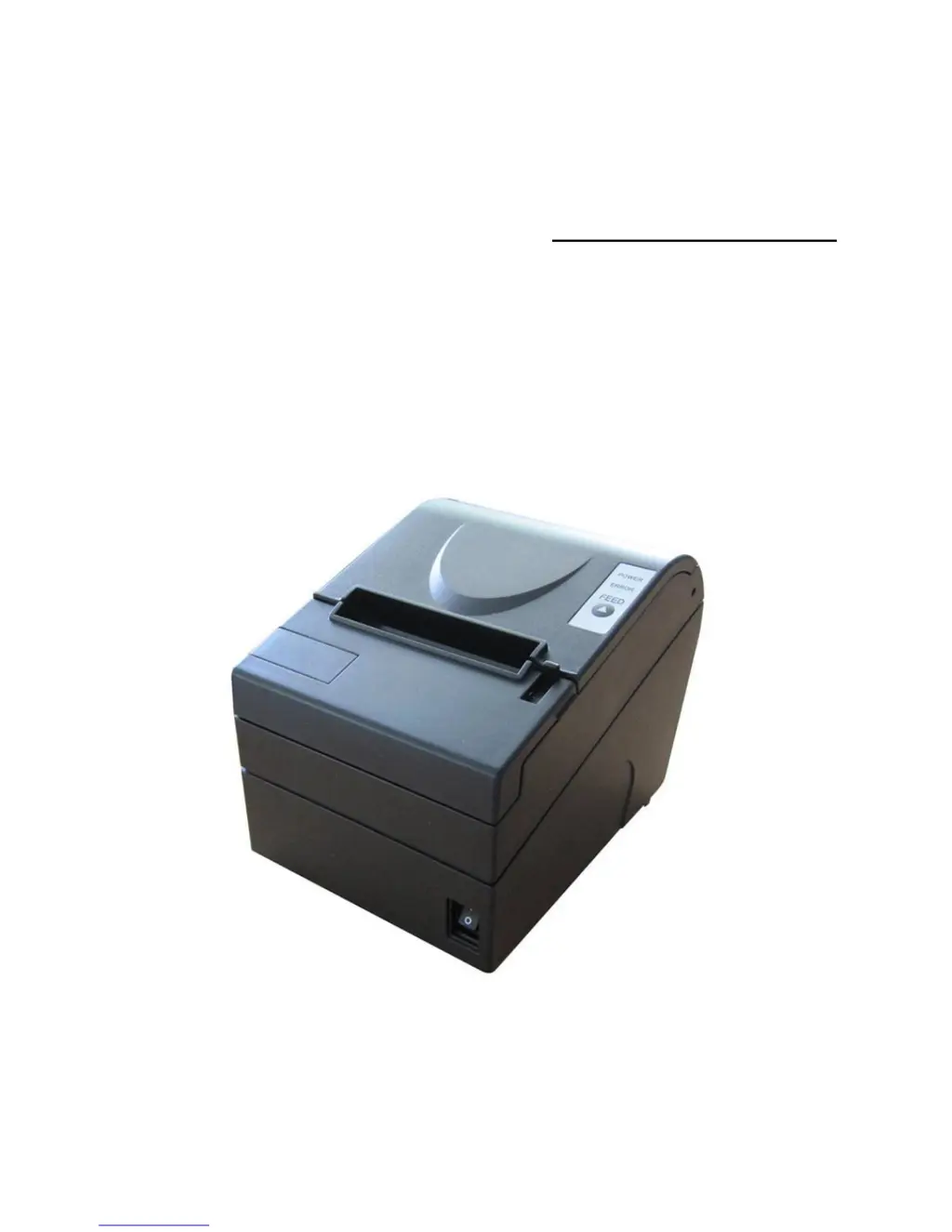
SNBC BTP-R880NP - User Manual

SNBC BTP-R880NP
34 pages
Print Icon
To Next Page IconTo Next Page
Loading...
UUSER’S MANUAL
Receipt Printer
BTP-R880NP
Shandong New Beiyang Information Technology Co., Ltd
www.simple-shop.si
www.pos-systems.in

Other manuals for SNBC BTP-R880NP

Questions and Answers

  • B
    Bill GarciaJul 27, 2025
    What to do if error LED flashes and buzzer beeps on SNBC BTP-R880NP Printer?
    • C
      Cynthia SmithJul 27, 2025
      If the error LED flashes and the buzzer beeps on your SNBC Printer, here's what might be happening and how to address it: * **Paper end:** Replace the roll paper. * **Top cover up:** Ensure that the top cover is completely closed. * **Print head overheated:** Turn off the printer and allow the print head to cool down to its normal temperature. * **Cutter error:** Refer to section 7.4 'Cutter error troubleshooting'.
  • T
    tim34Aug 2, 2025
    Why is my SNBC BTP-R880NP Printer printout not clear or dirty?
    • A
      ashleycarlsonAug 2, 2025
      If your SNBC Printer's printouts are unclear or dirty, consider the following: * **Paper roll installation:** Ensure the paper roll is installed correctly. * **Paper specification:** Use the recommended thermal paper. * **Dirty print head or platen roller:** Clean the print head or the platen roller. * **Print darkness:** Increase the print darkness as needed.
  • H
    hmolinaAug 7, 2025
    What to do if SNBC Printer paper cannot be fed normally?
    • H
      harrisonbrandyAug 7, 2025
      If paper cannot be fed normally in your SNBC Printer, it might be due to a paper jam. Open the top cover to inspect the paper path and cutter, and then remove any jammed paper.
  • N
    Nathaniel GrossAug 14, 2025
    How to fix missing vertical column of print on SNBC BTP-R880NP Printer?
    • J
      Joshua MeyerAug 14, 2025
      If you notice a missing vertical column of print on your SNBC Printer, the issue could be: * **Dirty print head or platen roller:** Clean the print head or the platen roller. * **Print head error:** Contact your local dealer.
  • S
    Steven TranAug 20, 2025
    Why is the LED off and SNBC BTP-R880NP Printer doesn’t work?
    • M
      melissagarciaAug 20, 2025
      If the LED is off and your SNBC Printer isn’t working, here are a few potential causes: * **No power supply:** Connect the printer to a power source. * **Printer power is off:** Turn on the printer. * **Damaged circuit:** Contact your local dealer or the manufacturer.

Summary

Declaration and Safety Precautions

General Safety Information

Critical safety guidelines for installation, operation, and environment.

Installation and Setup

Paper Handling and Maintenance

Troubleshooting and Error Handling

Resolving Common Problems

Solutions for printer malfunctions, printing issues, and paper handling problems.

Configuration Settings

Accessing Configuration Menu

Method for entering and navigating the printer's configuration menu via the FEED button.

Communication and Hardware Settings

Settings for interfaces, hardware components, and system parameters.

Print and System Settings

Adjustments for print layout, paper, default settings, and fonts.

SNBC BTP-R880NP Specifications

General IconGeneral
Max Print Width80 mm
Resolution203 dpi
InterfaceUSB, Serial, Ethernet
Paper TypeThermal paper
Auto CutterYes
Power Supply24V DC
Printer TypeReceipt printer
Print MethodThermal

Related product manuals