EasyManua.ls Logo

Snom D120 - Settings; Phone Settings Overview

Snom D120
96 pages
Print Icon
To Next Page IconTo Next Page
To Previous Page IconTo Previous Page
Loading...
27
D120 User Manual Getting to Know Your Phone
Settings


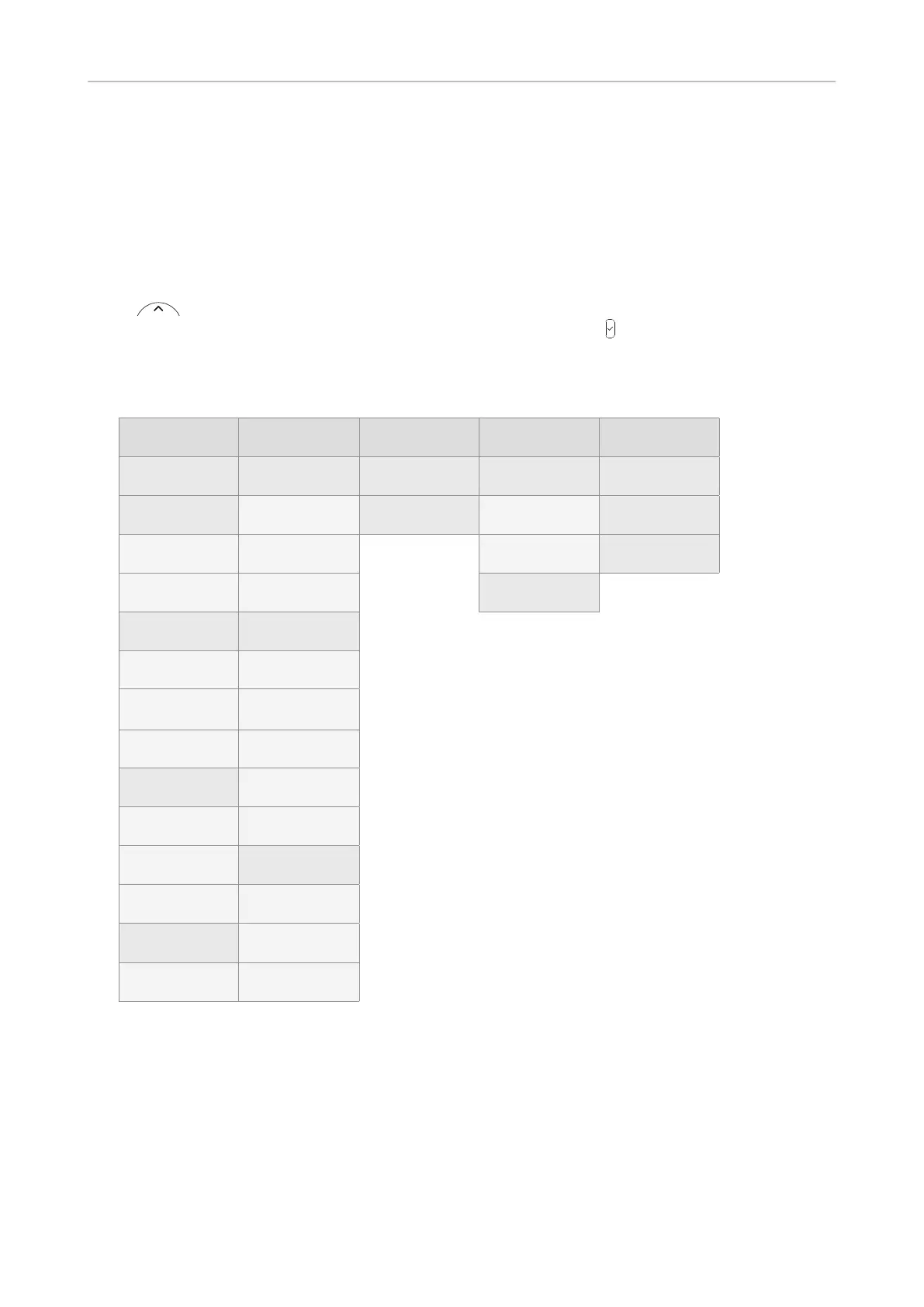
Phone settings
 
 .
Settings available in user mode
1 Preferences 2 Call Features 3 Identity 4 Maintenance 5 Information
1 Language 1 Call forwarding
1 Select out-
going identity
1 Security 1 Status info
2 Date & Time 1 Forward all
2 Reregister
identity

tor mode

2 System info
1

2 Forward

2 Set keyboard

3 Help
2

3 Forward

2 Reboot
3 Audio 2 Outgoing calls
1 Tone
Scheme
1 Auto dial
2 Ringer
2 Auto redial

3
Volume

3 Number

4 Display
4 Call
Completion

5 Hide own
outgoing ID
2 Backlight on
activity
3 Incoming calls
3 Backlight
when idle
1 Call waiting
5 FKeys 

3 Reject



NOTE

Be sure to write it down and store it in a safe place 



page 43 and .

Table of Contents

Other manuals for Snom D120

Related product manuals