66
D120 User Manual Conguring the Function Keys
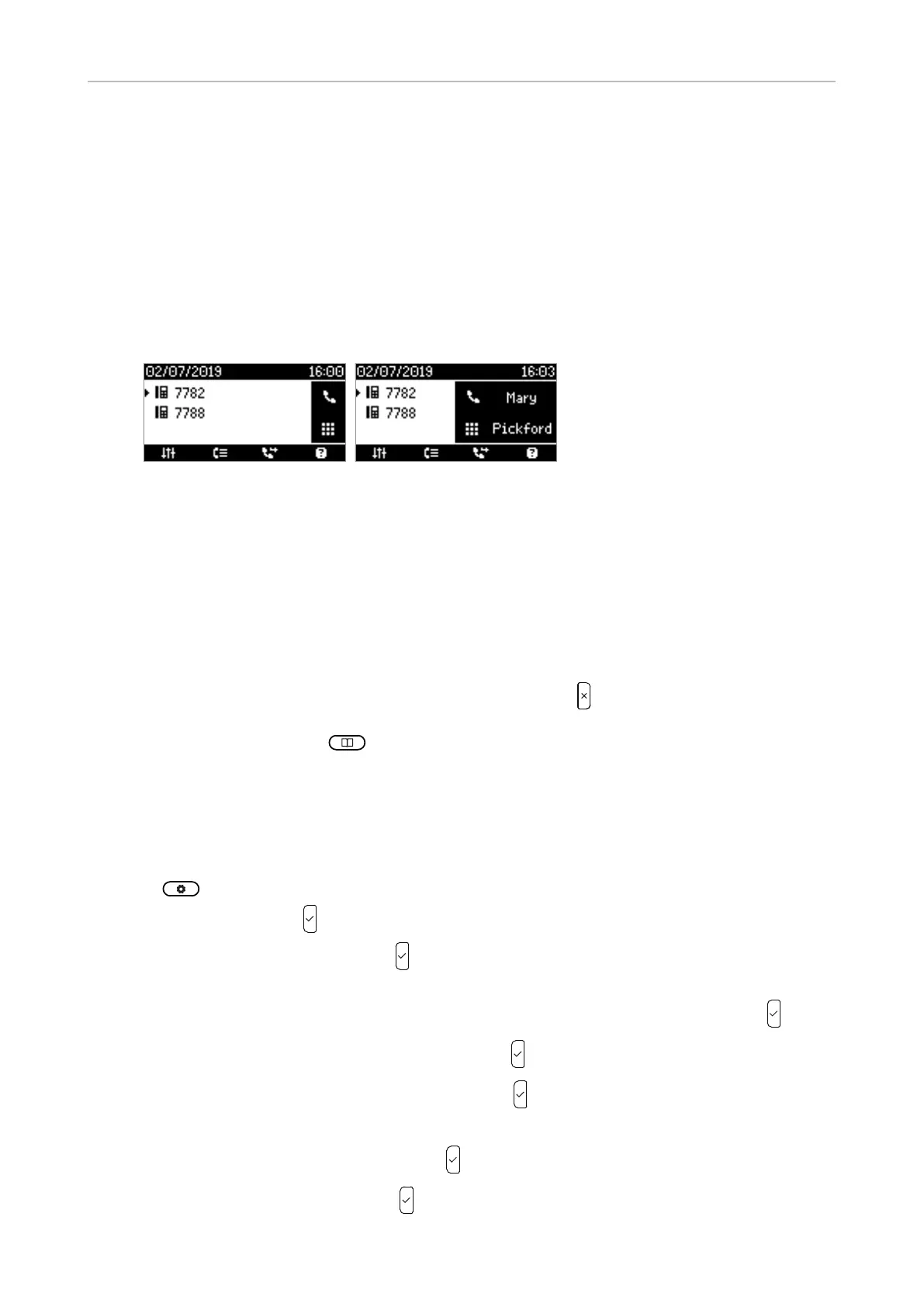
Display options for SmartLabel keys
◦ Default display mode and Alternative display mode
Back to default display mode
Short Default display mode, and Full
Alternative display modeHalf
Short label Full label
◦ Alternative display trigger
Long press P2.
◦ Return/Reset to default mode timer after (sec.)
Manually returning the display mode to the default
Settings on the phone
Display mode settings
1. Preferences.
2. Select Display .
3. Select SmartLabel options
4. Select Idle Screen Behavior, Call Screen Behavior, or Other Screen Behavior .
5. Select default or alternative display mode .
6. Select the appearance (full, half, short, o .
Note
7. Select Alternative display trigger .
8. Select Long press P2 or o SmartLabel options menu.



 To Next Page