15
D315 | D305 User Manual Setting up the Phone
your provider or your network provides a mailbox account, that setting is also configured on the web
interface. For more information, see "Identities/accounts" on page 68.
Initialization
Snom phones are plug-and-play. Once the phone is connected to your network, it will begin to
initialize.
Note: Normally the initialization is completely automatic, using DHCP. If the phone
cannot discover a DHCP server in the subnet, you will be asked: Are you using DHCP?
If your network does not support DHCP, press
and enter the IP address, netmask, IP
gateway, and DNS server manually. Ask your Internet service provider or your network
administrator for them.
Watch the display and, when asked to, make selections with
on the navigation key and
save with
.
1. You will be prompted in English to select a language. Use
to select another language, if
applicable, and press
to save the highlighted language.
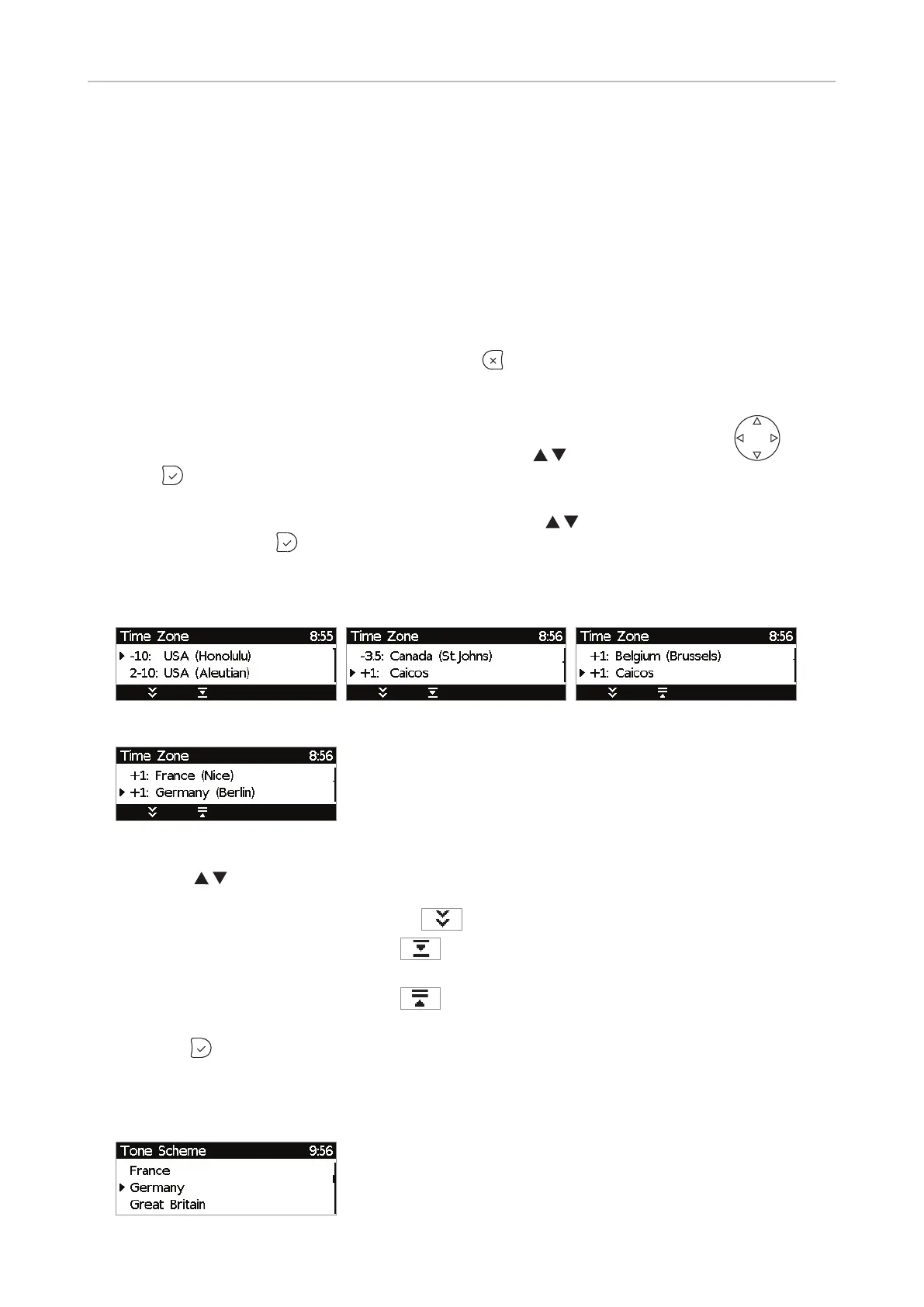
2. Next, you will be prompted in the language of your choice to select a time zone. This aects the
time shown on your display.
Fig. 1 Fig. 2 Fig. 3
Fig. 4
◦ Press to move up or down the list one item at a time. When all time zones are shown
(Fig. 3 and 4), you also have the option to jump to the beginning of the next time zone by
pressing the function key underneath
.
◦ Press the function key underneath
to show only those time zones where the selected
phone language is spoken. If you have selected English, all time zones are shown.
◦ Press the function key underneath
to show all time zones and all countries or cities
within the individual time zones, if there are any (Fig. 3).
◦ Press
to save the selected time zone (Fig. 4).
3. Next, you will be prompted to select the tone scheme of a country. This aects the dial tone you
hear when you pick up the receiver. Dierent countries use dierent dial tones.



 To Next Page