18
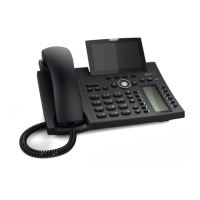
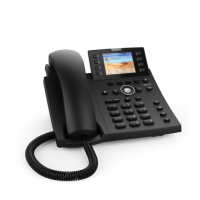
D315 | D305 User Manual Getting to Know Your Phone
Getting to know your phone
At a glance
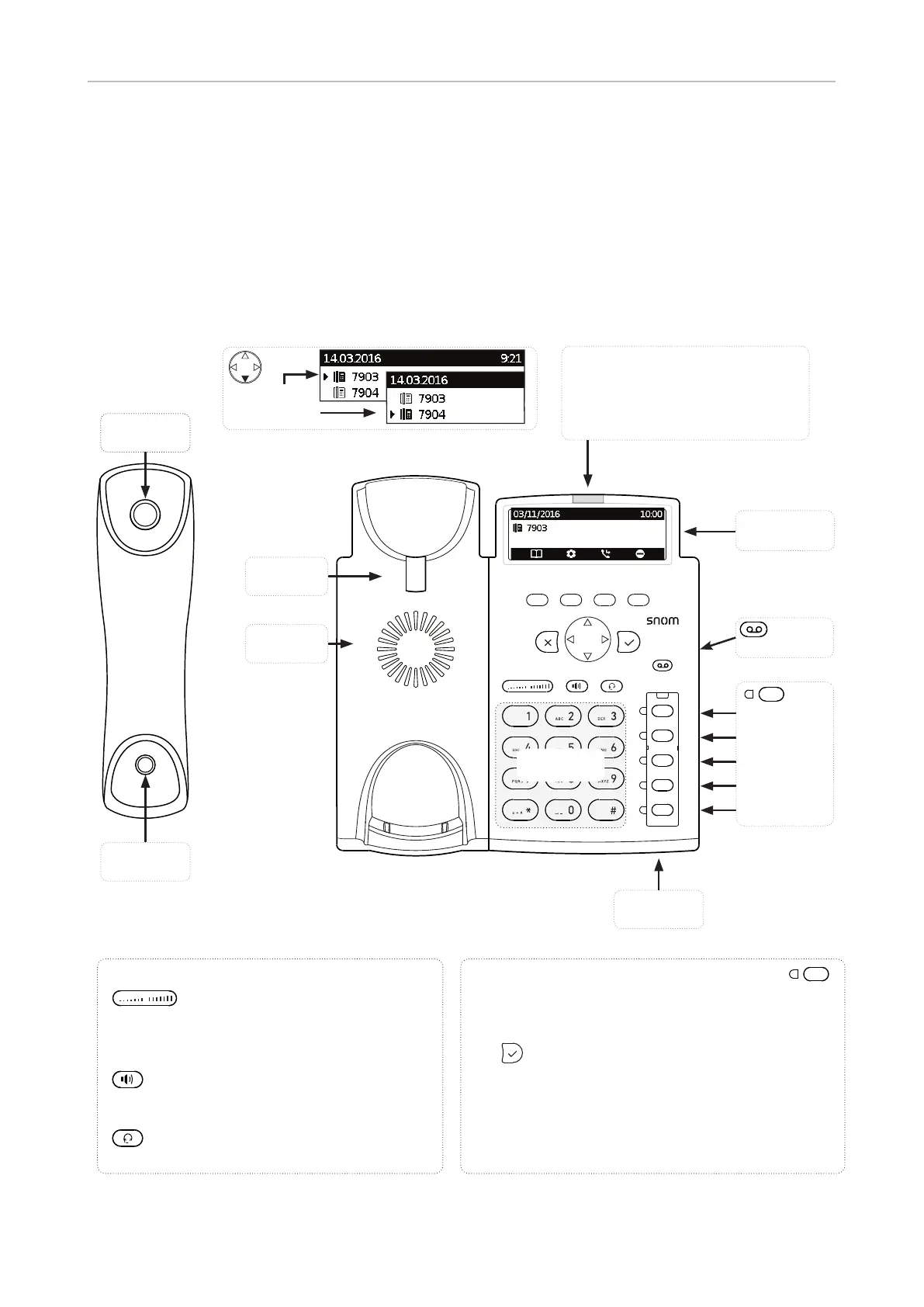
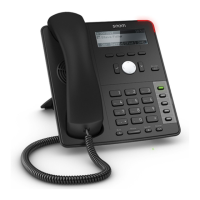
The factory settings at a glance:
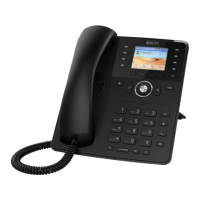
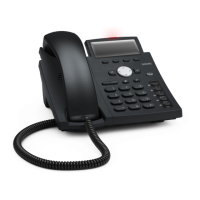
Handset
speaker
Handset
microphone
Casing
microphone
Freely programmable keys P1 - P5 with LED
Default setting is printed on paper insert.
• Line:
◦ Fast-blinking LED: Incoming call. Press line key or
to accept
◦ Steadily lit LED: In call
◦ Slow-blinking LED: Call on hold
◦ LED o : Line is free
• Directory: Steadily lit LED
• Mute: Steadily lit LED
Audio control keys
Adjusting the volume
◦ of the ringer when the phone is idle or ringing
◦ of the handset/casing loudspeaker when in a
call
Toggling between handsfree and handset
mode. Press to dial number and accept calls
on speakerphone.
Headset mode on/o
Outgoing
identity:
Call LED
• Blinking fast: Incoming call
• Steady light: Busy
Alphanumeric
keypad
Handset
rest tab
Casing
speaker
Display -
idle screen
MWI key
with LED
P1: Line (L1)
P2: Line (L2)
P3: Directory
P4: Transfer
P5: Mute


 To Next Page