55
D715/snom 715 User Manual Using the Phone
1. Press
CFwd
. The display will show the "Target when Forwarding" screen.
2. If no forwarding number has been set or if it needs to be changed, make the necessary entries.
3. Press
.
The display now says "Forward all", followed by the number/extension calls will be forwarded to. The
function key now reads
noFwd
.
Turning off forwarding of all calls with the programmed function key
Press
noFwd
.
Turning off call forwarding
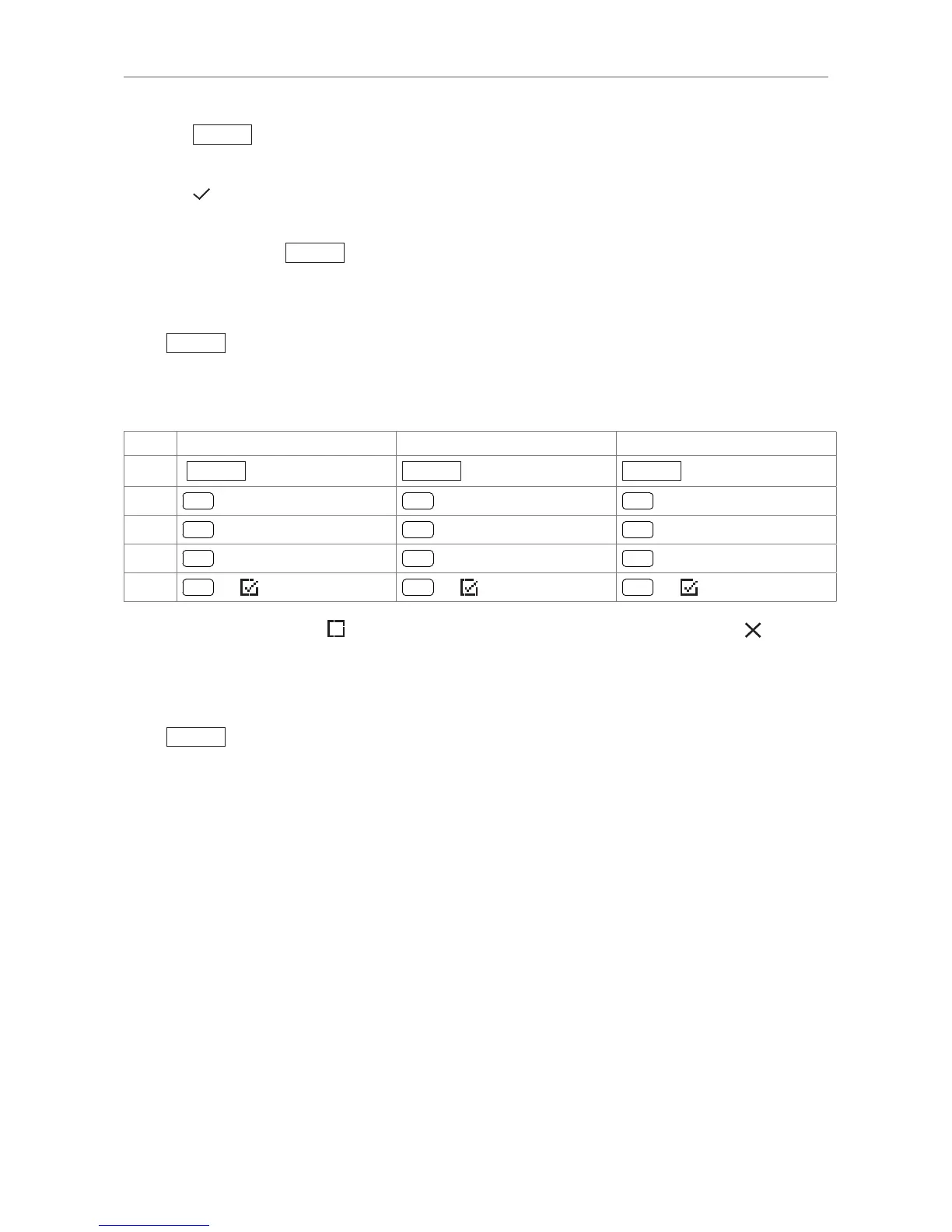
Forward all Forward when busy Forward after timeout
Press
Settin
Settin Settin
Press
1 Activate
The menu item changes to "1
Activate", indicating that call forwarding is now off. Press for two
seconds to return to the idle screen.
Turning off forwarding of all calls with the programmed function key
Press
noFwd
.



 To Next Page