12
D 725 | snom 720 User Manual Setting up the Phone
Setting up the phone
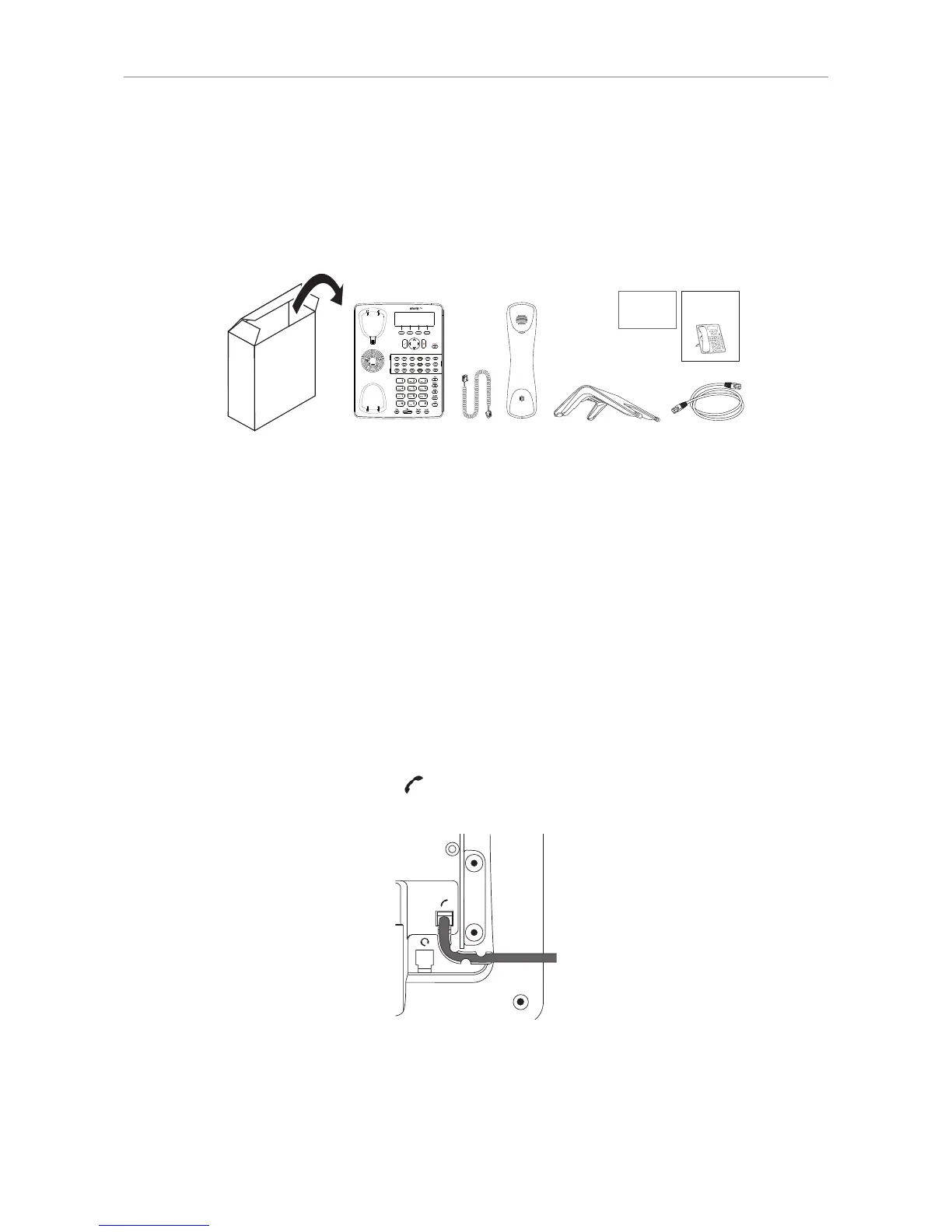
Delivery Content
GNU
General Public License
Quick Installation
Guide
◦ Base phone unit
◦ Footstand
◦ Handset
◦ Handset cord
◦ Ethernet cable
◦ Quick Installation Guide and GNU General Public License
Attaching and detaching the footstand
The footstand can be attached at two dierent angles: 55° and 33°.
Note: Before attaching the footstand to the phone, plug the long end of the handset
cord into the connector labelled "
" on the back of the phone and place the cord in the
cable guide.
1. Place the top of the grooves on the footstand below the slideguides on the back of the phone.
2. Push the footstand upwards onto the slideguides until they lock in place.



 To Next Page