EasyManua.ls Logo

Snom D785 - Settings Available in User Mode

Snom D785
117 pages
Print Icon
To Next Page IconTo Next Page
To Previous Page IconTo Previous Page
Loading...
34
D785 / D785N User Manual Getting to Know Your Phone
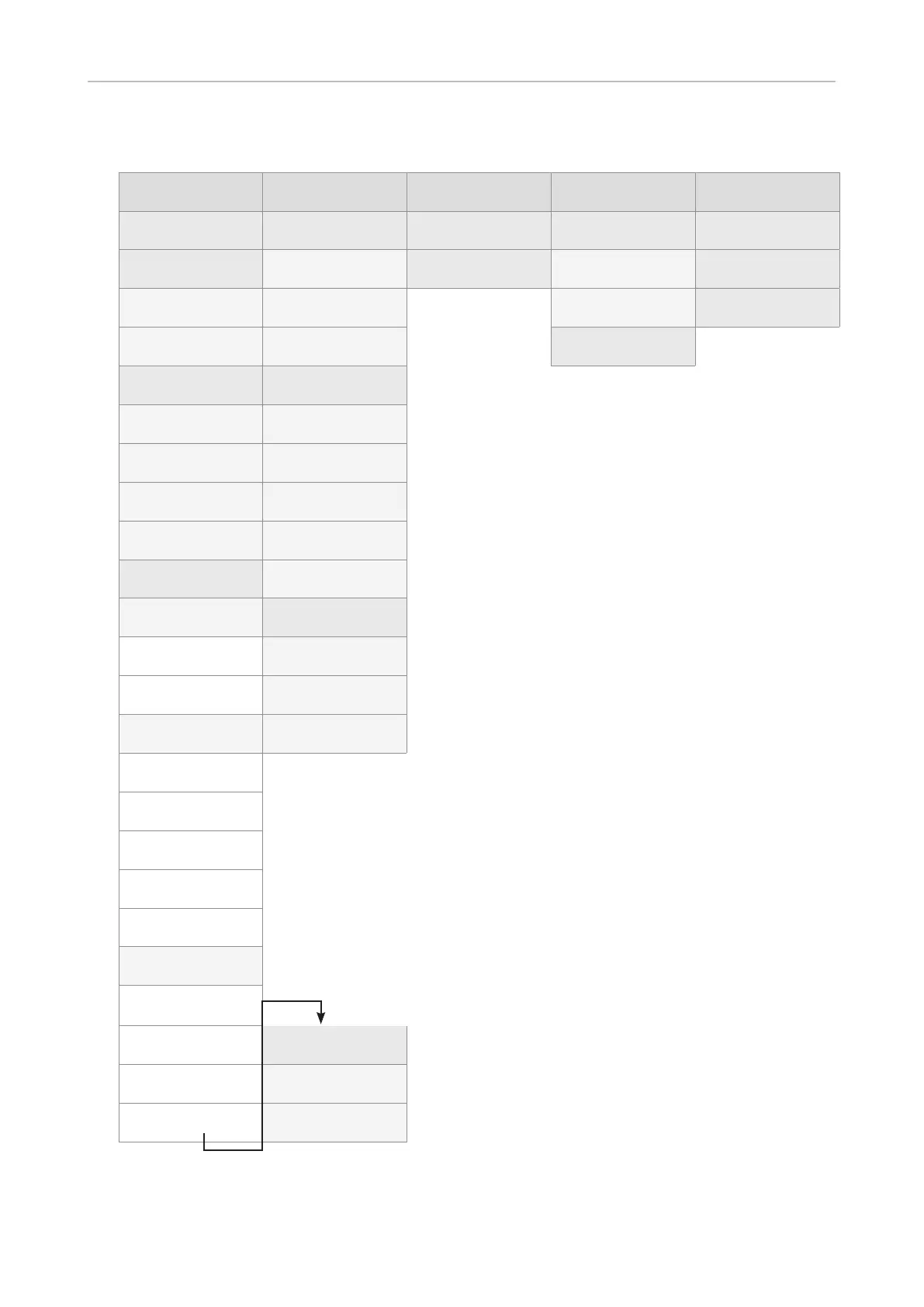
Settings available in user mode
1 Preferences 2 Call Features 3 Identity 4 Maintenance 5 Information
1 Language 1 Call forwarding
1 Select outgoing
identity
1 Security 1 Status info
2 Date & Time 1 Forward all 2 Reregister identity



2 System info

2 Forward when

2 Set keyboard

3 Help
2


timeout
2 Reboot
3 Audio 2 Outgoing calls
1 Tone Scheme 1 Auto dial
2 Ringer
2 Auto redial on

3 Bluetooth

3 Number

4 Volume 4 Call completion
4 Display
5 Hide own
outgoing ID
 3 Incoming calls
1 Backlight on

1 Reject

2 Backlight when
idle
2 Call waiting
2 Secondary


indication

2 Backlight on

3 Backlight when
idle


page


1 Backlight on

2 Backlight when
idle
5 Fkeys



4 Appearance












NOTE




page 53 and .

Table of Contents

Other manuals for Snom D785

Related product manuals