90
D785 / D785N User Manual Customizing the Phone Settings
Rejecting anonymous calls
Please note
Setting on the phone
1. Call FeaturesIncoming Calls > Reject anonymous .
1. no to yes.
2. Call Features
Setting on the web interface
1. Open the PreferencesPrivacy SettingsReject incoming anonymous calls.
2. Select the radio button "Reject" or "Accept".
3. Click on Apply and Save.
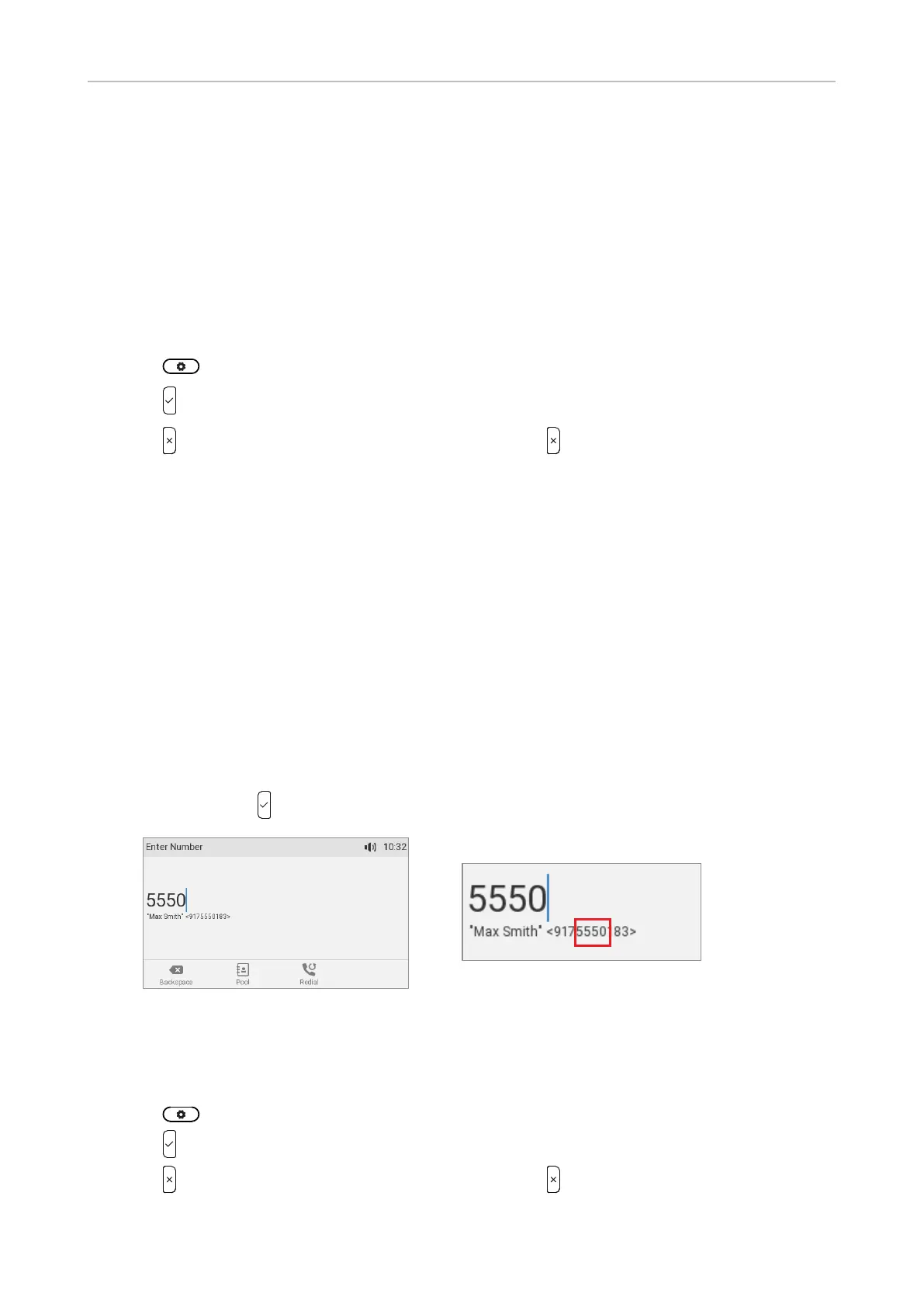
Number guessing
Setting on the phone
1. Call FeaturesOutgoing CallsNumber Guessing.
2. yes to no
3. Call Features



 To Next Page