39
D785 / D785N User Manual Getting to Know Your Phone
The phone's web interface
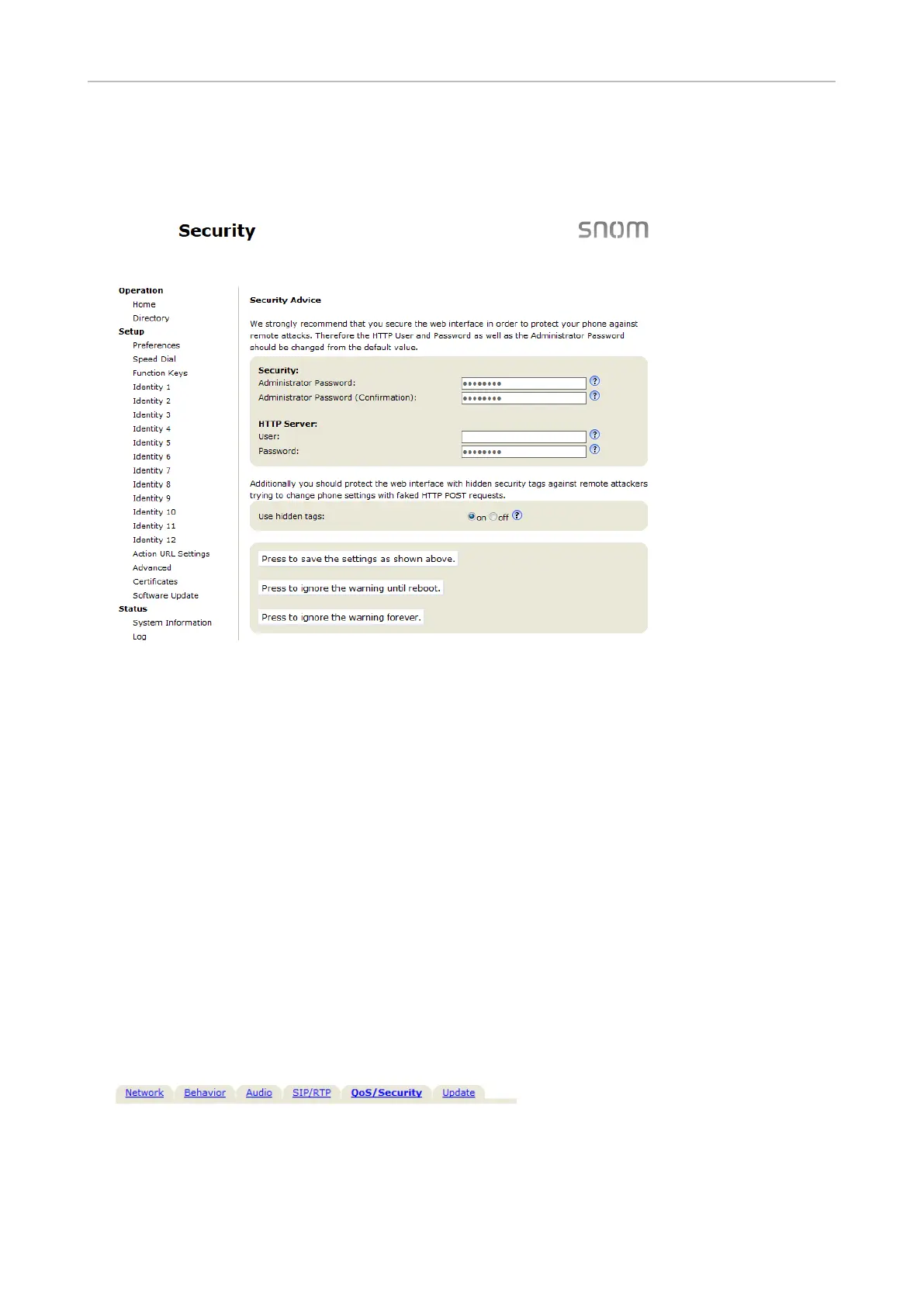
Security page.
Please note:
◦
◦
Note: Be sure to write down your admin password and your HTTP user name and
password and store them in a secure place.
1. Click Advanced Settings
2. Click the QoS SecurityAdvanced Settings page.
3. Apply.
◦



 To Next Page