14
Snom D7C User Manual Getting to know your D7C
Backlight
1. Open the web interface of the phone.
2. Click Preferences in the menu on the left side of the window.
3. Click the Display tab.
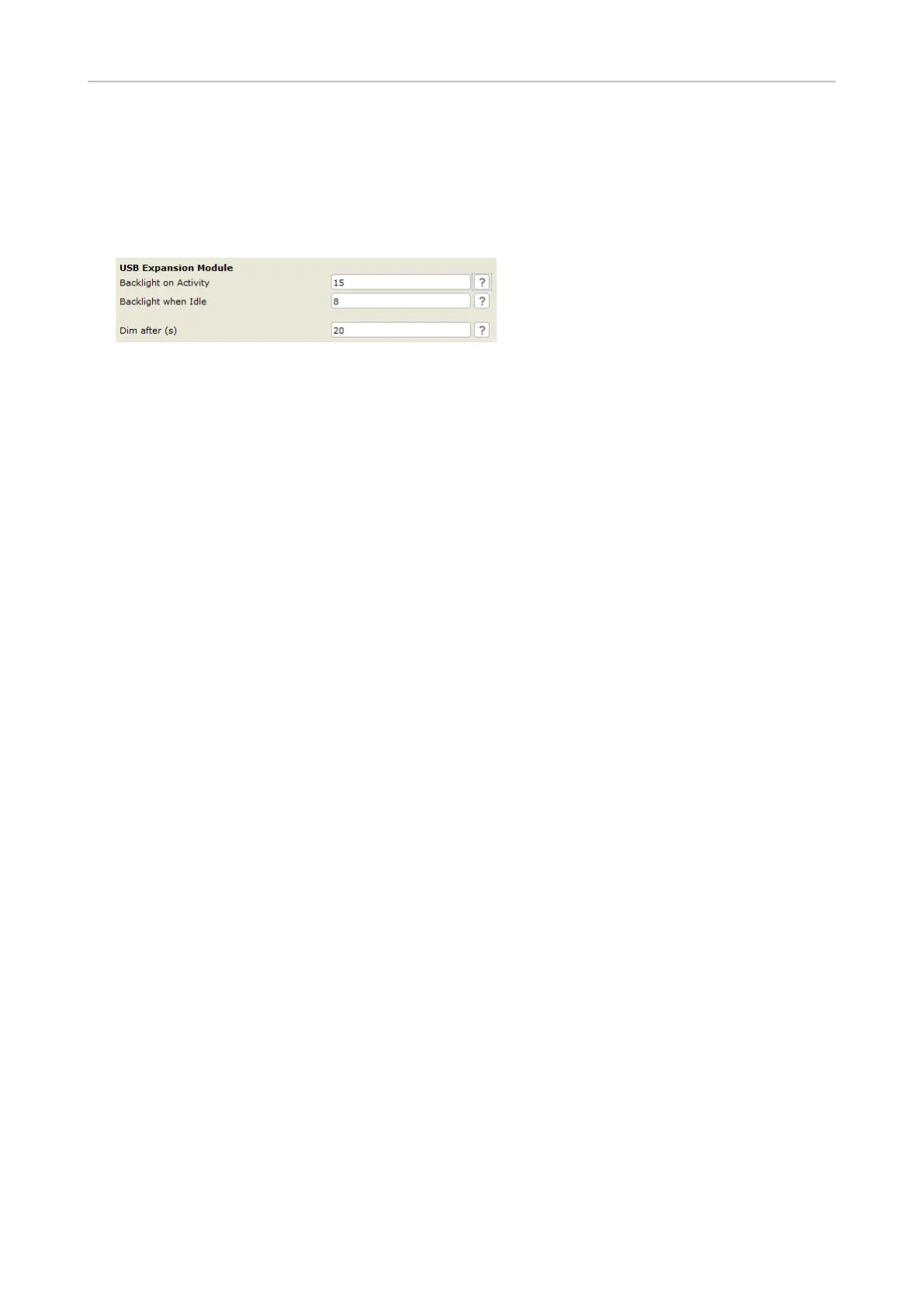
4. In the USB Expansion Module section, enter a value from 0 to 15 in the text elds of backlight on
activity and backlight when idle., The defaults are 15 (highest intensity) for backlight on activity
and 8 for backlight when idle. Enter 0 to turn the backlight o.
5. Enter a time period in seconds in the text eld of Dim after (s). Valid values are integers from 1 to
2147483647. The default is 20 seconds.
6. Click Apply and Save.



 To Next Page