15
D862 Short User Manual Getting to Know Your Phone
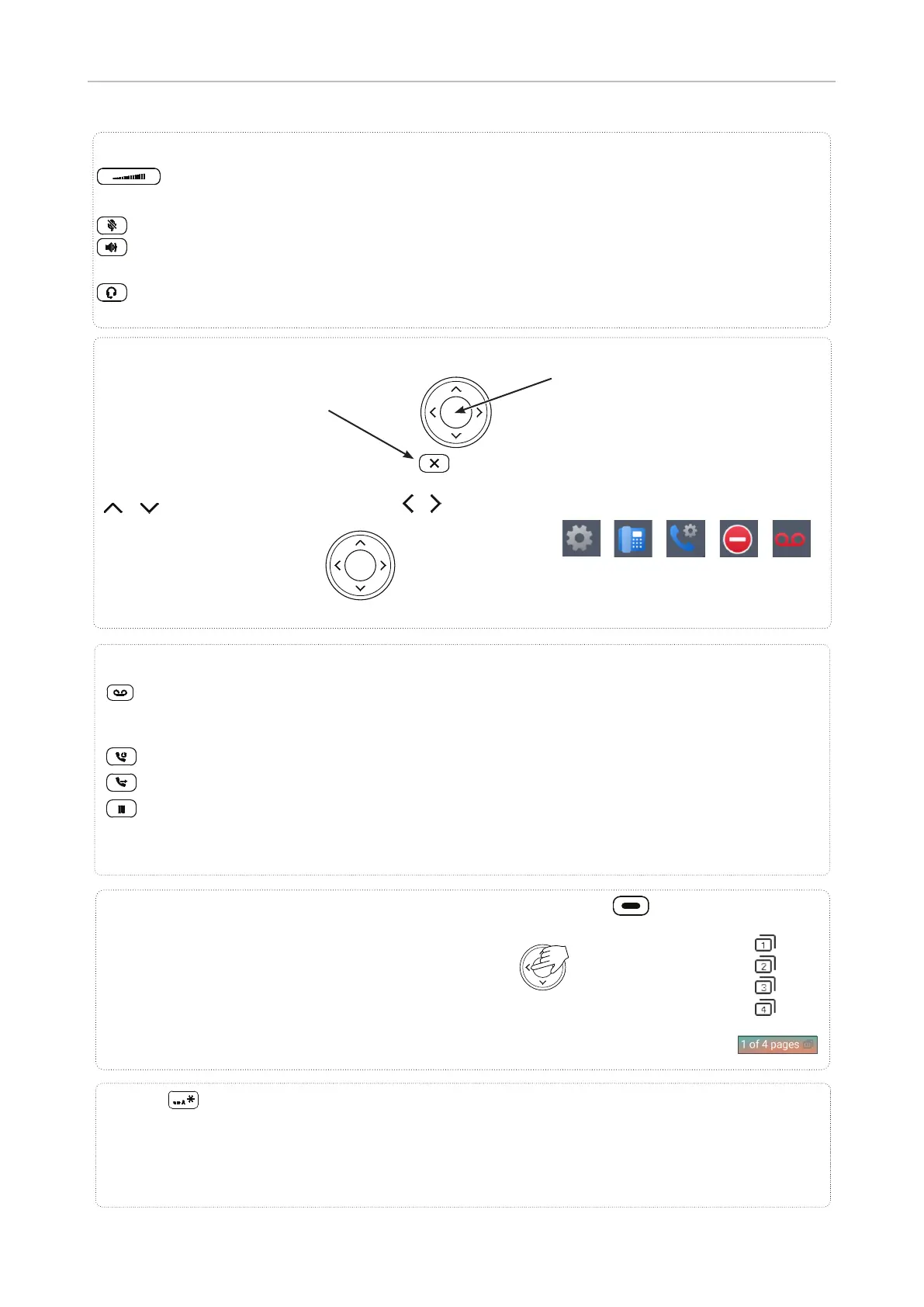
MWI key with LED
LED is lit when message is waiting on mailbox (if mailbox supplied on PBX)
Press key to listen to message(s)
Redial
Transfer
Hold
Dedicated, customizable function keys
Adjusting the volume of the ringer when the phone is idle or ringing or of the
handset/casing loudspeaker when in a call
Mute/unmute microphone
Toggling between handsfree and handset mode. Press to dial number and accept
calls on speakerphone.
Headset mode on/off
Audio control keys
Star key
In editing mode: Press for one second to change input mode (numerals > lower case > upper
case) or press briefly to type *
On idle screen: Press for 3 seconds to lock/unlock the keypad
Default setting: Line
Fast-blinking LED: Incoming call. Press blinking key or to
accept
Steadily lit LED: In call
Slow-blinking LED: Call on hold
SmartLabel keys P1–P32, freely programmable, self-labeling, with LEDs
Navigation keys
Confirming, saving actions & input,
and returning to previous screen
Accepting calls on speakerphone
and in headset mode
From idle screen: call features
menu
Canceling actions & input, and
returning to previous screen
Terminating calls on
speakerphone and in headset &
handset modes
P1– P8
P9 – P16
P17 – P24
P25 – P32
Default page keys: P8, P16, P24, P32
/
From idle screen: Select
outgoing identity
In other contexts (settings,
lists): Navigate up/down
/
On idle screen:
Select a favicon
In other contexts:
Navigate/space left
Favicons: shortcuts to menus
Preferences System Call
Features
DND Mailbox



 To Next Page