19
D862 Short User Manual Getting to Know Your Phone
Settings
Phone menu
Settings can be adjusted on the phone and in the Phone Manager, the phone's web interface.
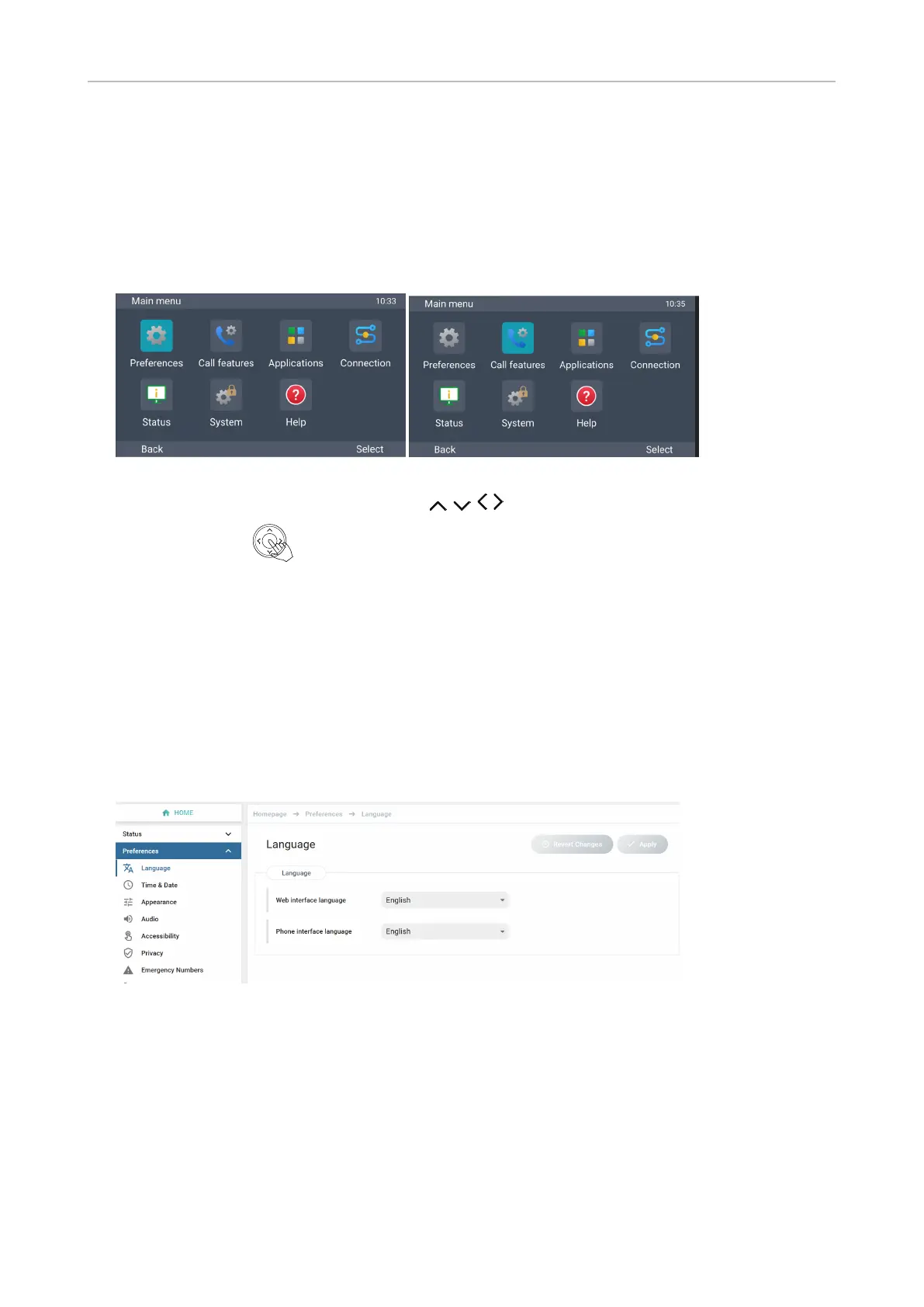
1. On the idle screen, press MENU to open the main menu on the display (Fig. 1).
Fig. 1 Fig. 2
2. Select a menu with the navigation keys (Fig. 2).
3. Press Select or to open the highlighted menu.
The phone's web interface
How the web interface worksHow the web interface works
Available items in the vertical menu on the left side of the window depend on whether the phone is
running in user or administrator mode.
1. Click a menu item to show the submenus.
2. Click a submenu to open its content in the body.
3. If you change a setting, the Apply and Revert Changes buttons become available. Click Apply
to save your change(s) before opening another submenu.



 To Next Page