13
Connect Android & Windows Device Quickly:
1. Download the latest SocketScan 10 software from
Socket Mobile’s support web page.
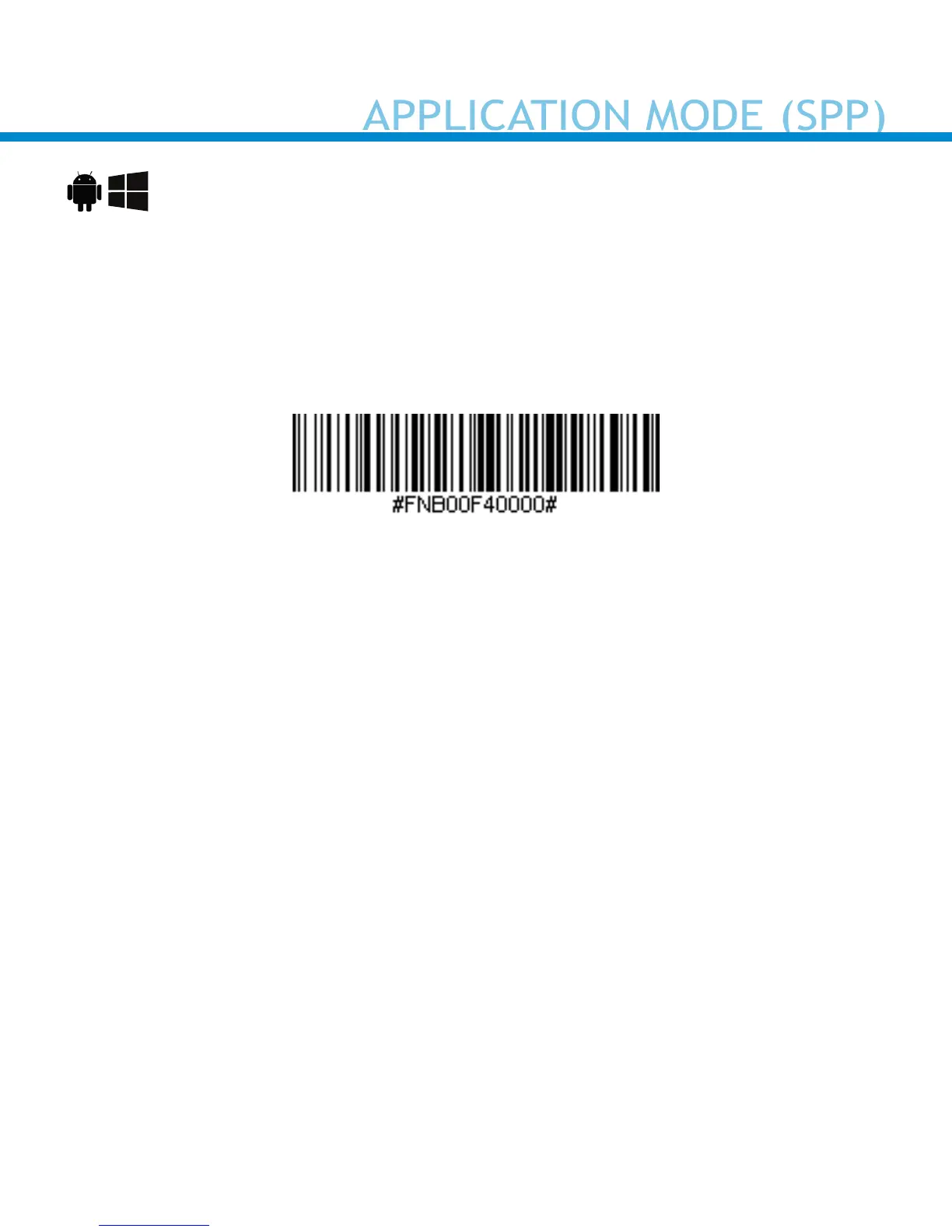
2. Power on the scanner and scan this barcode. The scanner will beep 3
times.
3. Turn Bluetooth on for your device. Go to Settings > Bluetooth.
A Bluetooth Devices search will begin.
4. Tap Socket CHS[xxxxxx] in the list of Devices found. After a few
seconds the “Not Paired” status will change to “Connected” and the
scanner’s Blue LED will blink every 3 seconds conrming the
connection.















 To Next Page