CYCLE PROGRESS BAR
g
Progressive Blue
Gradually turns blue from left to right as an indication of
progress for a Maintenance Cycle or Fresh Air Cycle.
Flashing Blue
A Cycle cancellation is in progress.
Solid Red
Indicates that an active Maintenance Cycle has been
interrupted (example: temporary loss of power).
NOTE: During this time, your SoClean 3 is pumping air
through the system to remove ozone.
2, 4, 8 HOUR CYCLE DELAY INDICATOR LIGHTS
f
Flashing Blue
Indicates that the Cycle Delay can be changed by pressing
the Cycle Delay button
.
NOTE: Your mask and hose must be installed with the Lid closed
to modify and activate the Cycle Delay.
Solid Blue
Indicates if a Cycle Delay has been programmed.
Three indicator lights are provided.
One light illuminated = 2 hr delay selected
Two lights illuminated = 4 hr delay selected
Three lights illuminated = 8 hr delay selected
No lights illuminated = no cycle start delay selected (default)
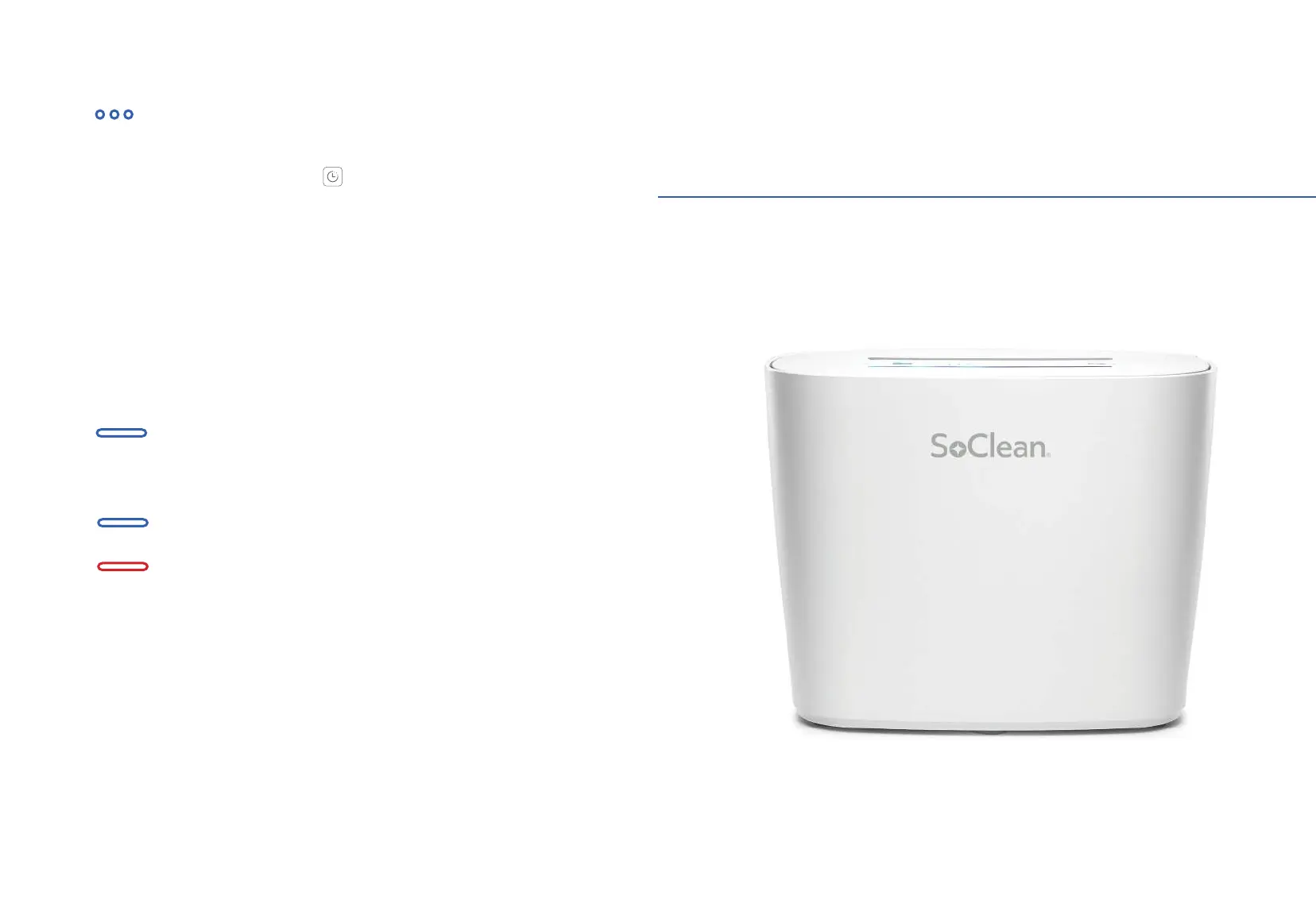
YO U R S O C L E A N 3 : PA R T S & I C O N S
Setting Up
Your SoClean 3
18 19


 To Next Page