9
EN
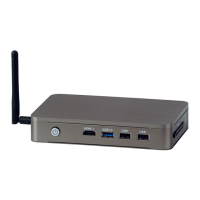
DATALOGGER H80-81 - 546226A - SOCOMEC
Set the “Start-up type” in the General menu to “Automatic”
3.5. Access the conguration of DATALOG H80/H81
To access the conguration of DATALOG H80/H81, the user has several ways:
1. By directly connecting a keyboard and screen to DATALOG H80/H81, then by clicking on the icon
2. By accessing the “Remote Desktop Connection” script (see Chapter 3.5), and then clicking on the icon
3. Via a web browser: enter the URL of DATALOG H80/H81


 To Next Page
 Loading...