20 / 47
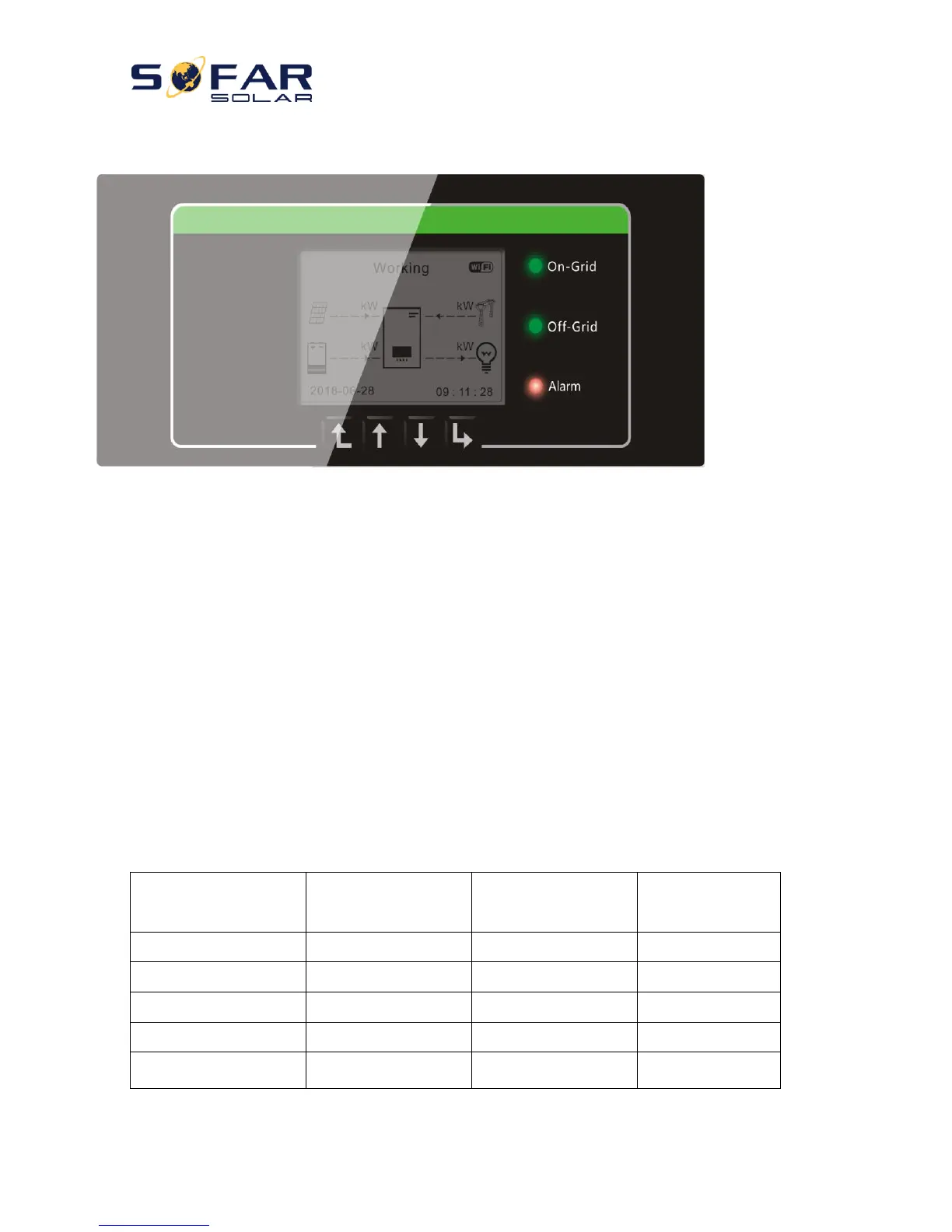
5. Buttons and indicator lights
On-Grid Status Light
Off-Grid Status Light
Alarm Light
Back Up Down OK
Fig 16. Buttons and indicator lights
5.1. Buttons:
press “Back” to the previous screen or enter the main interface;
press “Up” to the upper menu option or value plus 1;
press “Down” to the lower menu option or value minus 1;
Press “OK” to select the current menu option or switch to the next digit.
5.2. Indicator lights and status of HYD-ES inverter



 To Next Page