EasyManua.ls Logo

Sofar HYD5000-ES - Menu

Default Icon
47 pages
Print Icon
To Next Page IconTo Next Page
To Previous Page IconTo Previous Page
Loading...
25 / 47
6.4. Menu
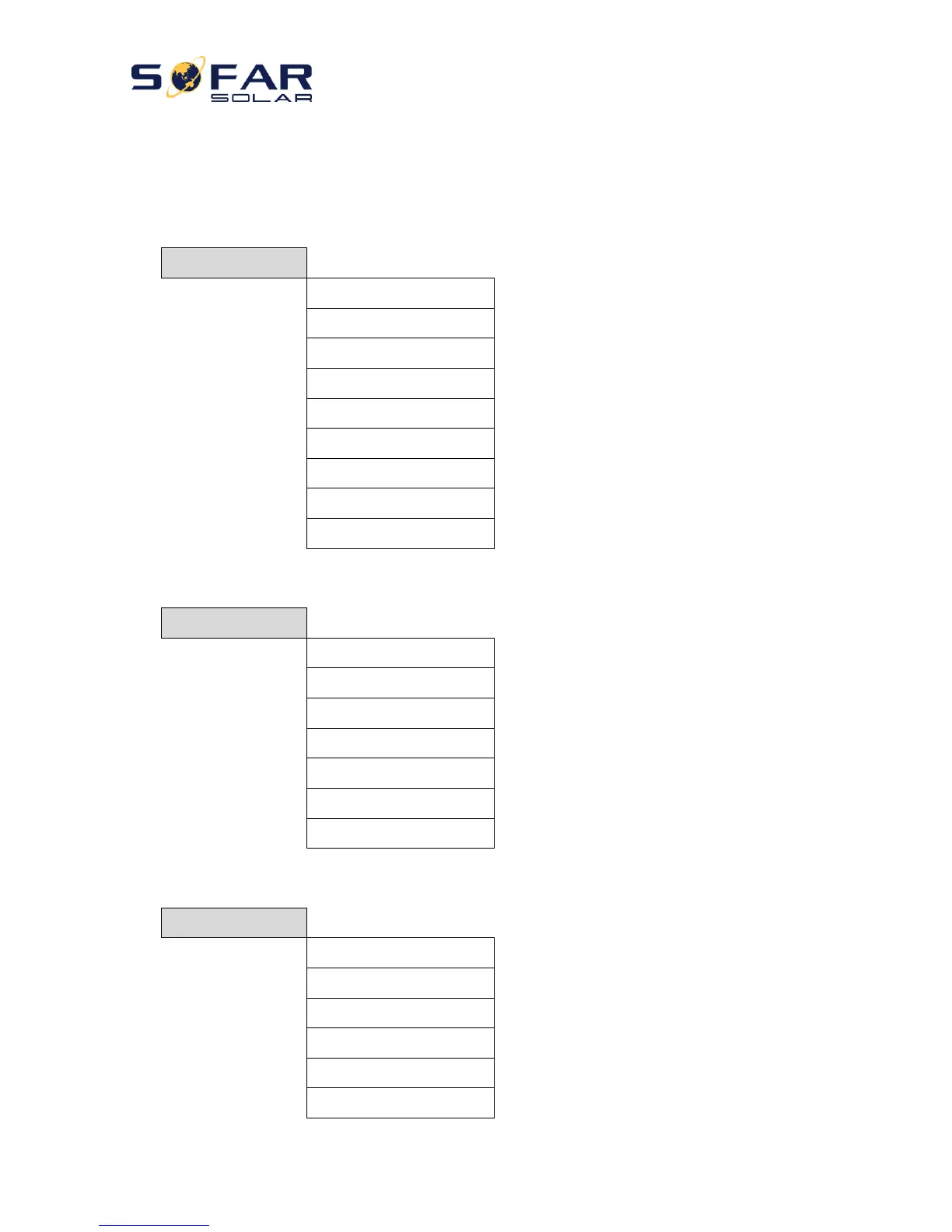
In the main interface, press “Down” button to enter grid/battery parameters page:
Main Interface
Press “Down”
1.Grid(V)
2.Grid(A)
3.Frequency
4.Batt(V)
5.Batt Chrg Curr.
6.Batt DisChrg Curr.
7.State of Charge
8.Batt Cycles
9.Batt Temp.
In the main interface, press “UP” button to enter PV parameters page:
Main Interface
Press “UP
1.PV1 Voltage
2.PV1 Current
3.PV1 Power
4.PV2 Voltage
5.PV2 Current
6.PV2 Power
7.Inverter Temp.
In the main interface, press “backbutton to enter main menu. The main menu has the following five options:
Main Interface
Press “Back”
Up
“Down”
1.Basic Setting
2.Advanced Setting
3.Event List
4.System Information
5.Energy Statistic
6.Software Update

Related product manuals