in a cool / well-ventilated place.
Make sure the inverter is vertically installed &
the ambient temperature is less than the
temperature upper limit of HYD-ES inverter
HYD-ES inverter receives a remote signal to
decrease its power.
Switch OFF HYD series inverter
remotely
HYD-ES inverter receives a remote signal to
switch OFF.
SOC <= 1 -DOD
or
Battery voltage is low
For example, if you set DOD to 30%, when
SOC is less than 70%, you will see ID85 in the
event list. HYD-ES inverter won’t discharge
the battery when ID85 is present.
Or this is an indication of low battery voltage.
HYD-ES inverter won’t discharge battery in
this case to ensure long battery cycle life.
Battery voltage is too low & cause
HYD series inverter to switch OFF
HYD-ES inverter will switch OFF when battery
voltage is too low. This is a protection for
battery.
Software version is
not consistent
Contact SOFAR technical support to upgrade
software.
The Communication board
EEPROM is faulty
ID95-ID96 are internal faults of HYD-ES
inverter, switch OFF HYD-ES inverter, wait for
5 minutes, then switch ON HYD-ES inverter.
Check whether the problem is solved.
If no, please contact SOFAR technical
support.
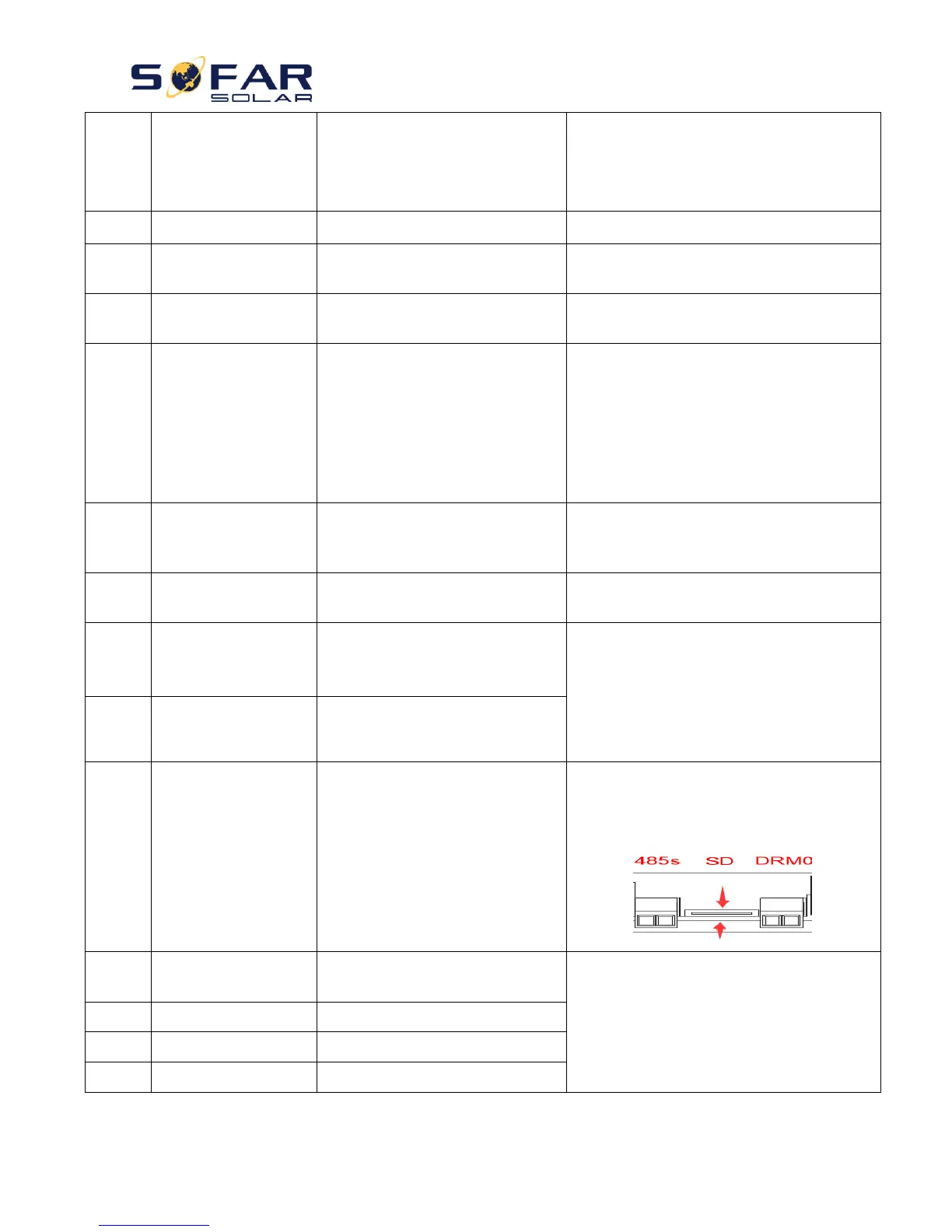
Normally ID98 is caused by loose SD card
holder. Click & take out SD card, press SD card
holder then insert SD card back can normally
solve this problem.
Battery over current discharging
protect
ID100-ID103 is battery fault. If this fault
occurs occasionally, wait a few minutes to see
whether the problem is solved.
If this fault occurs frequently, please contact
SOFAR technical support.
Discharging short circuit protect
Battery high voltage protect
Battery low voltage protect



 To Next Page