Device Manual V3.2_iOS 13
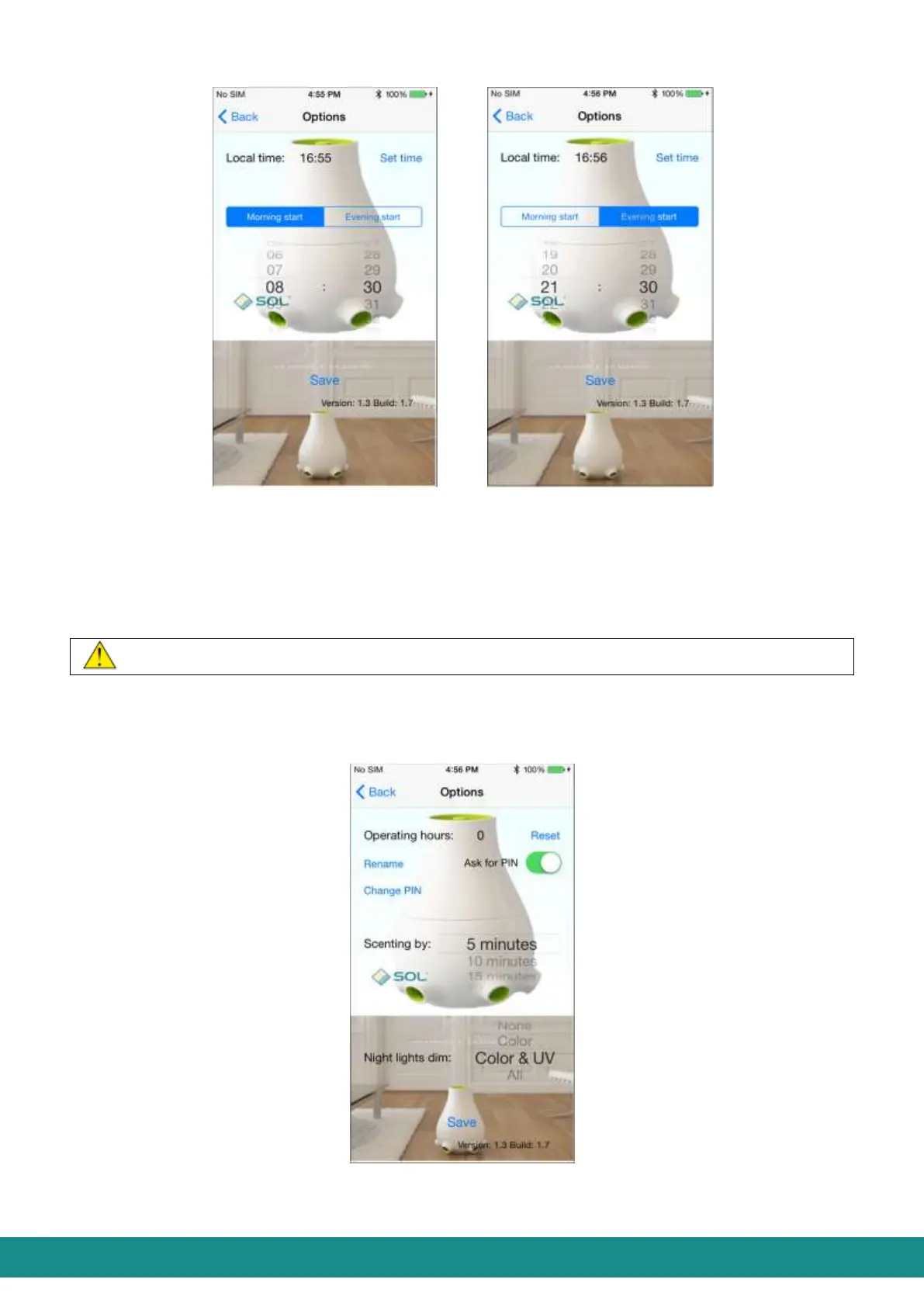
Figure 15: User Interface Figure 16: User Interface
Setting the morning start Setting the evening start
By touching „Back” you will be transferred to the User Interface (as shown at Figure 1).
During the nighttime period the performance of the ventilator decreases to 20% therefore its
noise level will decrease as well. In this time period you can also set the lighting options of
the device. (as described in Part 4.2.5.2.3).
The version number of the application will be shown under “Save”.
4.2.5.2 Device options
By touching „Device options” you will be transferred to the page as shown at Figure 17:
Figure 17: User Interface, Device Options
4.2.5.2.1 Service time and erasing service time



 To Next Page