Device Manual V3.2_iOS 17
4.2.5.3 Connections
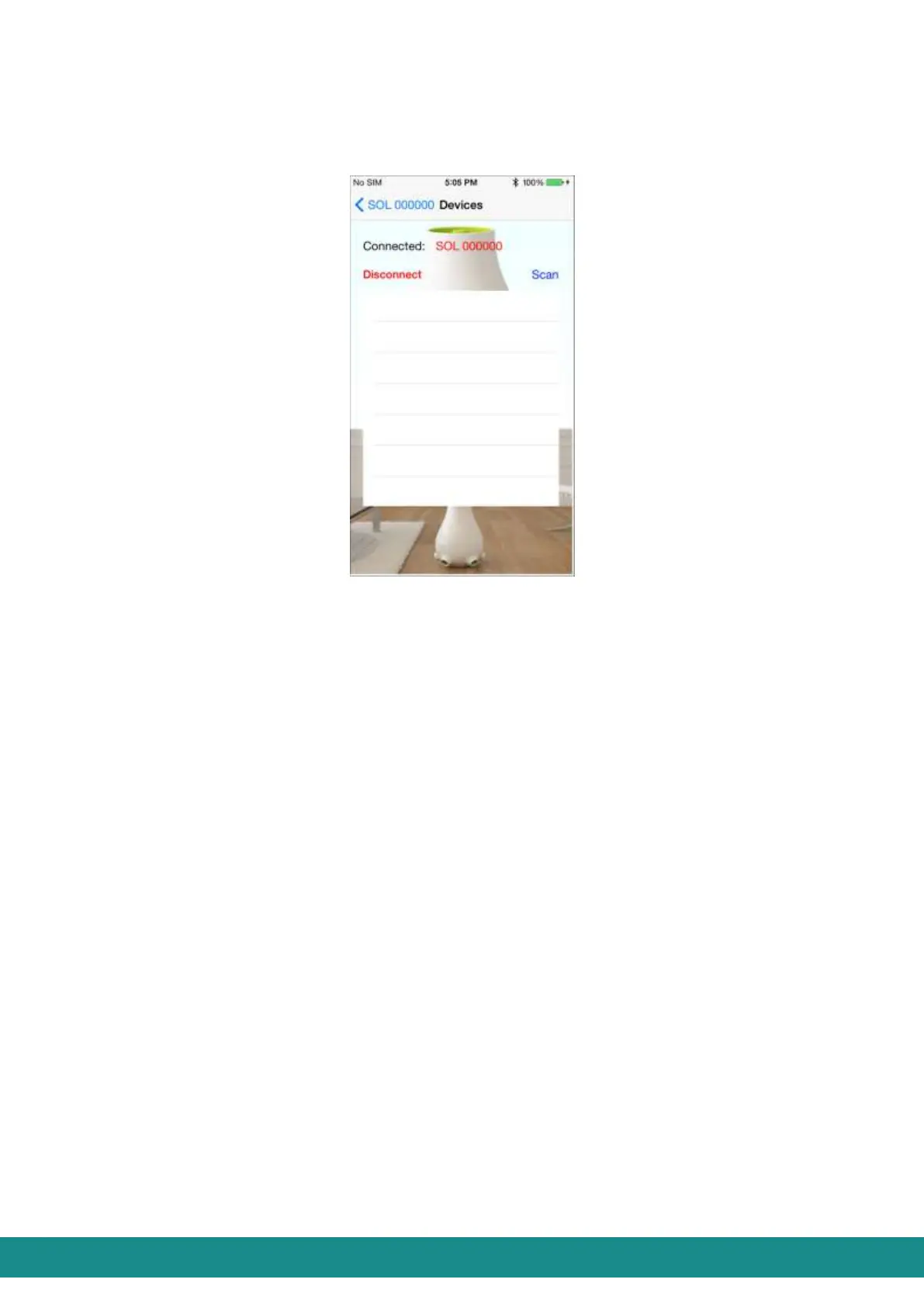
By touching „Connections” you will be transferred to the screen as shown at Figure 22 and
it will show you the state of your connection:
Figure 22: State of connection
This Figure shows that the device „SOL 000000” is connected to the smart phone.
By touching „Disconnect” your smart phone will disconnect from your SOL-ONE
device.
By touching „Scan” the application will search for all the SOL devices within the
transmission distance of your smart phone. By choosing the ID of a SOL ONE device
from the list, you can connect to that.
By touching „<” you can go back to the User Interface as shown at Figure 1.
4.2.5.4 Known devices
By touching „Known devices” you will be transferred to the screen as shown below at
Figure 23, which will show you that your smart phone has been connected to the device
named „SOL Living room” with the serial number of „SOL000000” and Autoconnect
function has not been activated in this device.



 To Next Page