Device Manual V3.2_iOS 19
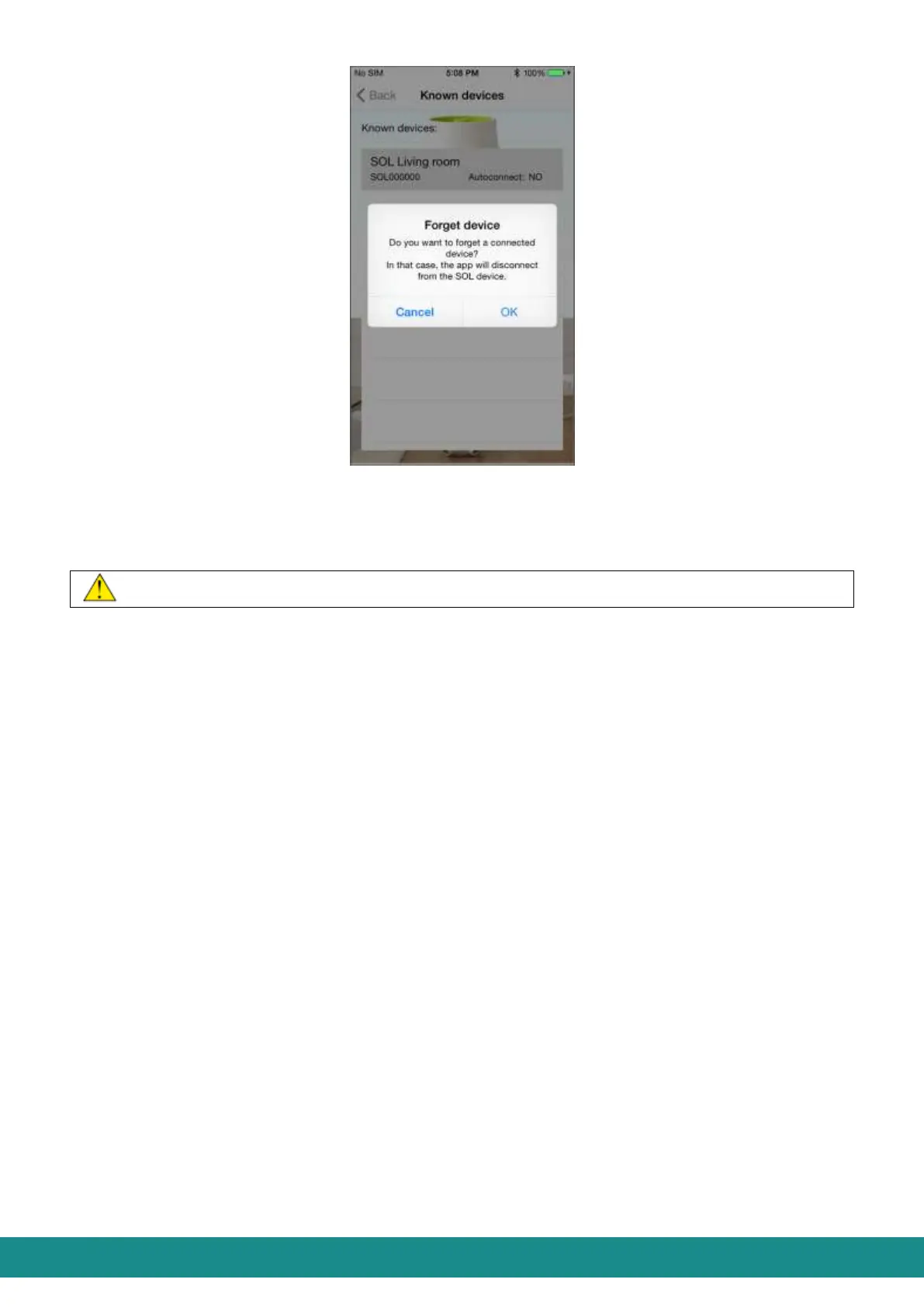
Figure 25: User Interface
Warning of Disconnection
„Enable/Disable Autoconnect”: You will enable or disable Autoconnect with this
function.
By touching „Cancel” you will ususally go back to the previous screen.
4.2.6 HELP
By clicking on „Help” you can read this manual. After reading it, touch „<” and you will be
transferred to the screen as shown at Figure 1.
4.2.7 LOSING BLUETOOTH CONNECTION AND RECONNECTING
A connected SOL ONE and smart phone can lose Bluetooth connection if:
The device gets out of the transmission distance of your smart phone e.g. if you take
your smart phone out of the room where your SOL-ONE device is placed.,
The SOL-ONE device gets cut off (in case of blackouts or unplugging the adapter).
In these cases you will get the screen as shown at Figure 26:



 To Next Page